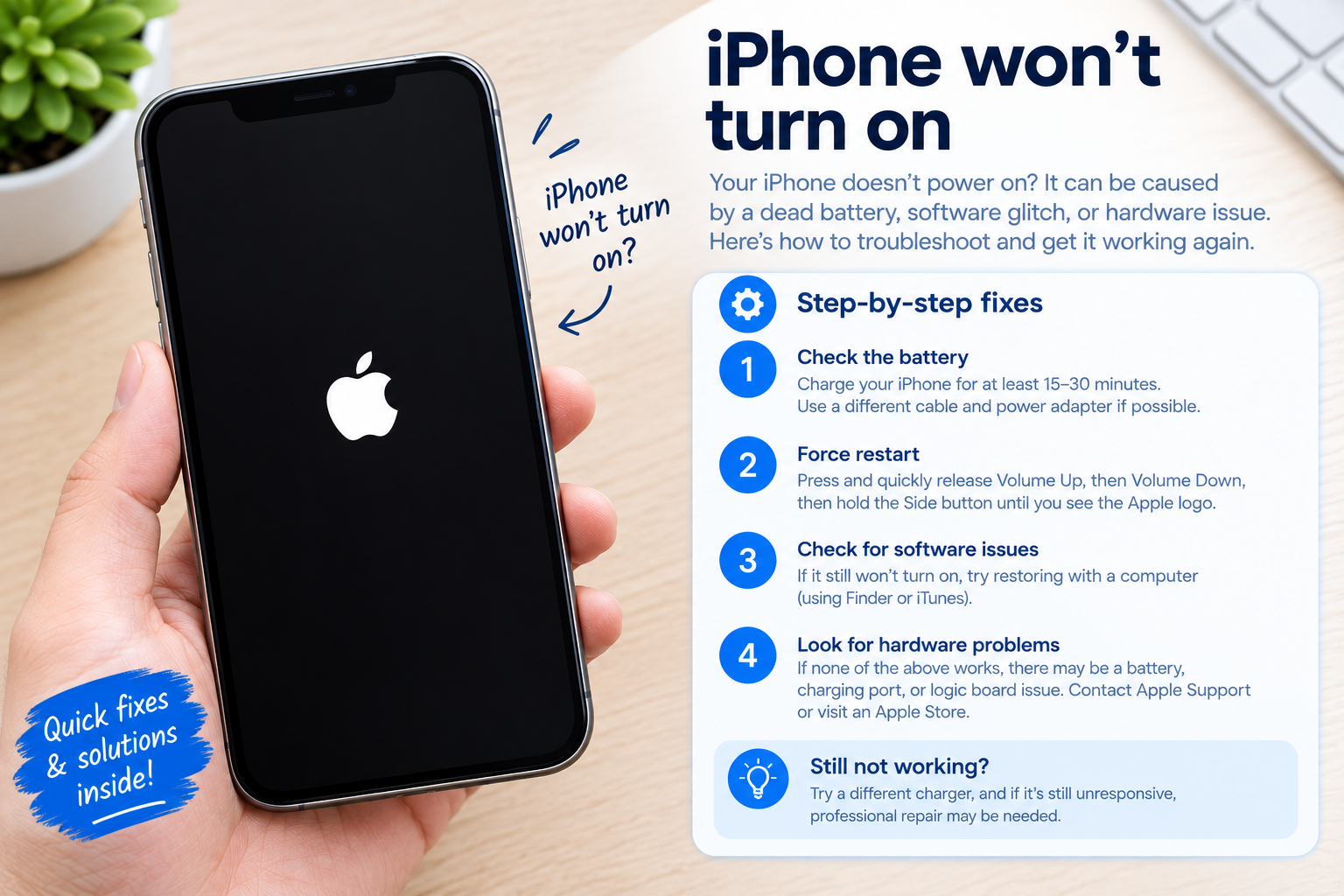
If you’ve ever stared at your phone screen for what feels like an hour while waiting for an update to finish, you’ve probably wondered: why is my phone update taking so long? This common frustration affects millions of smartphone users yearly, with delays ranging from 30 minutes to several hours—and sometimes even failing entirely. Understanding the root causes of these slow updates can help you troubleshoot faster and get your device running the latest software smoothly, with improved features and security patches.
Technical Causes of Slow Phone Updates
The most direct reasons for slow updates lie in technical constraints of your device and network connection. Updates for smartphones—whether iOS or Android—are often large files, with major OS updates (like iOS 17 or Android 14) ranging from 2 to 5GB, while monthly security patches can be 500MB to 1GB. According to a 2023 OpenSignal study, download speeds directly correlate to how long the update takes: a 5G connection can download a 2GB update in ~12 minutes, while a 4G LTE connection takes ~47 minutes and 3G can take over 3 hours. Unstable Wi-Fi signals, such as those that drop to 1 bar, also cause the download to pause and retry repeatedly, adding 30 to 60 minutes to total time.
Device Storage and Processing Limitations
Your phone’s storage and processing power play a critical role in how long the update takes to install, even after the download completes. Most smartphones require at least 10 to 15% of free storage (not just the update file size) to successfully install updates, as the process involves decompressing files, modifying system data, and creating temporary backups. A 2022 Consumer Reports survey found that 35% of failed updates were due to insufficient storage. Older devices, like the iPhone 7 or Samsung Galaxy S8, also struggle with large update files because of weaker RAM and slower processors—these models often take twice as long to complete the installation phase compared to newer flagship devices.
External Factors That Extend Update Time
Beyond device and network limits, external factors like server load and battery health can significantly slow down updates. These factors are often out of your immediate control but easy to prepare for to minimize delays.
Server Congestion During New Releases
When a major software update launches, millions of users rush to download it at the same time, overwhelming the manufacturer’s servers. For example, the launch of Android 14 in October 2023 saw a 300% increase in server requests within the first 12 hours, leading to download speeds that were 2.5 times slower than normal for most users. Carriers also host branded device updates, so local demand can further slow speeds. Waiting a few hours to a day after a new update is released often resolves this, as traffic decreases and servers return to normal capacity.
Battery Level and Power Management
All smartphones have safety features that pause updates if the battery level drops below 20 to 30% to prevent system damage. Additionally, Low Power Mode, which many users enable when the battery is low, throttles CPU performance to save power—this slows down the final installation steps, where system files are being rewritten. A 2021 SquareTrade report noted that 22% of users with slow updates failed to charge their device during the process, leading to repeated pauses and extended total time.
Practical Solutions to Speed Up Slow Updates
Once you’ve identified the likely cause of your slow update, these actionable steps can reduce time and prevent interruptions:
- Connect to a stable, high-speed Wi-Fi network: Avoid public Wi-Fi with limited bandwidth, like coffee shop networks, and use a home 5GHz connection instead of 2.4GHz, which is more prone to interference and slower speeds.
- Free up storage space: Delete unused apps, old photos and videos, cached files, and duplicate documents to ensure at least 15% free storage on your device. This eliminates delays from unpacking and writing update files.
- Charge your phone and keep it plugged in: Connect your device to a charger before starting the update, and leave it plugged in throughout the process to avoid battery-related pauses and CPU throttling.
- Wait for server congestion to ease: If you’re updating a newly released OS, hold off for 12 to 24 hours until initial demand subsides. This can cut download time by half or more.
- Disable background apps and enable Airplane Mode: Close all unnecessary background apps to free up processing power, and turn on Airplane Mode to avoid notifications, calls, or other interruptions that could pause the update.
When to Seek Additional Help
If you’ve tried all these solutions and your update still takes unusually long (more than 2 hours for a major update) or fails repeatedly, it may indicate a deeper issue like a corrupted system file or a hardware problem. In such cases, reaching out to your device’s manufacturer support or visiting a local service center can help diagnose and fix the underlying issue, ensuring your device runs smoothly on the latest software.
In conclusion, the question "why is my phone update taking so long?" has answers rooted in network quality, storage, server load, and battery health. By addressing these factors with practical steps like using a strong Wi-Fi connection, freeing up storage, and charging your device, you can speed up updates significantly. Major updates may still take time due to their complexity, but patience and preparation go a long way in ensuring a successful and timely installation. If issues persist, professional support can resolve more technical hurdles to keep your device secure and up-to-date.
Everything above about “why is my phone update taking so long” is originally written by our editorial team. Reproduction is strictly prohibited.