If you’re an iPhone user, few things are as disruptive as grabbing your phone mid-day only to find it at 20% battery, wondering, “why is my iPhone battery draining so fast?” Sudden, unexplained battery drain is a common complaint across all iPhone models, from the latest iPhone 15 series to older models like the iPhone 11. This issue can turn a tool for productivity and communication into a source of stress, especially when you’re away from a charger or facing an emergency. The good news is that most cases of fast battery drain are fixable, rooted in either software misconfigurations, aging hardware, or simple habits that pull unnecessary power from your device. Understanding these causes and applying targeted fixes can help you extend your iPhone’s battery life and avoid frequent charging hassles.
Software-Related Causes of Fast iPhone Battery Drain
Software settings are the most common culprits behind unexpected battery drain, as they can lead to constant power use without you realizing it. Two of the biggest offenders are background app activity and misconfigured location services.
Background App Refresh Misuse
Background App Refresh is a feature designed to keep your apps up to date, so you don’t have to wait for content to load when you open them. However, every app that has this enabled runs in the background, using cellular data, Wi-Fi, and battery power even when you’re not actively using it. For example, if you have 10 apps enabled for Background App Refresh, each may be updating content (social media feeds, email, weather data) constantly, adding up to significant battery usage. According to Apple’s internal testing, disabling this feature for unused apps can save approximately 15% of daily battery life for most users, yet many people leave it enabled by default for all apps.
Misconfigured Location Services
Location Services is critical for apps like Maps, ride-sharing, and weather, but setting it to “Always Allow” for non-essential apps is a major drain. A 2024 study from Battery University found that location services running in the background can account for 25% to 35% of unexpected battery drain, as GPS uses more power than any other iPhone sensor. For instance, a food delivery app not in use might still track your location if set to Always Allow, sending updates to servers and wasting power. Even fitness apps tracking steps 24/7 when you’re not exercising add to this drain.
Battery Health & Hardware-Related Factors
iPhone batteries degrade naturally over time, and hardware issues can also contribute to fast drain that software fixes won’t resolve. Understanding these factors helps you distinguish between a fixable software problem and a hardware-related issue needing attention.
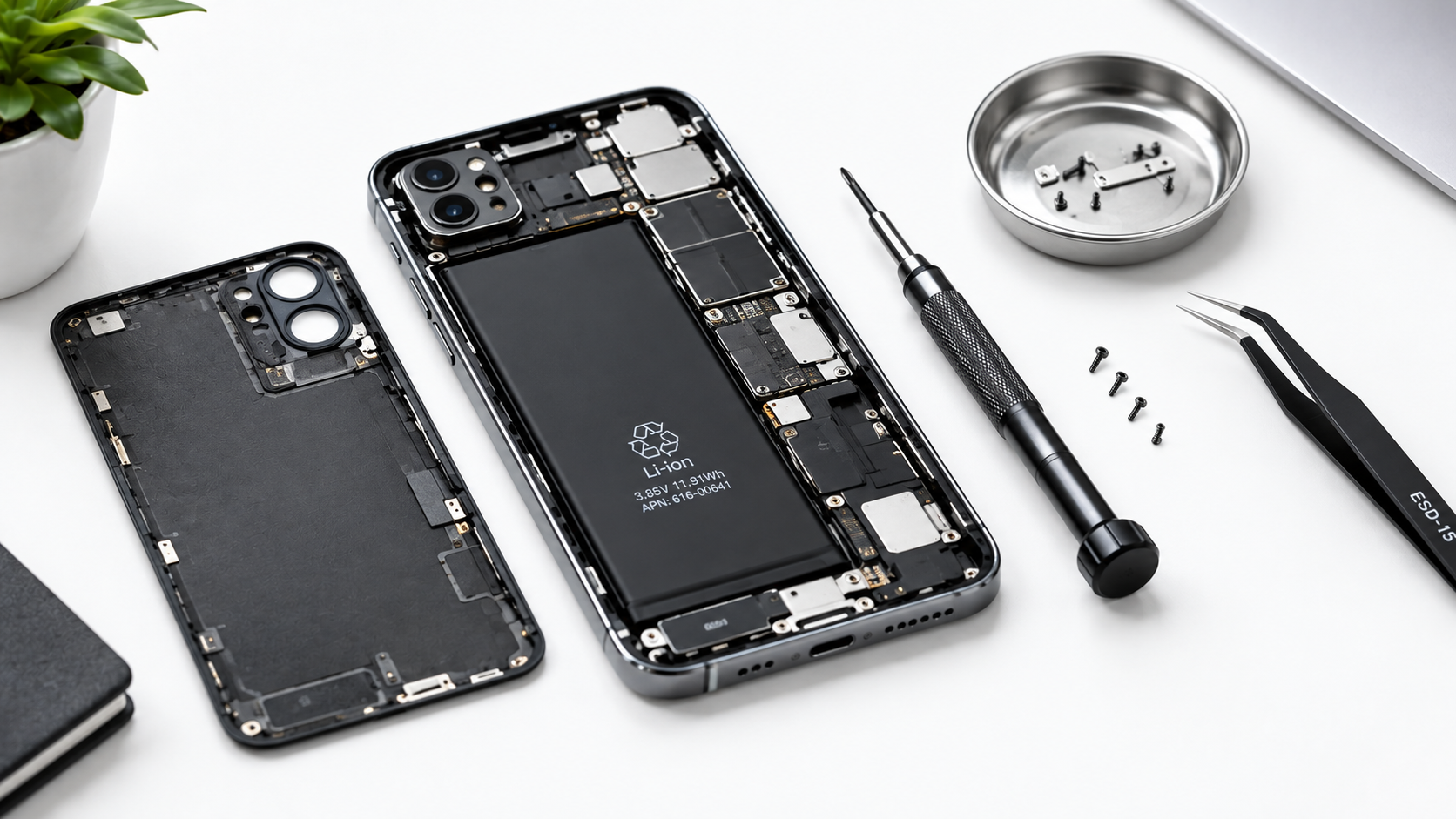
Every lithium-ion battery has a limited lifespan: Apple’s official specs state a typical iPhone battery retains up to 80% of its original capacity after 500 full charge cycles. Once this threshold is crossed, battery life shortens dramatically. You can check your battery’s maximum capacity in Settings > Battery > Battery Health & Charging; if the number is below 80%, this is likely the core cause of fast drain. Overheating is another key factor: using your iPhone in direct sunlight, gaming for hours, or recording 4K video raises its temperature, triggering power management systems to throttle performance and increase drain to prevent damage. Faulty hardware, like a damaged charging port or loose battery connector, is less common but can lead to inconsistent charging and faster drain.
Actionable Fixes to Stop iPhone Battery From Draining Fast
Once you identify the root cause, these simple steps resolve most cases of rapid battery drain, from adjusting settings to addressing hardware needs:
- Adjust Background App Refresh: Go to Settings > General > Background App Refresh, and turn off the feature for any app that doesn’t need real-time updates (e.g., games, offline note-taking tools).
- Manage Location Services: Navigate to Settings > Privacy & Security > Location Services, and set non-essential apps to “While Using” instead of “Always Allow” to cut down on unnecessary GPS usage.
- Update iOS: Install the latest iOS version via Settings > General > Software Update—Apple regularly releases updates with battery optimization fixes for known bugs that cause drain.
- Replace Aging Batteries: If your battery health is below 80%, get an official Apple battery replacement to restore near-original performance and reduce fast drain.
- Avoid Overheating: Keep your iPhone in cool environments, especially when using power-intensive apps, and use a heat-dissipating protective case to prevent temperature-related performance issues.
If you’ve found yourself repeatedly asking, “why is my iPhone battery draining so fast,” the answer is rarely a mystery. Most cases stem from simple, fixable issues like misconfigured app settings or aging battery health, not a faulty device. By adjusting permissions, updating software, and monitoring battery performance, you can extend your iPhone’s battery life and ensure it lasts through your day. For persistent issues that don’t resolve with these steps, reaching out to Apple Support to rule out hidden hardware problems is a safe, effective way to get your device back to reliable operation.
Everything above about “why is my iPhone battery draining so fast” is originally written by our editorial team. Reproduction is strictly prohibited.