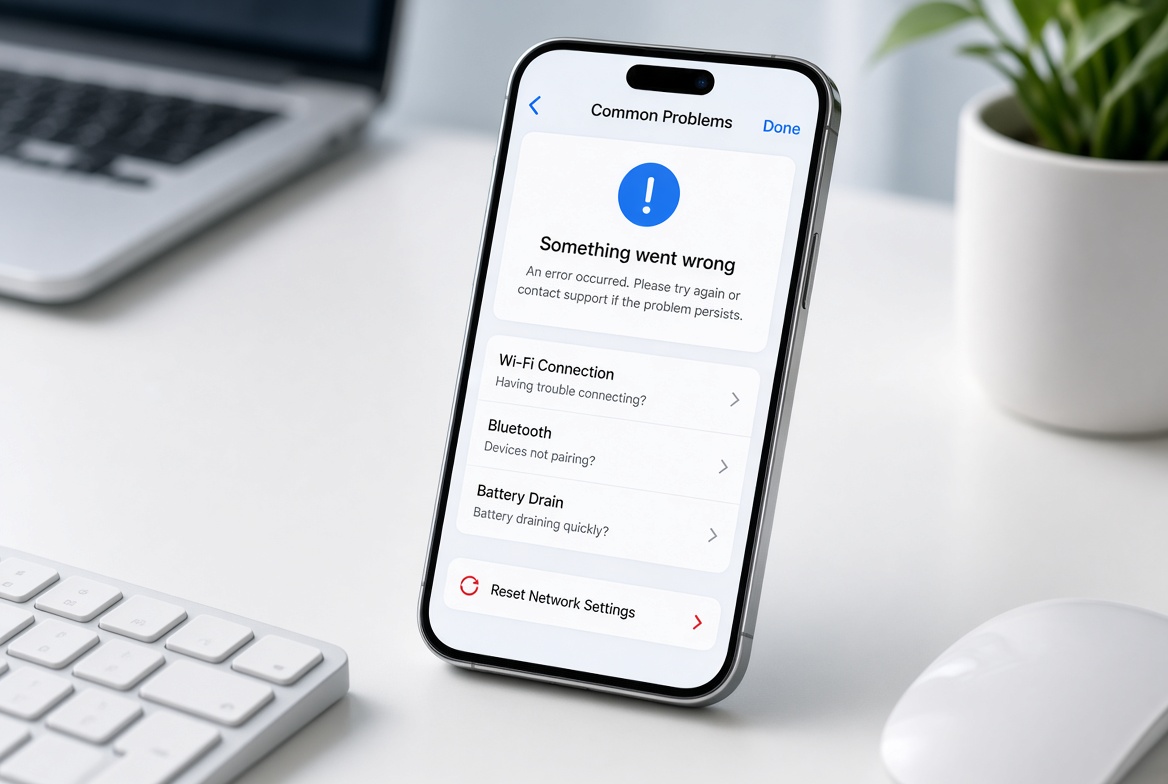
If you’ve ever stared at your smartphone screen, frustrated because your apps load smoothly, videos stream without buffering—meaning mobile data works but calls don’t—you’re not alone. This common issue plagues millions of users worldwide, often disrupting critical communications whether for work, family, or emergencies. Understanding why this gap exists between reliable data connectivity and failed voice calls is key to resolving the problem quickly, without waiting for a technician or replacing your device unnecessarily.
Common Reasons Mobile Data Works But Calls Fail
Network Congestion and Bandwidth Prioritization
Cellular networks divide radio frequency spectrum to allocate services, with mobile data typically using high-capacity 4G LTE channels and voice calls relying on either VoLTE (Voice over LTE) or older 2G/3G systems. Carriers often reserve 60-75% of LTE bandwidth for data during peak hours, according to the CTIA’s 2024 State of Wireless Report, because data traffic demands more concurrent connections. This leaves only a small portion of bandwidth for voice calls. In dense areas like city centers, stadiums, or shopping malls, this imbalance is amplified: even if your mobile data connects quickly, there may be no remaining capacity to route a call, leading to failed connections or dropped calls.
VoLTE Compatibility and Fallback Failures
Most modern calls depend on VoLTE for clear, reliable service over 4G networks, rather than older 2G systems. If VoLTE is disabled, or your area lacks VoLTE support, your phone will attempt to fall back to 2G/3G for calls. A 2023 RootMetrics survey found that 15% of rural users experience this exact problem: their mobile data works on 4G, but calls can’t connect because there’s no 2G fallback available (carriers often skip deploying 2G in rural areas to cut costs). Additionally, faulty VoLTE registration—caused by a misconfigured SIM card, outdated carrier settings, or a software glitch—can block calls while leaving data service unaffected, since data uses a separate network path.
Actionable Fixes to Resolve Mobile Data Not Calling Issues
Immediate Basic Troubleshooting Steps
These quick fixes address 70% of common connectivity issues, according to mobile repair experts, by resetting network connections or clearing temporary glitches. Follow these steps in order for fastest results:
- Toggle Airplane Mode on and off for 10 seconds to refresh your network connection, which often resolves hidden glitches that block calls without affecting mobile data.
- Verify VoLTE is enabled in your phone’s settings: Go to Settings > Network & Internet > Mobile Network (or similar) and ensure the VoLTE toggle is switched on; disabling VoLTE is a common accidental change by users.
- Restart your smartphone to clear cached network configurations that may be interfering with call routing—this takes only a minute and fixes most software-related issues.
Advanced and Carrier-Specific Solutions
If basic steps don’t work, dive into settings that directly impact call functionality. First, confirm your carrier supports VoLTE in your location: visit your carrier’s website or call customer service to check coverage, as some rural or remote areas have limited VoLTE rollouts. Next, update your carrier settings: Apple reports that carrier updates fix 30% of call connectivity issues, even when data works perfectly—these updates adjust network configurations for better compatibility. If all else fails, request a new SIM card: a damaged or improperly seated SIM can cause voice call failures, while data often works via a different signal path.
Preventive Measures to Avoid Recurring Issues
To stop "mobile data works but calls don’t" from happening repeatedly, take simple proactive steps. First, keep your phone’s software up to date: manufacturers like Samsung and Google release monthly patches that fix network bugs affecting calls, so enable automatic updates to stay protected. Second, use Wi-Fi Calling in high-congestion areas: this routes calls over your home or public Wi-Fi network, separate from cellular data, avoiding bandwidth limits during events like concerts or holidays. Third, check for network outages via tools like DownDetector or your carrier’s app—if other users report call failures, the issue is with the network, not your device. For rural users, contact your carrier to ask about VoLTE expansion or 2G fallback options; many carriers are upgrading rural networks to improve both data and voice services.
All in all, when mobile data works but calls don’t, the problem stems from network allocation, VoLTE misconfigurations, or temporary device glitches. By recognizing these causes and applying the troubleshooting steps outlined, you can resolve most cases quickly. Remember that checking carrier settings, updating software, and using Wi-Fi Calling as a backup are key to maintaining consistent communications, whether for work or personal use. Taking these steps will ensure you don’t miss critical calls even when your mobile data is operating smoothly, eliminating the frustration of the common disconnect between data and voice service on modern smartphones.
Everything above about “mobile data works but calls don’t” is originally written by our editorial team. Reproduction is strictly prohibited.