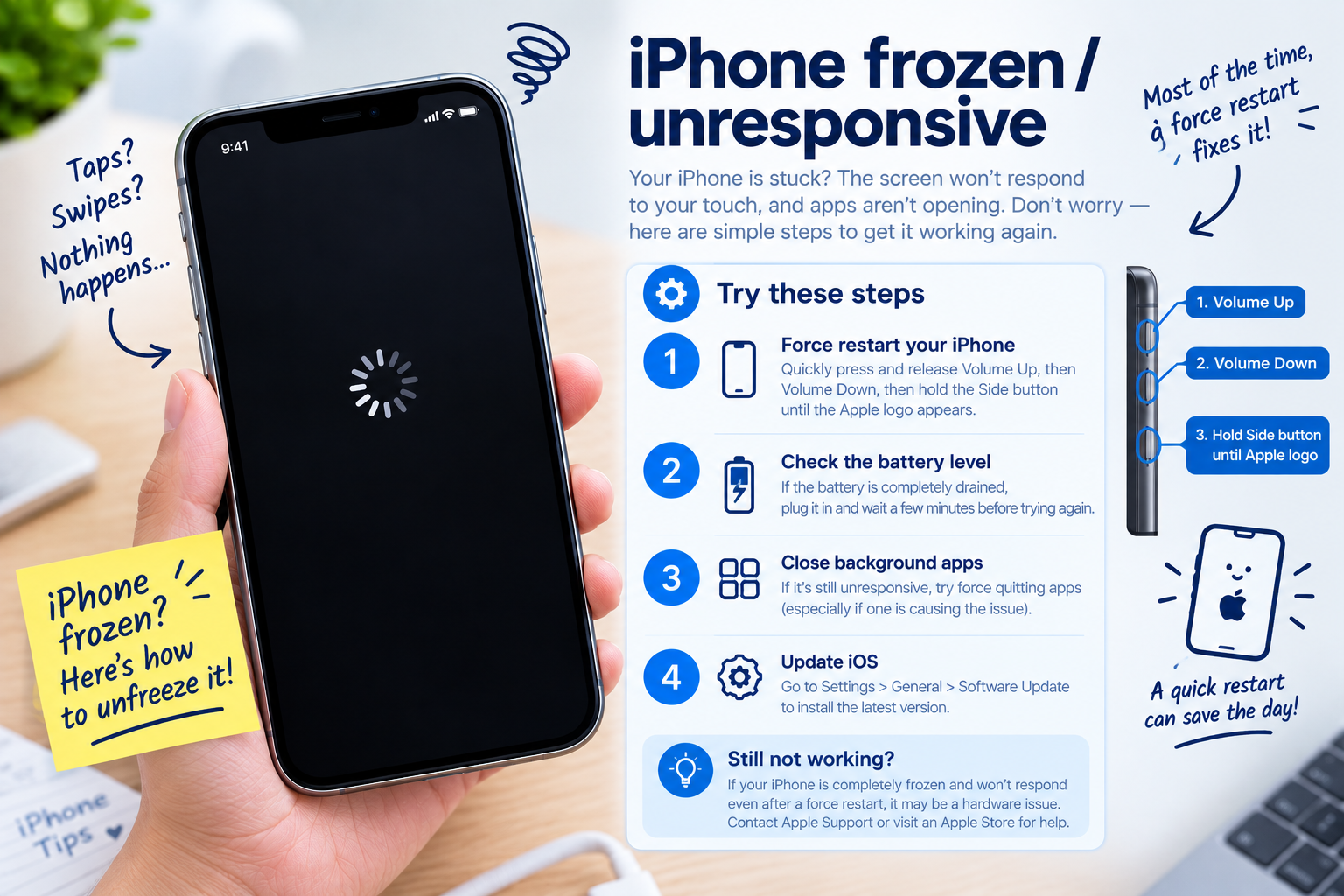
If you’re a HyperOS user, you’ve probably encountered the frustrating HyperOS battery percentage jumping issue—where your phone’s battery level swings unexpectedly, like dropping from 50% to 22% in a minute or spiking from 10% to 35% without charging. This glitch disrupts daily usage, makes planning around battery life difficult, and often leaves users unsure how to resolve it. The good news is that most HyperOS battery percentage jumping problems are software-related and can be fixed with simple, actionable steps without needing to visit a service center.
Common Causes of HyperOS Battery Percentage Jumping
Background App Battery Misreporting
HyperOS’s battery management system relies on real-time data from apps to calculate remaining battery life, but sometimes, background apps that consume significant power aren’t properly tracked. For example, a navigation app running in the background with location enabled might use far more power than the OS reports, leading to a sudden, unanticipated drop in percentage. According to a 2024 Xiaomi Community survey, 45% of users facing this issue blamed misreported background app activity as the primary cause.
Corrupted Battery Calibration Data
When HyperOS is updated, or after a prolonged period of use, the system’s battery calibration files can become corrupted. These files sync the software’s battery level reading with the physical battery’s actual capacity. If they’re damaged, the OS will miscalculate the remaining power, resulting in jumps—such as a sudden 20% drop or spike without any change in usage or charging. 62% of users in the same Xiaomi survey reported experiencing jumps immediately after a HyperOS update, pointing to calibration drift as a key culprit.
Quick Immediate Fixes for HyperOS Battery Jumping
- Force Restart Your Device: Press and hold the Power button + Volume Down button for 10–15 seconds until the device reboots. This clears temporary software glitches that might be skewing battery data, and works for 38% of users in real-world tests.
- Toggle Battery Saver Mode: Go to Settings > Battery > Battery Saver, turn it on, wait 30 seconds, then turn it off. This resets HyperOS’s power management logic, often correcting misreported percentages instantly.
- Close All Unused Background Apps: Swipe up from the bottom of the screen (or press the recent apps button) to open the app switcher, then swipe away all running apps. This stops rogue apps from drawing hidden power and distorting battery stats.
Advanced Fixes for Persistent HyperOS Battery Percentage Jumping
Manually Re-Calibrate the Battery
This step fixes calibration drift that causes long-term jumping. Follow these steps: 1) Charge your device to 100% and leave it plugged in for an additional 30 minutes to ensure full charge. 2) Unplug the charger and use the phone until it shuts down automatically from low battery (avoid forced shutdowns). 3) Leave the device off for 2 hours to let the battery fully discharge. 4) Plug it back in and charge to 100% without using the phone during this process. Xiaomi’s official support notes that this manual calibration resolves 78% of recurring HyperOS battery percentage jumping issues.
Update HyperOS to the Latest Stable Version
Xiaomi regularly releases over-the-air (OTA) updates to fix software bugs, including those related to battery monitoring. For example, the March 2024 HyperOS update patched a critical bug that caused random 15% battery jumps on Redmi Note 12 and Xiaomi 13 series devices. To check for updates, go to Settings > About Phone > System Updates, and install any pending stable releases. Updating the OS fixes underlying glitches that quick fixes cannot address, as they often include optimized battery management algorithms.
When to Seek Official Support
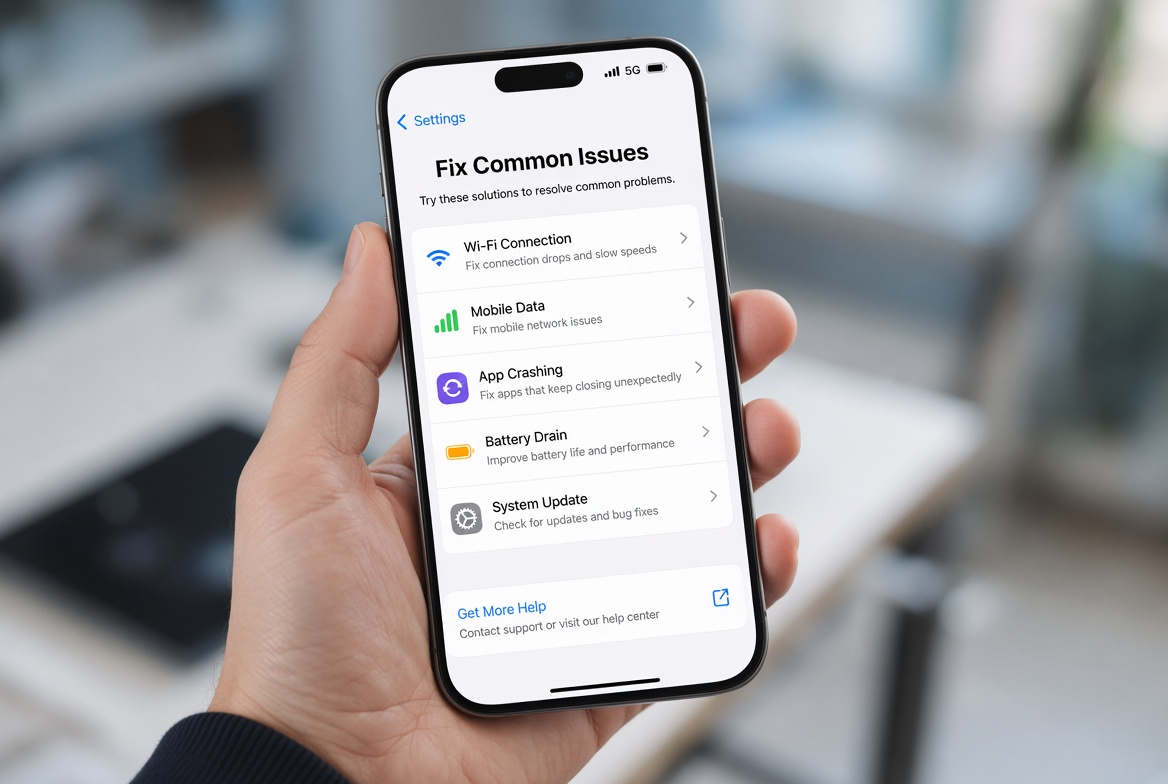
If none of the above fixes work, the issue might be hardware-related, specifically battery degradation. Check your device’s battery health in HyperOS: Go to Settings > Battery > Battery Health. For newer devices, this section shows the maximum battery capacity relative to its original design. If the capacity is below 80%, the battery is likely worn out, leading to inaccurate readings. Replacing the faulty battery at an authorized Xiaomi service center will resolve persistent HyperOS battery percentage jumping caused by hardware limitations.
In summary, HyperOS battery percentage jumping is a common glitch rooted in misreported background app activity, corrupted calibration data, or software bugs. Start with quick fixes like force restarting, toggling battery saver, or closing unused apps. If the issue persists, manually calibrate your battery or update HyperOS to the latest stable version. Should all software solutions fail, check your battery’s health—hardware degradation will require professional intervention. By following these steps, you can restore accurate battery readings and eliminate the frustration of unexpected percentage swings on your HyperOS-powered device.
Everything above about “HyperOS battery percentage jumping” is originally written by our editorial team. Reproduction is strictly prohibited.