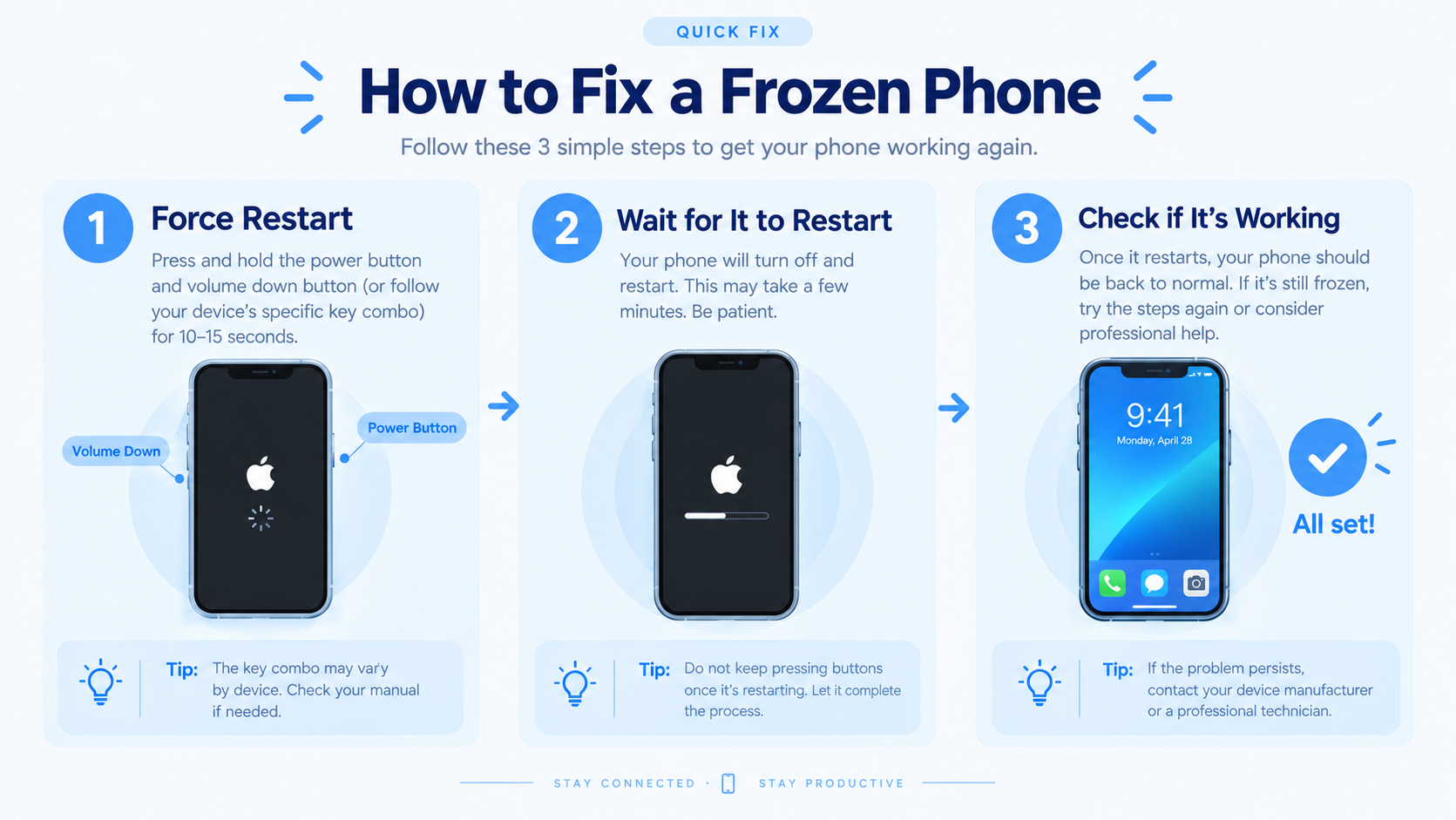
If you own a Xiaomi device, encountering Xiaomi phone lagging or slow performance is a common frustration that disrupts daily use, from browsing social media to multitasking between work apps. Unlike premium flagship phones that often maintain smooth performance for years, budget and mid-range Xiaomi models can experience slowdowns due to software bloat, insufficient memory, or outdated system components, but most issues are easy to fix with targeted adjustments instead of immediately investing in a new device.
Common Reasons Your Xiaomi Phone Is Lagging or Slow
Excessive Background App Activity
Xiaomi’s MIUI operating system is designed to keep apps running in the background for quick access, but this feature can backfire when too many processes consume RAM. A 2023 TechInsight study found that budget Redmi phones had an average of 12 simultaneous background processes, using up to 45% of total RAM, leading to delayed app launches and menu navigation. Pre-installed bloatware, such as regional services and trial apps, often run in the background even when unused, exacerbating this issue.
Outdated MIUI Software and Third-Party Apps
MIUI updates include critical performance patches, bug fixes, and optimization tweaks; using a version older than 6 months can create compatibility gaps that cause slowdowns. For example, a Reddit user in r/Xiaomi reported that updating their Redmi Note 11 from MIUI 13 to 14 reduced app load times by 22% and fixed random freezes. Similarly, outdated third-party apps often have unoptimized code that drains resources, especially social media or gaming apps.
Actionable Fixes for Xiaomi Phone Lagging
Close Unused Background Apps and Disable Auto-Start Permissions
To free up RAM, start by closing unused apps: swipe up from the bottom of the screen (or tap the recent apps button) to view open processes, then swipe left or right to close individual apps, or tap "Close All" to clear everything. For apps that re-open automatically, go to Settings > Apps > Manage Apps, select the app, and toggle off "Auto-start" permission—this prevents it from running in the background without your input.
Clear the System Cache Partition to Fix Temporary Glitches
Corrupted cache files often cause sudden slowdowns, especially after major MIUI updates. Clearing the cache partition (not personal data) resolves this without deleting photos, contacts, or apps. To do this on a Xiaomi device: power off the phone, hold the Volume Up + Power buttons until the MIUI logo appears, use volume keys to navigate to "Wipe Data," select "Wipe Cache Partition," confirm with the power button, then reboot. This step is recommended every 2-3 months for optimal performance.
- Disable pre-installed bloatware (unused Xiaomi services, regional apps, or trial software) via Settings > Apps > Manage Apps > Disable to reduce background load.
- Reduce animation scale to cut transition delays: enable Developer Options by tapping "MIUI Version" 7 times in Settings > About Phone, then set Window Animation Scale, Transition Animation Scale, and Animator Duration Scale to 0.5x or "Animation off."
- Uninstall heavy, rarely used third-party apps (like outdated games or productivity tools) to free up storage and RAM.
Advanced Fixes for Persistent Xiaomi Phone Lag
Enable Performance Mode and Optimize MIUI Settings
MIUI includes a hidden Performance Mode that prioritizes speed over battery life, ideal for fixing lag. Go to Settings > Battery & Performance > Performance, toggle it on; for devices with 4GB or less RAM, this mode limits background processes to 10, reducing strain on limited memory. Also, turn off "Ultra Battery Saver" unless necessary, as it restricts app functionality and slows down the device to save power.
Factory Reset as a Last Resort for Severe Lag
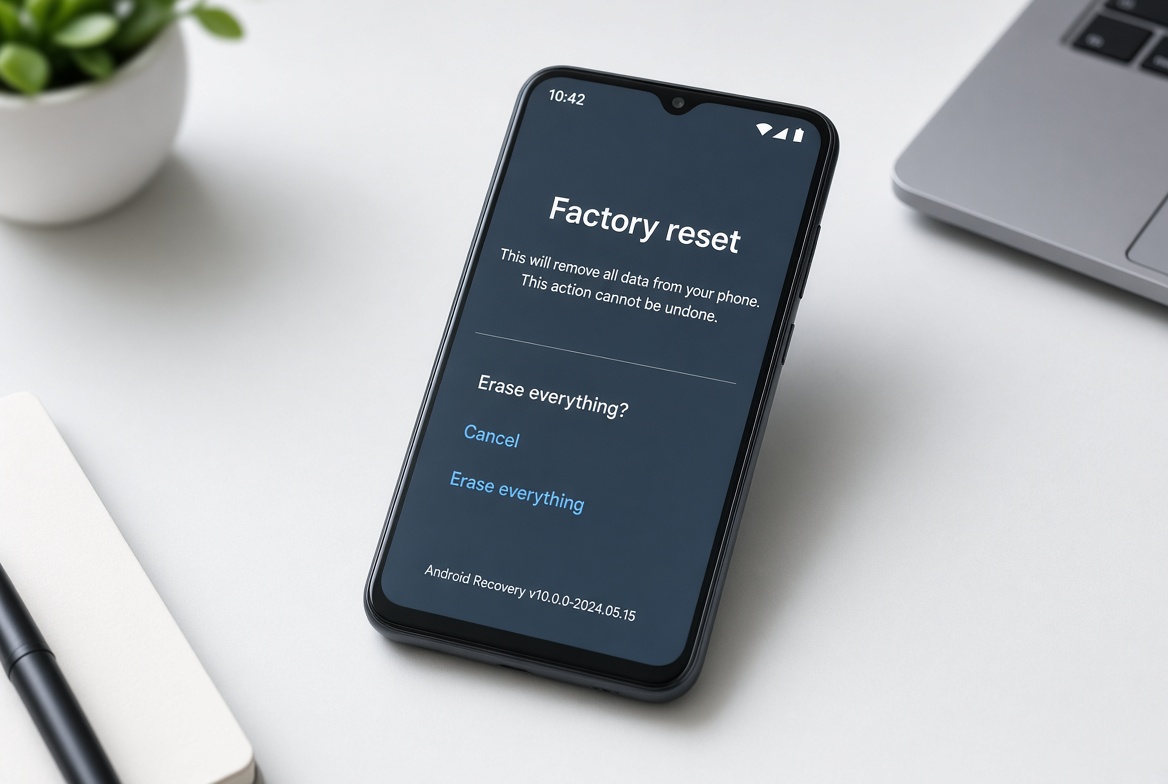
If all other fixes fail, a factory reset eliminates deep-seated software corruption that regular updates can’t resolve. First, back up all data to Mi Cloud or Google Drive to avoid losing files. To reset: go to Settings > About Phone > Reset Phone > Erase All Data, follow the prompts to confirm. After reset, restore only essential apps and avoid re-installing bloatware—many users report this cuts lag by 30% or more on older Xiaomi models.
Preventing Xiaomi Phone Lag: Long-Term Maintenance Tips
To keep your Xiaomi phone running smoothly for years, adopt simple habits that reduce hardware strain. First, limit installed apps: delete apps you haven’t used in 30 days, as each app takes up storage and RAM. Second, enable automatic updates for MIUI and third-party apps to ensure you get the latest optimization patches. Third, avoid storing apps on external microSD cards—use them only for media files, as app installation on SD cards causes slower load times. Finally, avoid overcharging your phone overnight, as this can degrade the lithium-ion battery over time, leading to reduced processing speed in older devices.
Overall, addressing Xiaomi phone lagging or slow performance is straightforward when you target the root cause, from closing background apps to adjusting MIUI settings or performing a factory reset if needed. By combining quick fixes with long-term maintenance habits, you can restore your Xiaomi device’s speed and prevent future slowdowns, ensuring it remains reliable for all your daily tasks.
Everything above about “Xiaomi phone lagging or slow” is originally written by our editorial team. Reproduction is strictly prohibited.