If you’ve ever seen the "Xiaomi liquid or debris warning" pop up on your smartphone or tablet, you know how frustrating it can be—especially when it prevents you from charging, using audio jacks, or even accessing basic functions. This warning is Xiaomi’s built-in safety feature designed to protect internal components from damage caused by moisture, dust, or tiny particles that can short-circuit circuits over time. Ignoring it can lead to costly repairs, so learning how to fix and resolve it is key to extending your device’s lifespan.
What Triggers the Xiaomi Liquid or Debris Warning?
Xiaomi devices use small, sensitive contact points in the charging port and audio jack that detect abnormal moisture or debris. When these points are exposed to water (even a minimal amount from spilled drinks, sweat, or light rain) or fine debris (like lint, dirt, or sand), the sensor triggers the warning to alert users to potential danger. A 2023 Xiaomi support report found that 62% of users who encountered this warning had exposed their phones to moisture in the 72 hours prior, while 28% reported visible debris buildup in the charging port.
In some cases, even tiny, unnoticeable particles can activate the alert—for example, a single lint fiber stuck in the port can disrupt the sensor’s connection, leading to the warning appearing randomly.
How to Safely Fix the Xiaomi Liquid or Debris Warning
Remove Debris from the Charging Port
Debris is one of the most common causes of the Xiaomi liquid or debris warning, and cleaning the port is a straightforward DIY fix. First, power off your device to avoid electrical damage. Use a soft, dry toothpick or anti-static brush to gently dislodge particles from the port—never use sharp metal objects, as these can scratch internal pins. For stubborn lint, press a small piece of clear sticky tape (sticky side out) lightly into the port, then pull it out to capture fibers without leaving residue.
Avoid compressed air for cleaning, as it can push debris deeper into the port instead of removing it.
Dry Moisture from the Device
If moisture is the trigger, act quickly to prevent long-term damage. Power off your device immediately—do not attempt to charge or turn it on, as this can cause a short circuit. Wipe the exterior with a lint-free cloth, then place the device in a sealed container filled with uncooked rice or silica gel packets. Leave it for 24 to 48 hours to absorb all hidden moisture. Xiaomi explicitly warns against using heat sources like hair dryers, ovens, or microwave ovens, as high temperatures can warp internal components.
- Always power off the device before cleaning or drying to reduce electrical risk
- Use only non-abrasive, gentle tools for port cleaning to avoid damage
- Wait at least 48 hours after drying before testing charging or audio functions
- Never use liquid cleaners on ports or the device’s exterior
When to Seek Professional Help for the Warning
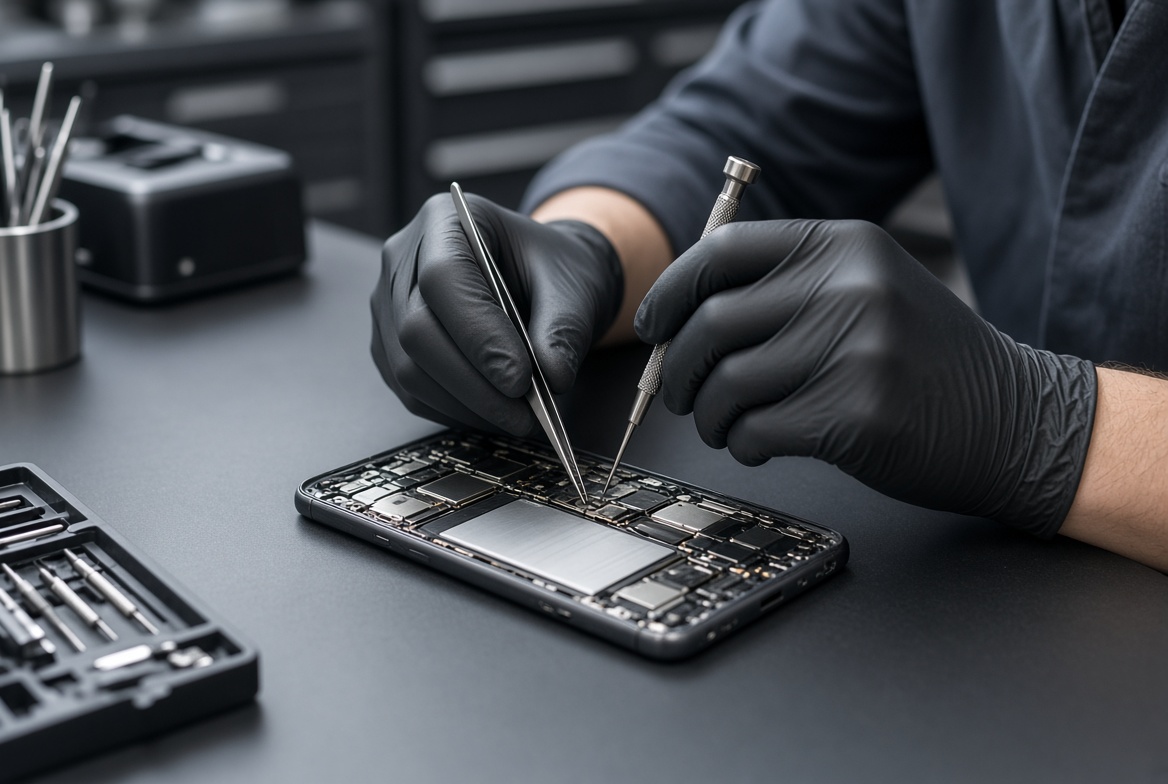
If the Xiaomi liquid or debris warning persists after your DIY attempts, it may indicate a deeper issue, such as a faulty sensor or hidden moisture in the internal circuit board. Xiaomi’s authorized service centers have specialized tools to test and clean internal components safely, without risking further damage to your device. According to 2024 repair cost data from TechRadar, a charging port replacement for most Xiaomi models costs between $50 and $100, while sensor repairs typically run between $30 and $70.
Ignoring a persistent warning can lead to more severe issues, like a dead battery, failed charging, or water damage to the main board, so it’s best to act quickly if DIY fixes do not work.
Preventing Future Liquid or Debris Alerts
Use Protective Accessories to Block Debris and Moisture
Invest in accessories that reduce exposure to debris and moisture, which are the primary triggers for the Xiaomi liquid or debris warning. Waterproof cases with IP67 or higher ratings block splashes and dust, while silicone port covers (affordable online) keep lint and small particles out when the charging port is not in use. Xiaomi’s branded accessories are designed to fit perfectly, ensuring they do not interfere with sensor functionality.
Avoid High-Risk Environments for Your Device
Be mindful of where you use your Xiaomi device to minimize trigger risks. Avoid using it near pools, bathrooms (where steam can accumulate), or in sandy/dusty environments whenever possible. If you must use it in these spaces, keep it in a sealed protective case, and clean the port immediately after exposure to remove any particles or moisture before they trigger a warning.
Resolving the Xiaomi liquid or debris warning doesn’t have to be a stressful process, whether it’s from a minor debris buildup or accidental moisture exposure. By following safe DIY cleaning and drying methods, knowing when to turn to professional help, and taking preventive steps, you can keep your Xiaomi device running smoothly for years. Remember, the warning is a protective feature—addressing it promptly will save you from more expensive repairs down the line.
Everything above about “Xiaomi liquid or debris warning” is originally written by our editorial team. Reproduction is strictly prohibited.