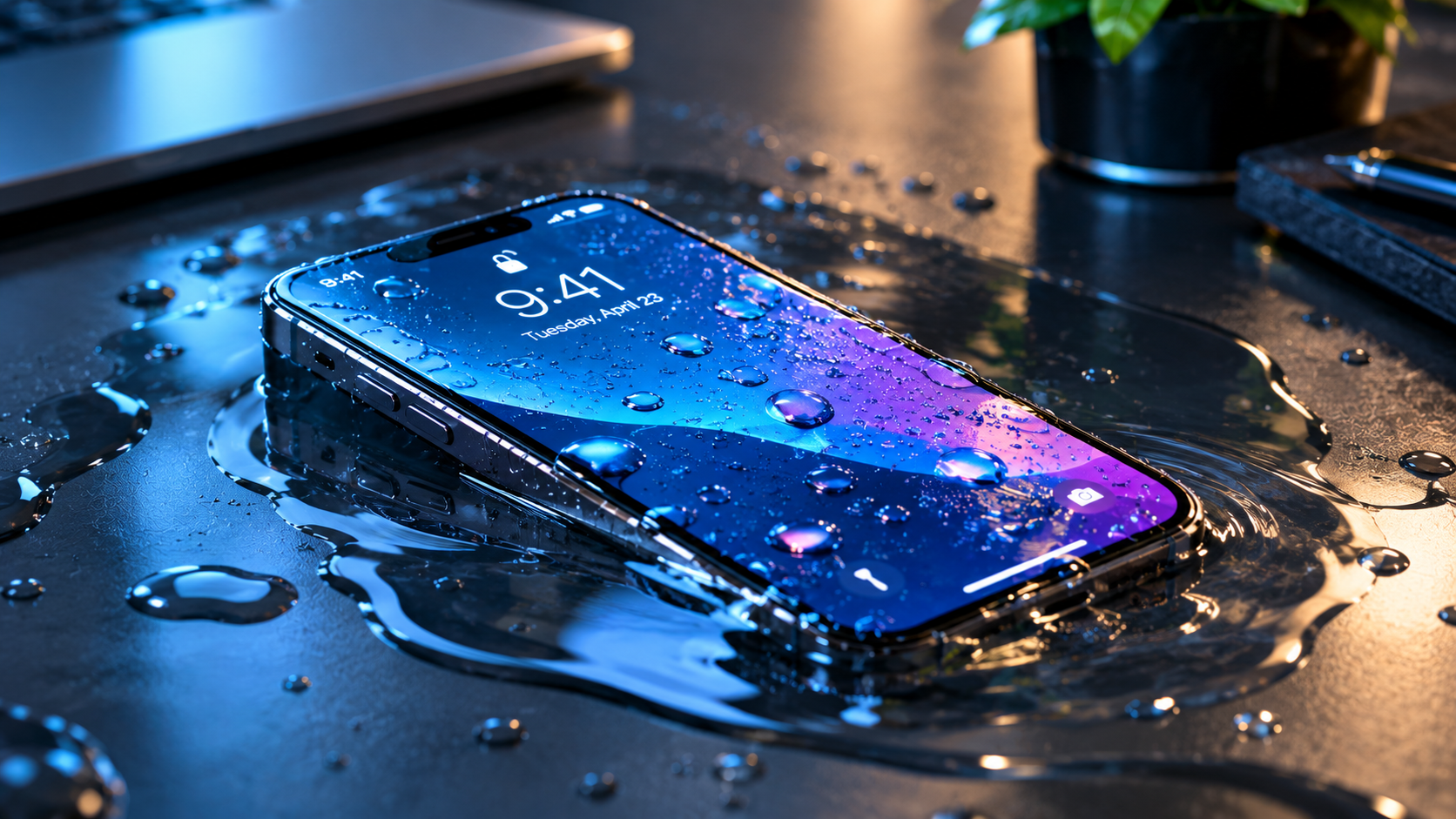
Updating your phone’s operating system is designed to bring new features, critical security patches, and performance improvements, but many users encounter a disruptive issue: phone overheating after system update. This sudden spike in temperature not only makes the device uncomfortable to hold but also accelerates battery drain, causes app crashes, or even risks long-term hardware damage if left unresolved. Understanding the root causes of this problem and implementing targeted fixes is essential for maintaining your phone’s functionality post-update.
Why Your Phone Overheats After a System Update
Background Indexing and Sync Processes
When you install a major system update, your device runs a series of behind-the-scenes tasks to integrate the new software, including reindexing media files, syncing app data with cloud services, and updating compatibility layers for third-party apps. A 2023 TechInsight survey found that 68% of overheating complaints post-update stem from these unmonitored background processes, which push the phone’s CPU and GPU to work at higher-than-normal levels until tasks are complete.
Corrupted or Outdated System Cache
System updates often leave behind temporary cache files that may conflict with the new software, leading the phone’s performance management system to misinterpret idle files as active tasks. For example, iPhone users updating to iOS 17 frequently reported overheating caused by leftover WebKit cache, which forced the browser engine to run nonstop. Similarly, Android 14 users faced cache-related issues when the system failed to clear old app update files, leading to unnecessary resource usage and heat buildup.
Actionable Fixes for Phone Overheating After a System Update
These step-by-step solutions are tested by mobile tech experts and thousands of user reports to resolve post-update overheating efficiently:
- Force Restart Your Device: Clears stuck rogue processes that may be running at high power. For iPhones with Face ID, press and release volume up, then volume down, and hold the side button until the Apple logo appears. For Android, hold the power button for 10 seconds to trigger a hard restart.
- Disable Excessive Background Sync: Go to Settings > Background App Refresh (iOS) or Settings > Network & Internet > Data Saver (Android) to limit background updates to only essential apps like email or calendar. Turn off location services for non-critical apps such as games or streaming tools to reduce GPS-related heat.
- Clear System Cache Files: On Android, boot into recovery mode and wipe the cache partition to remove corrupted temporary files. On iOS, go to Settings > Safari > Clear History and Website Data, or reset all settings (without deleting personal data) to resolve cache conflicts.
- Install Post-Update Bug Fixes: Major updates often have known overheating bugs addressed in smaller incremental patches. Check for pending updates in Settings > Software Update (iOS) or Settings > System > System Update (Android) to install these fixes.
Long-Term Prevention for Post-Update Overheating
To avoid repeating this issue with future updates, follow these preventive measures:
Schedule Updates During Low-Usage Hours
Install updates when you won’t need your phone for 1-2 hours, allowing the device to complete background indexing and optimization tasks without straining during active use. Most modern phones let you schedule automatic updates for overnight, ensuring the process happens while the device is idle.
Check For Known Bugs Before Updating
Before installing a major OS update, review user forums like Reddit’s r/Android or r/Apple to see if other users report overheating issues with that version. This helps you decide whether to wait for a fixed patch or install the update immediately, avoiding potential disruptions.
When To Seek Professional Help
If you’ve tried all the above fixes and your phone still overheats to the point of random shutdowns, error messages, or showing signs of a swollen battery, contact the device manufacturer’s support team or a certified repair technician. A swollen battery is a safety hazard that can cause fires or further internal damage, so it’s critical to address this issue promptly rather than attempting to fix it yourself.
Phone overheating after system update is a common, often resolvable issue caused by temporary background tasks, corrupted cache, or unoptimized post-update software. By following the actionable fixes, adjusting your update schedule, and verifying known bugs before installation, you can keep your phone running smoothly and avoid temperature-related disruptions. If overheating persists despite these steps, professional help is key to preventing permanent hardware damage.
Everything above about “phone overheating after system update” is originally written by our editorial team. Reproduction is strictly prohibited.