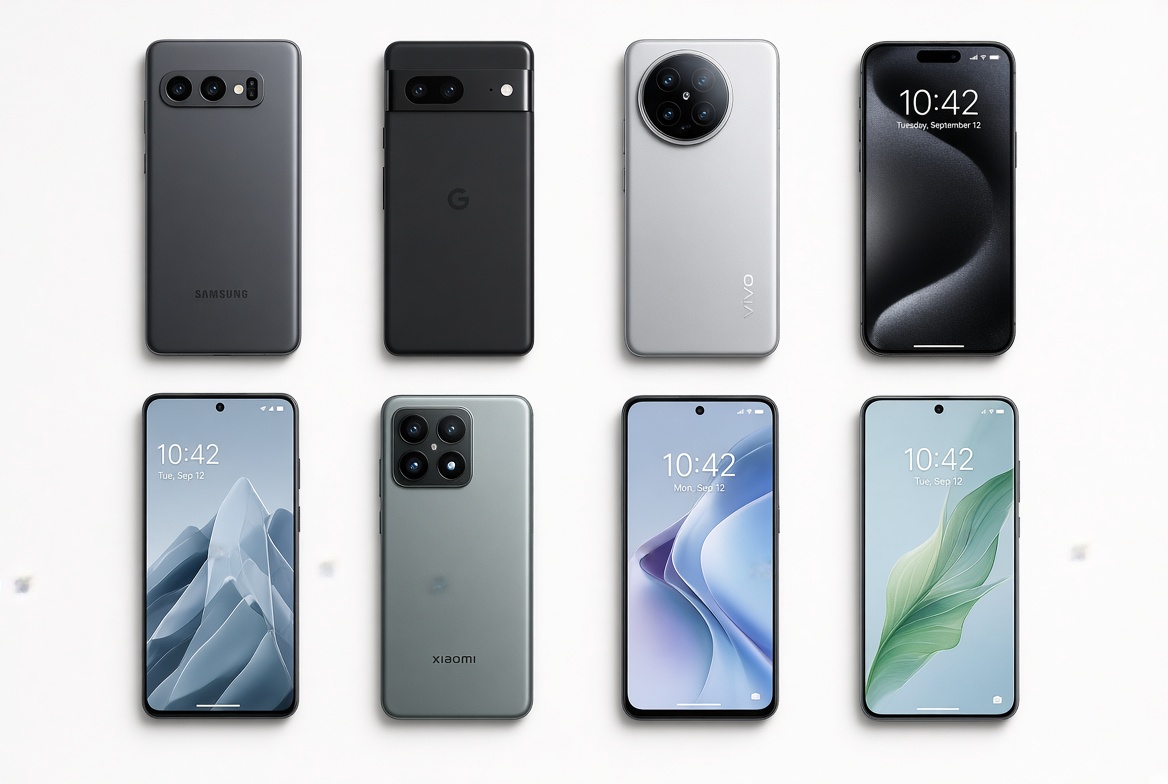
iPhone cases are designed to protect your device from daily drops, scratches, and wear, but a common frustration many Apple users encounter is an iPhone case causing charging or signal problems that can disrupt calls, navigation, or battery life. Whether you’re noticing slow wireless charging, no response when plugging in a cable, or spotty cellular service in areas where your iPhone usually performs well, the issue often stems from the case’s design, materials, or fit rather than a fault with your iPhone itself.
Common Reasons an iPhone Case Causes Charging Problems
Charging issues related to cases typically fall into two main categories: interference with wireless charging technology or physical blockage of wired ports. Wireless charging relies on magnetic induction to transfer power, while wired charging requires a tight connection between the iPhone’s Lightning port and the charging cable’s connector, both of which can be disrupted by poorly designed cases.
Wireless Charging Interference
Modern iPhones use Qi wireless charging, which works via magnetic fields to transfer energy between the charger and device. Cases with internal metal components—such as hidden metal reinforcements for rigidity, cheap MagSafe-compatible add-ons, or even thin metal plates for grip—act as a barrier to these magnetic fields. A 2023 study by iFixit found that third-party cases with metal parts can reduce wireless charging speeds by up to 45% and, in some cases, completely prevent charging. Even thick non-metal cases (over 5mm) can add enough distance between the iPhone and charger to slow power transfer significantly.
Blocked Wired Charging Ports
Many budget cases have oversized or misaligned cutouts for the Lightning port, leading to two common issues: the charging cable won’t insert fully, or the case’s edge presses against the cable’s connector, bending internal pins over time. This can cause intermittent charging, where the cable works only at a certain angle. Apple’s MFi (Made for iPhone) certification requires case manufacturers to ensure port compatibility, so uncertified cases are far more likely to have this problem.
- Remove your iPhone case and test charging with a known working cable and charger to confirm the case is the root cause, not a faulty accessory.
- Run a small magnet along the back of your case—if the magnet sticks, there’s metal inside interfering with wireless charging.
- Check the Lightning port for lint or debris, which may have been pushed into the port by a tight case; use a soft, dry toothbrush to gently clear it.
How iPhone Cases Disrupt Cellular Signal and GPS
Signal issues from cases are often less obvious than charging problems, but they can have a big impact on your ability to make calls, use maps, or stream data. Cellular and GPS signals are radio waves that need unobstructed paths to and from your iPhone’s internal antennas, which are vulnerable to blockage from case materials.
Metal as a Signal Barrier (Faraday Cage Effect)
Any case with metal components (stainless steel, aluminum, copper, or iron) can create a Faraday cage, which blocks radio waves. A 2022 Consumer Reports test found that metal cases reduced 5G signal strength by up to 60% in urban areas, leading to dropped calls, slower data speeds, and even GPS inaccuracies. This is especially common in cheap rugged cases that use metal for impact resistance without considering signal needs.
Misaligned Antenna Cutouts
iPhones have small, precise antenna bands along the edges (for cellular) and back (for GPS/Wi-Fi) that require direct exposure to air. Cases with generic or poorly positioned cutouts can cover these antennas, blocking signal. For example, many budget cases use a one-size-fits-all cutout that doesn’t match the exact location of the iPhone 15’s new antenna bands, leading to weak signal in areas with moderate coverage.
Effective Fixes for Case-Related Charging and Signal Problems
The good news is that most issues from an iPhone case causing charging or signal problems are easy to resolve without replacing your case entirely, or upgrading to a better-designed one. Below are actionable steps to fix and prevent these issues.
First, upgrade to an MFi-certified case: These cases are tested to work with all iPhone features, including wireless charging, signal reception, and accessories. Apple’s own Leather Cases, Silicone Cases, and many options from OtterBox, Spigen, and Belkin are MFi-certified, so they avoid internal metal components and have precise antenna cutouts. For wireless charging, opt for slim cases (under 3mm thick) or official MagSafe-compatible cases, which use only Apple’s magnet system to avoid interference.
For temporary fixes if you don’t want to replace your current case: Remove it when charging wirelessly to eliminate any distance or metal interference. If your case has a removable back panel, peel off any thin metal stickers or inserts you added for grip. For signal issues, hold your iPhone without the case in areas with weak coverage—if the signal improves, the case is definitely the culprit, and you may want to adjust how you use it (e.g., avoid using it in rural areas where signal is already weak).
In summary, an iPhone case causing charging or signal problems is almost always avoidable by choosing a well-designed, MFi-certified case, and testing your device without the case to confirm issues. By checking for metal components, ensuring port compatibility, and aligning with your iPhone’s antenna needs, you can keep your device protected without sacrificing performance. If you’ve tried these fixes and still experience issues, it may be time to replace a worn or poorly designed case, rather than dealing with persistent charging or signal disruptions.
Everything above about “iPhone case causing charging or signal problems” is originally written by our editorial team. Reproduction is strictly prohibited.