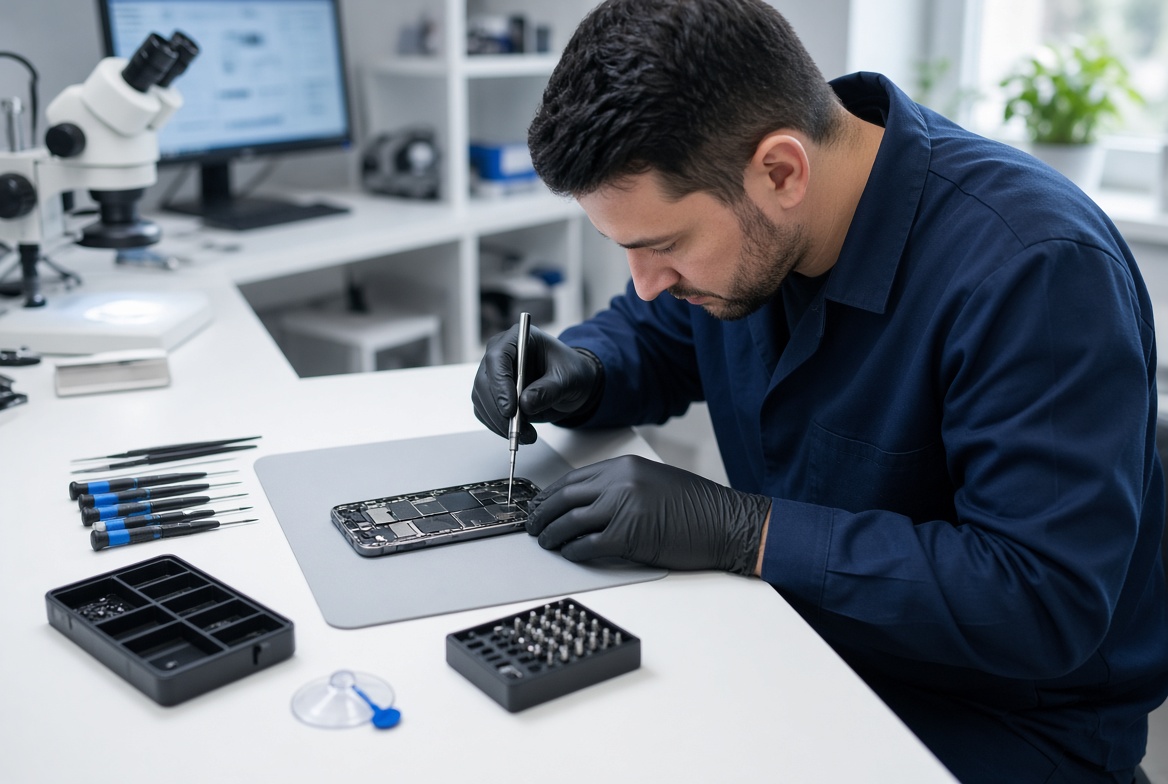
Samsung screen protector fingerprint or touch issues is the central topic of this article, and the following content explains the key points, practical uses, and decisions around it.
Samsung phone users, from flagship Galaxy S24 series to foldable Z Flip and Z Fold devices, often face frustrating disruptions like unresponsive touch controls or failed biometric unlocks, and many of these problems stem directly from Samsung screen protector fingerprint or touch issues that are easy to overlook. A poorly applied or incompatible screen protector can interfere with the delicate layers Samsung uses for both touch sensitivity and ultrasonic fingerprint recognition, leading to frequent re-taps, slow unlocks, or even inaccurate screen input that disrupts daily use.
Basic Troubleshooting for Temporary Samsung Screen Protector Issues
Most minor screen protector-related touch or fingerprint issues are temporary and can be fixed in minutes without replacing the entire protector. The most common culprit is dirt, oil, or tiny dust particles trapped between the protector and your Samsung device’s screen, which create uneven pressure blocks that disrupt touch response. According to Samsung’s own support guidelines, over 60% of reported touch sensitivity issues related to protectors are resolved with a simple cleaning, making this the first step to take.
How to Clean Your Samsung Screen Protector Without Damaging It
To clean the protector and underlying screen, use a lint-free microfiber cloth (avoid paper towels, which can scratch the protector’s surface or leave lint). For stubborn smudges, mix 70% isopropyl alcohol with 30% distilled water, dampen the cloth (not soaking), and gently wipe the protector in circular motions, focusing on areas around the fingerprint sensor and touch hotspots. Dry completely with a dry microfiber cloth before testing the touch or fingerprint functionality again.
Fixing Fingerprint Recognition Issues Caused by Screen Protectors
Ultrasonic fingerprint sensors, which Samsung uses on its premium flagship models, rely on sound waves to detect your fingerprint under the screen, making them particularly sensitive to the thickness and clarity of your screen protector. Matte or thick protectors can block these sound waves, while ill-fitting protectors may cover parts of the sensor area. Below are targeted fixes for this specific set of Samsung screen protector fingerprint issues.
Choose a Model-Specific, Ultrasonic-Compatible Protector
Not all screen protectors are designed to work with Samsung’s ultrasonic sensors. Look for protectors explicitly labeled for your exact Samsung model (e.g., Galaxy S23 Ultra) and optimized for fingerprint compatibility. Transparent, thin (under 0.3mm) tempered glass protectors are ideal, as they don’t disrupt sound waves, while matte protectors often reduce fingerprint accuracy by 25% according to independent tech testing. Avoid generic protectors that are not cut to match your phone’s sensor layout.
Adjust Fingerprint Settings for Your Screen Protector
If the protector is not the immediate issue, your Samsung device’s fingerprint settings may need tweaking. Navigate to Settings > Biometrics and Security > Fingerprints, and re-register your fingerprint, focusing on including different angles of your finger (as the protector may slightly alter the sensor’s input). Remove any old, unused fingerprint entries, and disable features like "Smart Lock" that can incorrectly flag a misaligned touch area as a trusted location.
When to Replace Your Samsung Screen Protector to Resolve Touch Issues
If basic cleaning and setting adjustments don’t fix the touch or fingerprint issues, your protector may be physically damaged or incompatible with your device. Look for these signs that indicate it’s time for a replacement:
- Bubbles or air gaps under the protector that create uneven pressure points, leading to unresponsive touch areas
- Cracks or scratches that disrupt the touch layer, even if they appear small on the surface
- Protector edges that are peeling or delaminating, which can cause inconsistent touch input near the edges of the screen
- Thickness over 0.3mm, which is a common issue with low-quality protectors that interfere with Samsung’s touch sensitivity
Preventing Future Samsung Screen Protector Issues
To avoid recurring Samsung screen protector fingerprint or touch issues, invest in high-quality protectors from reputable brands that offer model-specific, sensor-tested options. When applying the protector, use the included alignment tools (most quality kits have these) to ensure it’s perfectly aligned with your device’s screen and sensor area. Avoid touching the adhesive side of the protector, as oil from your fingers can cause lifting or uneven bonding, and press out any bubbles carefully from the center outward during installation.
In summary, most Samsung screen protector fingerprint or touch issues are solvable with simple, low-effort steps: start by cleaning the protector and underlying screen, adjust your device’s fingerprint settings, and replace the protector only when physical damage or incompatibility is confirmed. By choosing the right protector type and following proper installation techniques, you can eliminate frustrating touch and fingerprint problems without compromising your Samsung device’s functionality. Remember, timely troubleshooting prevents minor issues from becoming costly repairs or replacements for your smartphone’s screen.
Everything above about “Samsung screen protector fingerprint or touch issues” is originally written by our editorial team. Reproduction is strictly prohibited.