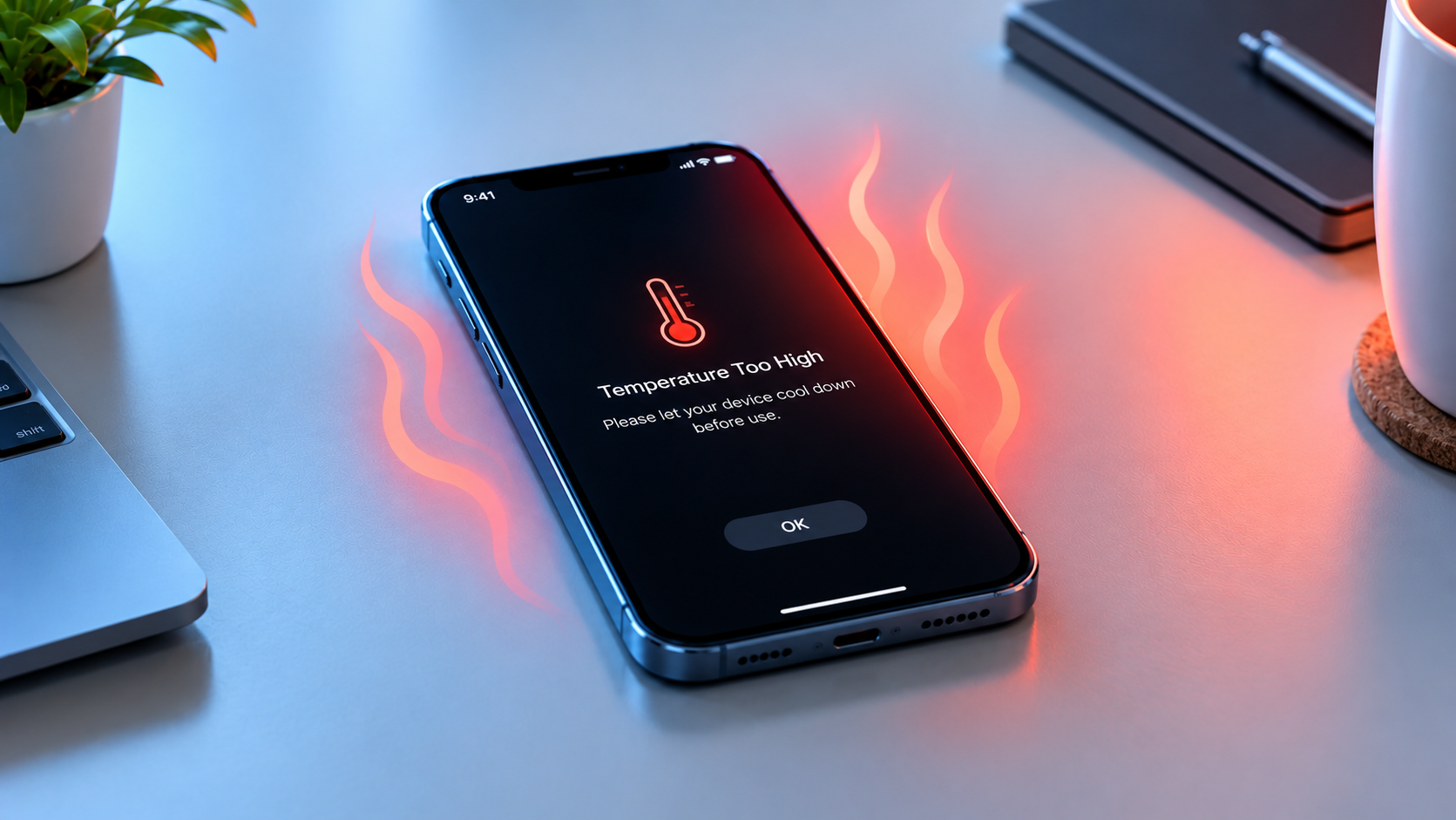
MagSafe or magnetic charging problems are some of the most frustrating issues for Apple device users, especially when relying on wireless charging for iPhone 12 and newer models, AirPods Pro, or official MagSafe accessories. From slow, inconsistent charging to complete failure to connect, these problems can disrupt daily routines—whether you’re powering up for a workday or a long trip. Most of these issues are not permanent, and many can be resolved with simple, at-home fixes without needing professional repair or expensive replacements.
Common Underlying Causes of MagSafe Charging Issues
Before troubleshooting, it helps to understand why MagSafe or magnetic charging problems occur. The MagSafe system relies on strong magnets to align the charger with your iPhone’s charging coil, plus an NFC chip to detect foreign objects and prevent overheating. Small disruptions in this setup are often the culprit.
Foreign Object Detection Blockers
Apple’s MagSafe technology includes a safety feature that detects ferrous or conductive objects (like coins, keys, metal rings, or even aluminum foil) between the charger and device. If an object is present, the system may shut down charging to avoid overheating or damaging components. A 2023 user survey by MacRumors found that 31% of MagSafe issues were directly tied to foreign objects, with many users reporting that a single hidden coin in their device case was enough to block charging entirely.
Incompatible or Thick Device Cases
MagSafe requires precise magnet alignment to deliver optimal charging speed. Cases thicker than 3mm, or those with built-in metal components (like magnetic cardholders, clips, or pop sockets), can interfere with the magnet’s grip and disrupt the charging coil’s connection. The same MacRumors survey noted that 42% of users experienced charging failures due to non-compliant cases, compared to 28% from software bugs. Using Apple’s official MagSafe-compatible cases ensures that the thickness and materials are optimized for the magnetic system.
Step-by-Step Troubleshooting for MagSafe Charging Problems
For most users, these sequential, easy steps will resolve the majority of MagSafe or magnetic charging problems. Follow them in order to narrow down the root cause quickly:
- Remove all foreign objects from the charging surface and your device: Lift your iPhone or AirPods case away from the MagSafe charger, then check both the back of your device and the charger pad for small metal items, dust, or debris. Even a tiny fragment can trigger a safety shutdown.
- Swap or remove your device case: If you use a thick case, metal-integrated case, or third-party accessory not labeled “MagSafe-compatible,” try removing it or switching to an Apple-approved option. Test charging without the case to see if the issue is resolved.
- Restart your iOS device or MagSafe accessory: Temporary software glitches can prevent the charging module from detecting the MagSafe charger. For iPhones, hold the side button and volume button, then drag to power off; wait 30 seconds, then turn it back on. For MagSafe chargers, unplug it from power, wait 10 seconds, then reconnect.
- Update your device’s operating system: Outdated iOS versions often have bugs that disrupt MagSafe functionality. Go to Settings > General > Software Update to install the latest available release, which may include fixes for known charging issues.
Advanced Fixes for Persistent MagSafe Charging Issues
If basic troubleshooting doesn’t work, these more targeted fixes can address deeper alignment or hardware-related problems causing MagSafe or magnetic charging problems.
Reset MagSafe Magnet Calibration
Misaligned magnet calibration can prevent your iPhone from properly connecting to a MagSafe charger, even if objects and cases are removed. To reset calibration, go to Settings > General > Transfer or Reset iPhone > Reset, then select “Reset Location & Privacy.” This process resets wireless charging sensor settings and often resolves persistent misalignment issues. Note that this will not delete any of your personal data, just reset sensor calibrations.
Inspect for Hardware Damage
If software and calibration fixes fail, inspect your device and charger for physical damage. Check the MagSafe ring on the back of your iPhone for cracks, dents, or loose components, and examine the charger’s connector or pad for wear. Bent Lightning ports on older MagSafe chargers or damaged charging coils inside the device can block the magnetic connection. Third-party chargers not certified by Apple (MFi-compliant) are also more likely to have inconsistent hardware, so switching to an official MFi charger can eliminate these issues. If you spot hardware damage, contact Apple Support for a warranty repair or replacement, as DIY fixes may void your device’s coverage.
Preventing Future MagSafe Charging Problems
Taking proactive steps can reduce the likelihood of encountering MagSafe or magnetic charging problems down the line. First, always use MFi-certified MagSafe accessories, as they are designed to meet Apple’s standards for magnet strength and safety. Avoid placing magnetic items (like credit cards with magnetic strips) on the back of your iPhone while charging, as this can interfere with detection. Clean the charging area regularly with a soft, dry cloth to remove dust or dirt that may build up over time, and avoid exposing MagSafe accessories to extreme temperatures (above 95°F or below 32°F), which can weaken internal magnets and disrupt performance. Additionally, avoid attaching heavy magnetic accessories directly to the iPhone’s back, as this can pull on the MagSafe ring and cause long-term damage.
In summary, MagSafe or magnetic charging problems are rarely irreparable, with most issues stemming from simple factors like foreign objects, incompatible cases, or temporary software glitches. By following the step-by-step troubleshooting and advanced fixes outlined, users can quickly restore seamless wireless charging for their Apple devices. For persistent issues that don’t resolve with these steps, reaching out to Apple Support ensures professional, safe resolution without compromising your device’s functionality or warranty.
Everything above about “MagSafe or magnetic charging problems” is originally written by our editorial team. Reproduction is strictly prohibited.