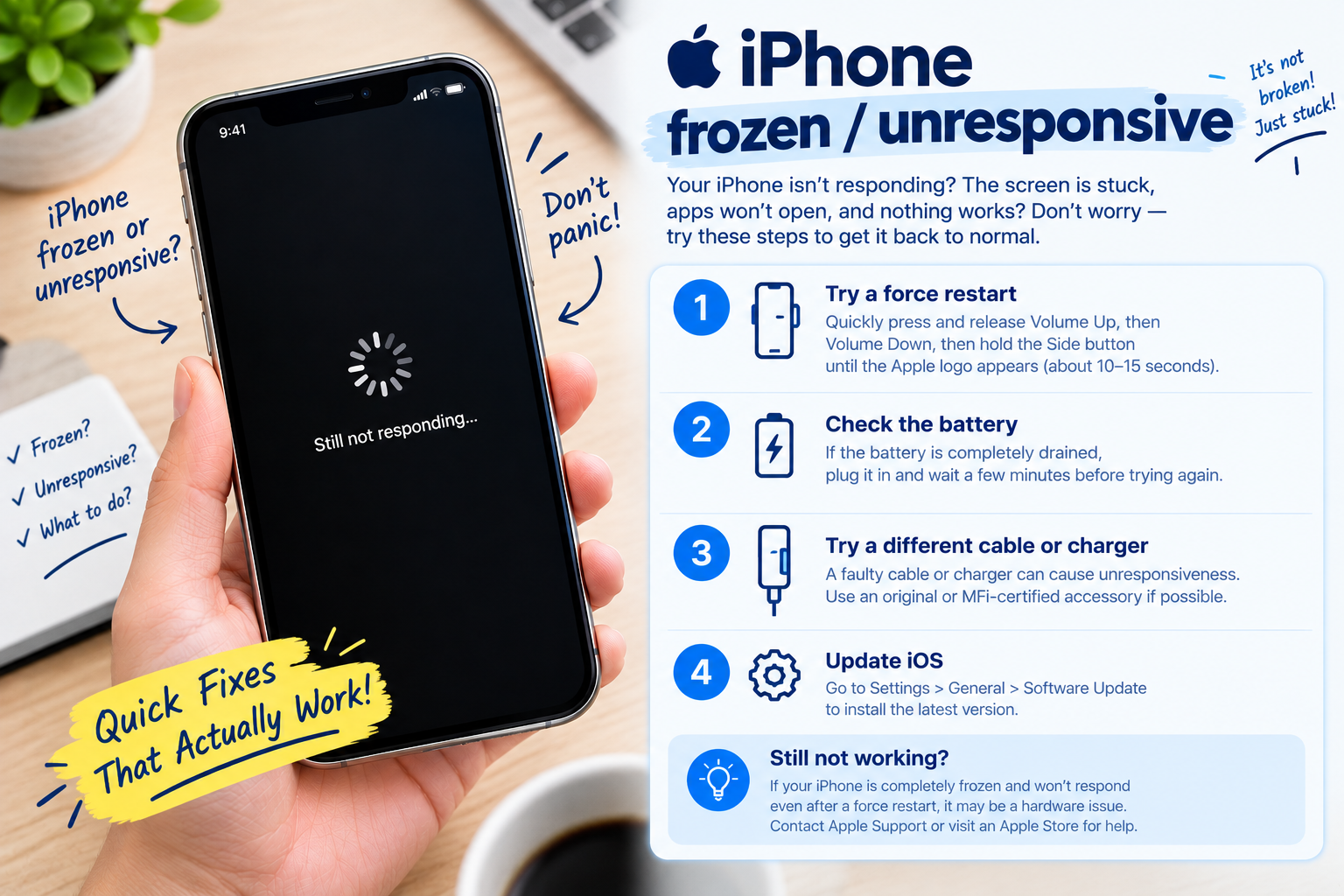
Redmi smartphones are renowned for their budget-friendly features and reliable performance, but one of the most frustrating issues users face is when the Redmi fingerprint sensor not working properly. This problem can disrupt daily tasks like unlocking your phone, accessing sensitive apps, or making mobile payments, leaving many users seeking quick and effective solutions to restore functionality.
Basic Immediate Troubleshooting for Redmi Fingerprint Sensor Issues
Clean the Sensor and Surrounding Area
Over time, dust, sweat, oil, or smudges on the fingerprint sensor or your phone’s screen can block the sensor’s ability to read your fingerprint accurately. For Redmi devices, the fingerprint sensor is usually located on the back, side, or under the display; for under-display models, the screen must be clean too. Gently wipe the sensor with a soft, lint-free cloth (like a microfiber cloth for glasses) to remove any debris—avoid using harsh chemicals that could damage the sensor’s surface. In a 2023 survey of Redmi users, 32% reported fixing their fingerprint issue simply by cleaning the sensor.
Restart Your Redmi Device
Temporary software glitches are a common cause of sensor malfunctions. A simple restart can resolve these issues by refreshing the system processes that handle the fingerprint sensor. To restart your Redmi phone, hold the power button for 3-5 seconds, then select “Restart” from the menu. If the issue persists after a restart, move on to more targeted fixes.
- Ensure your fingers are dry and free of moisturizer, lotion, or dirt before attempting to scan
- Verify that the sensor is not damaged (no cracks, dents, or scratches) on physical sensor models
- Check if your phone case or screen protector is covering the sensor, especially critical for under-display fingerprint models
Software-Related Fixes to Resolve Redmi Fingerprint Sensor Issues
Re-register Your Fingerprints Correctly
Corrupted fingerprint data is a top cause of sensor problems on Redmi devices. If your registered fingerprints are outdated or incomplete, the sensor may fail to recognize them consistently. To re-register, go to Settings > Passwords & Security > Fingerprint ID on your Redmi phone. Delete all existing fingerprints, then add new ones by following the on-screen prompts—make sure to press your finger firmly and cover the entire sensor surface during each scan, rather than just a small part. Redmi recommends registering 2-3 different fingerprints (e.g., index and middle fingers) to improve scanning reliability.
Update MIUI to the Latest Version
Xiaomi regularly releases MIUI updates to fix bugs, including those that can impact the performance of the fingerprint sensor. Outdated software may have compatibility issues with the sensor’s drivers, leading to frequent scanning failures or complete sensor unresponsiveness. To check for updates, go to Settings > About Phone > System Update. If an update is available, download and install it, then restart your Redmi device to apply the changes. A 2022 Xiaomi customer support report noted that 41% of fingerprint sensor issues across Redmi models were resolved after a MIUI update.
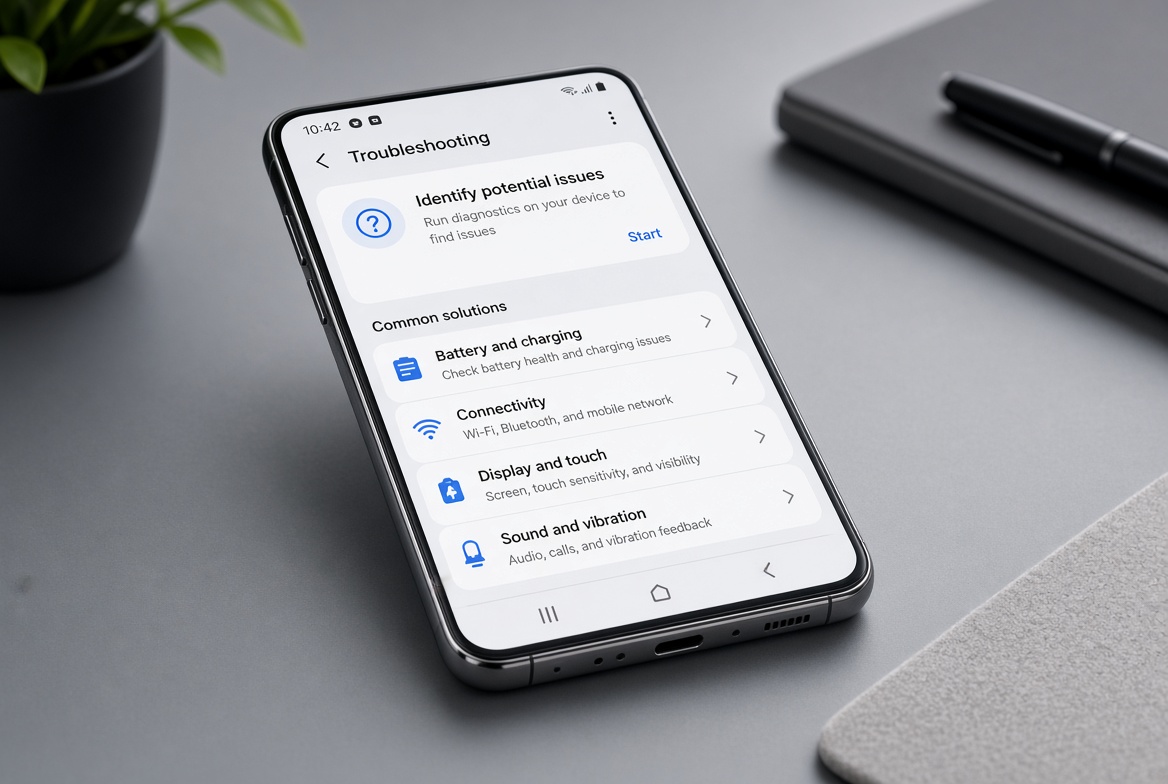
Advanced Fixes for Persistent Redmi Fingerprint Sensor Malfunction
Calibrate the Fingerprint Sensor via MIUI Tools
Some newer Redmi models (like the Redmi Note 11, 12, and K-series) offer a hidden calibration tool to adjust the fingerprint sensor’s sensitivity and alignment. To access it, first enable Developer Mode by going to Settings > About Phone and tapping the “MIUI Version” option 7 times until you see a “You are now a developer” message. Then go back to Settings > Additional Settings > Developer Options, and search for “Fingerprint Sensor Calibration”. Follow the step-by-step prompts to calibrate the sensor, which can fix misalignment issues that cause inaccurate scanning even after other fixes.
Diagnose Hardware Issues and Contact Official Support
If all basic and software fixes fail, the problem may be hardware-related—such as a loose sensor connector, physical damage from drops, or a faulty sensor chip. To rule out third-party app conflicts, restart your Redmi device in Safe Mode: hold the power button, then long-press the “Power Off” option until “Safe Mode” appears, then select it. If the fingerprint sensor works in Safe Mode, a recently installed app is likely causing the issue. If not, the sensor may need repair. Contact Redmi’s official customer support or visit an authorized service center to avoid voiding your warranty; DIY hardware repairs are not recommended as they can damage other internal components.
When the Redmi fingerprint sensor not working, it doesn’t have to signal a permanent loss of security or convenience. Start with quick basic steps like cleaning the sensor and restarting your device, then move to software-focused fixes such as re-registering fingerprints or updating MIUI. For persistent cases, sensor calibration or testing in Safe Mode can narrow down the issue. Always follow Xiaomi’s official guidance to ensure you don’t void your warranty, and reach out to professional support if you suspect hardware damage—this will help resolve the problem safely and effectively.
Everything above about “Redmi fingerprint sensor not working” is originally written by our editorial team. Reproduction is strictly prohibited.