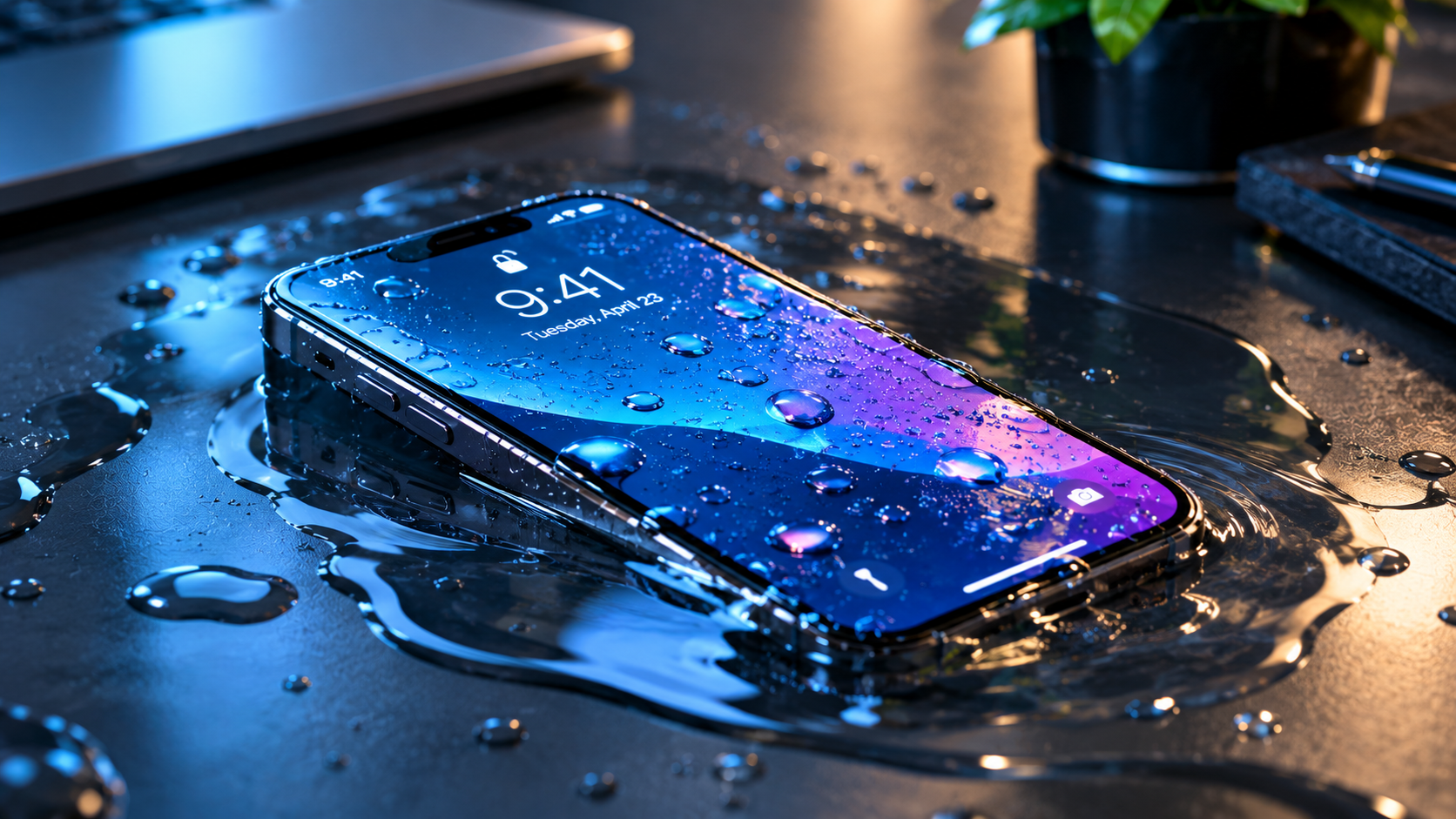
If you’ve ever found yourself leaning in or turning up your phone’s volume to the maximum just to hear a video, podcast, or call clearly, you’ve likely asked: why is my phone speaker so quiet? This pervasive issue affects both iPhone and Android users, arising from a mix of trivial software missteps, everyday hardware wear, and even hidden settings that limit sound output. The good news is that most of these problems are solvable without a costly repair or device replacement, as long as you can pinpoint the root cause.
Software and Accessibility Settings That Limit Volume
Many times, a quiet phone speaker has nothing to do with the speaker itself—instead, it’s a setting that’s accidentally adjusted or a feature designed for safety that’s unintentionally restricting sound. A 2023 Consumer Reports survey found that nearly 30% of users who reported low speaker volume traced the issue back to misconfigured accessibility settings, not a faulty hardware component.
Misaligned Volume Mixer Sliders
Most modern phones separate volume controls for different functions: media (videos, music), calls, notifications, and alarms. If you’re trying to listen to a song and only the notification sliders are turned up, your speaker will sound quiet. On iOS, pressing the volume button pulls up a slider for media volume, but you can access all sliders by tapping the small “…” icon on the volume panel. For Android devices, the process varies by brand—Samsung and Google Pixel users can swipe the volume panel to reveal additional sliders, while other models may require digging into Settings > Sound to adjust each level individually.
Volume-Limiting Accessibility Features
Hearing protection is a key feature on most smartphones, but it can sometimes cap maximum volume below what you need. On iOS, the “Reduce Loud Sounds” setting in Settings > Sounds & Haptics > Headphone Safety limits the output of speakers and headphones to levels deemed safe, which can feel quiet if you’re used to unadjusted volume. Android users often have the “Sound Amplifier” feature enabled, which boosts sound but can also muffle it if not calibrated correctly, or “Mono Audio” which combines left and right channels—if one channel is damaged, this setting can make overall volume feel uneven or low.
Hardware Obstructions That Muffle Speaker Sound
Over time, daily use can take a toll on your phone’s speaker, especially since its grills are exposed to dust, lint, and other debris. iFixit’s 2022 Mobile Device Maintenance Guide notes that 40% of all speaker volume complaints are caused by clogged grills, not internal damage. This buildup acts like a blanket, blocking sound waves from escaping the speaker and resulting in a quieter, muffled output.
Clogged Speaker Grills from Daily Debris
Speaker grills are designed to keep out dust but often trap small particles from pockets, purses, or outdoor environments. Even a thin layer of lint can reduce sound output by as much as 30% according to a test by TechRadar. Unlike headphone jacks, speaker grills are large enough for debris to get stuck, and regular cleaning is necessary to maintain optimal sound.
Internal Speaker Damage
If cleaning and setting adjustments don’t work, the issue may be deeper. Dropping your phone, exposing it to liquid, or aging can damage the speaker’s drivers—the components that produce sound. Liquid damage, in particular, can corrode the small connections between the speaker and the phone’s motherboard, leading to reduced volume or distorted sound. In some cases, a faulty speaker driver will make the sound crackle or cut out entirely at higher volumes.
DIY Fixes to Restore Your Speaker’s Volume
Before you reach for a professional repair, try these simple, at-home fixes that resolve most minor speaker issues. These steps are safe for most devices and take just a few minutes to complete.
Quick Volume and Accessibility Adjustments
Start with the easiest checks first: confirm all volume sliders are at the correct levels, then disable any volume-limiting features. For iOS users, go to Settings > Sounds & Haptics and turn off “Reduce Loud Sounds” by sliding the toggle to off. On Android, navigate to Settings > Accessibility > Sound Amplifier and disable it, or adjust its settings to boost volume instead of limiting it. A simple restart can also fix temporary software glitches that might be causing the volume to stay low.
Gently Cleaning the Speaker Grill
Cleaning the speaker grill is a safe and effective fix for clogged debris. Follow these steps for best results:
- Turn off your phone and remove any case or cover to get full access to the grill.
- Use a small, soft-bristled toothbrush (dry) to gently brush the grill in circular motions—this will loosen dust and lint without scratching the surface.
- For tough clogs, use compressed air held 1–2 inches away from the grill, blowing short bursts to push debris out (never use a vacuum, as it can pull debris deeper into the speaker).
When to Seek Professional Help
If you’ve tried all the DIY fixes and your phone speaker is still quiet, the problem is likely a hardware issue that requires professional attention. Ignoring persistent problems can lead to further damage, so it’s important to act when you see red flags.
Signs You Need a Technician
Look for these indicators that the issue isn’t trivial: no sound at all from the speaker, crackling or distorted sound even at low volumes, or a hissing noise when the speaker is active. These signs point to internal damage that can’t be fixed with a simple cleaning or setting change.
Professional Repairs for Speaker Issues
Most tech repair shops can replace a faulty phone speaker for between $50 and $150, depending on the device model. For flagship phones (like the latest iPhone or Samsung Galaxy), the cost may be higher, but it’s often more affordable than buying a new device. Liquid damage repairs, which involve cleaning the motherboard connections, may cost slightly more but can restore functionality if caught early.
In summary, the question “why is my phone speaker so quiet?” usually points to one of a handful of common issues—misconfigured settings, clogged grills, or minor hardware wear. Start with the simplest fixes: adjusting volume sliders, turning off accessibility limits, and cleaning the speaker grill. If these don’t work, check for signs of internal damage and consult a professional for repairs. By addressing the issue early, you can avoid unnecessary costs and ensure your phone’s speaker works as intended for years to come.
Everything above about “why is my phone speaker so quiet” is originally written by our editorial team. Reproduction is strictly prohibited.