If you’re a Xiaomi or Redmi smartphone user, encountering a Xiaomi / Redmi fingerprint not working issue can be frustrating, as biometric authentication is a convenient way to unlock your device, make payments, access sensitive apps, and bypass lock screens without typing a manual password. This common problem affects a wide range of Redmi models, from entry-level devices like the Redmi 12C to flagship models such as the Redmi Note 13 Pro, and can stem from multiple causes, including minor user error, software glitches, or hardware damage. Troubleshooting systematically will help you resolve the issue quickly, avoiding unnecessary repair costs or replacement.
Basic Pre-Troubleshooting Steps for Xiaomi / Redmi Fingerprint Issues
Clean the Fingerprint Sensor and Your Finger Properly
The single most frequent cause of a Xiaomi / Redmi fingerprint not working is debris on either the sensor surface or your finger. Even tiny smudges of oil, sweat, makeup, or dust can disrupt the light-based sensor technology used in most Redmi devices, which relies on direct contact to map the unique ridges of your fingerprint. To clean the sensor, use a lint-free microfiber cloth—typically used for eyeglasses or camera lenses—and gently wipe the sensor in circular motions; avoid rough paper towels or liquid cleaners, as these can scratch the sensitive sensor surface or seep into internal components. For your finger, wash it with mild, fragrance-free soap and lukewarm water, dry it completely with a towel, and ensure there are no cuts, blisters, dry patches, or moisture on the skin, as these can distort the fingerprint pattern during scanning.
Check for Physical Damage to the Sensor Area
If the Xiaomi / Redmi fingerprint not working issue persists after cleaning, inspect the sensor for visible physical damage. A cracked, scratched, or misaligned sensor will struggle to read your fingerprint accurately, especially if the damage is on the surface of the sensor module. This is particularly common after dropping your phone or exposing it to extreme pressure, such as placing it in a tight pocket with keys. For minor scratches on the sensor surface, you can sometimes use a very small amount of a scratch-repair paste (designed for smartphone screens) to smooth the area, but deep cracks or misalignment will require professional intervention. Avoid prying at the sensor yourself, as this can cause further damage to the device’s internal hardware.
Software-Related Fixes to Resolve Xiaomi / Redmi Fingerprint Failures
If pre-troubleshooting checks don’t work, the issue is likely tied to MIUI, the custom operating system used by Xiaomi and Redmi devices. Corrupted fingerprint data, outdated software, or app conflicts are the most common software-related causes of a Xiaomi / Redmi fingerprint not working problem, and these can often be fixed with simple adjustments.
Re-Register Your Fingerprint Data
Over time, stored fingerprint templates can become corrupted, especially after software updates or multiple uses, leading to inconsistent scanning failures. To fix this, go to your device’s Settings app, navigate to Security & Privacy > Fingerprint Unlock (or Fingerprint & Password, depending on your MIUI version), and select the option to delete all existing fingerprint entries. Once all old data is removed, re-register your finger, taking care to capture multiple angles: scan the tip, middle, and side of your finger, and lift your finger slightly to cover as much of the sensor as possible. Most MIUI versions recommend registering your finger at least two times to ensure the system has a full, reliable map of your fingerprint, which reduces the chance of future failures.
Update MIUI and Clear Temporary System Glitches
Outdated MIUI builds often contain bugs that interfere with biometric functionality, including the fingerprint scanner. To ensure your device has the latest fixes, go to Settings > About Phone > System Update, and tap Check for Updates to install the newest MIUI version. Additionally, a soft reset can clear temporary system files that might be causing conflicts with the fingerprint scanner: hold down the power button, select Restart, and wait for the device to fully reboot before testing the fingerprint. For more persistent glitches, a soft reset is the most effective quick fix for minor software conflicts related to the Xiaomi / Redmi fingerprint not working issue.
- Boot into Safe Mode to Identify App Conflicts: If the fingerprint works in Safe Mode (a diagnostic state where third-party apps are disabled), a recently installed app is causing the issue. To enter Safe Mode, hold the power button, long-press the “Power Off” option, and select “Safe Mode” when prompted. Uninstall apps one by one, especially security tools, launchers, or payment apps, until the fingerprint starts working again.
- Switch from MIUI Beta to Stable Build: Beta versions of MIUI are designed for testing new features but often have unresolvable bugs that break biometric functions. If you’re using a beta build, switch back to the stable MIUI version via the official MIUI Downloader app or Xiaomi’s support website to eliminate compatibility issues.
- Factory Reset as a Last Resort: If all other software fixes fail, a factory reset will erase all data and restore your device to default settings, removing deep-seated glitches. Before proceeding, back up your data via Xiaomi’s Cloud or a local storage device, then go to Settings > Additional Settings > Backup & Reset > Factory Data Reset. After resetting, set up the fingerprint scanner first before restoring apps to confirm the issue is resolved.
When to Seek Professional Help for Xiaomi / Redmi Fingerprint Problems
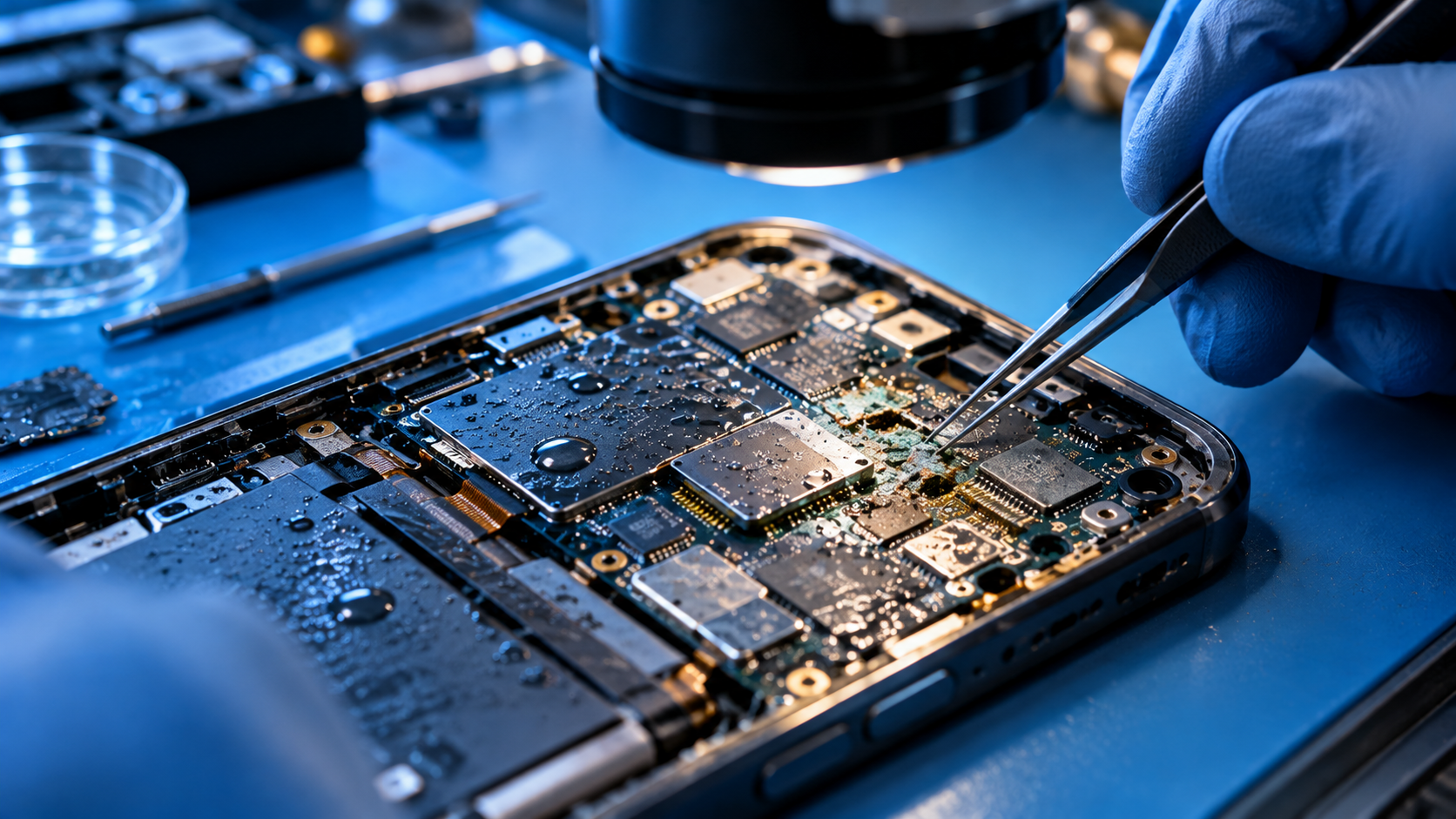
If all basic and software troubleshooting steps don’t fix the Xiaomi / Redmi fingerprint not working issue, it’s likely a hardware problem that requires professional repair. Common hardware causes include a loose sensor connection (often caused by a drop or impact), a faulty sensor module, or damage to the device’s mainboard components. Budget Redmi models may have affordable replacement sensors, but it’s critical to use an authorized Xiaomi service center to avoid voiding your warranty or causing further damage. Most Xiaomi devices come with a 1-year limited warranty, so if the issue is hardware-related and still under warranty, you may get a free repair or replacement.
To wrap up, resolving a Xiaomi / Redmi fingerprint not working issue relies on systematic troubleshooting: start with simple cleaning and damage checks, move to software fixes like re-registering fingerprints and updating MIUI, and finally turn to professional help if hardware is suspected. By following these step-by-step fixes, you can restore your device’s biometric functionality without unnecessary costs or delays, ensuring you can quickly access your Redmi or Xiaomi device whenever needed.
Everything above about “Xiaomi / Redmi fingerprint not working” is originally written by our editorial team. Reproduction is strictly prohibited.