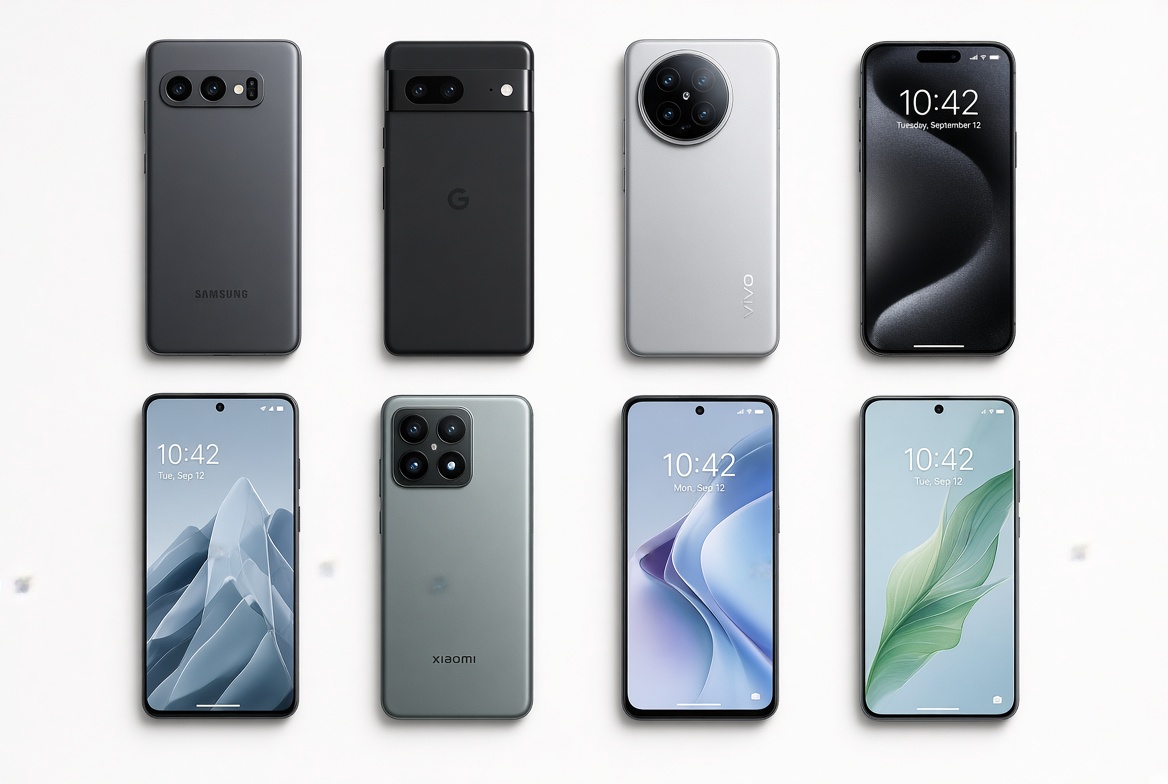
If you’ve ever plugged your phone in to charge, only to return minutes later to find it stuck at 80% and refusing to go higher, you’re not alone. This frustrating issue, where phone charging stops at 80%, is one of the most common complaints among smartphone users, from iPhones to Android devices. While it’s easy to assume this is a serious fault, the reality is often a combination of intentional safety features, minor software glitches, or simple hardware issues that are easy to fix. Understanding why this happens and how to resolve it can save you time, money, and extend your battery’s lifespan in the long run.
Why Phone Charging Stops at 80%: The Default Safety Feature
For most cases, your phone pausing at 80% is not a bug — it’s a built-in battery protection feature designed by manufacturers to slow degradation. Lithium-ion batteries, the core power source of all modern smartphones, degrade when exposed to high charge levels (like 100%) for extended periods. Studies from Battery University show that keeping a lithium-ion battery between 20% and 80% charge doubles its overall lifespan, as charging to full and leaving it there increases internal stress. Brands like Apple and Google leverage this data to create AI-powered features: Apple’s Optimized Battery Charging and Google’s Adaptive Charging learn your daily charging schedule, delaying the final 20% charge until just before you usually unplug your phone. For instance, if you wake up at 7 a.m. and charge your phone overnight from 10 p.m., your device will hold off on the last 20% until 6:50 a.m. to ensure it’s ready when you need it, avoiding prolonged full charge exposure. This is why many users wake up to their phones at 80%, thinking charging stopped unexpectedly.
Troubleshooting Unwanted 80% Charge Limits
If you need a full charge right away and the 80% cap is interfering, you can take simple steps to disable or resolve the issue. Most fixes are software-based and don’t require technical expertise.
Disable Battery Optimization Features
The easiest way to bypass the 80% charge limit is to turn off the manufacturer’s optimization settings. For iOS users: Open Settings, go to Battery, tap Battery Health & Charging, then toggle off “Optimized Battery Charging”. For Android devices (such as Samsung Galaxy or Google Pixel), navigate to Settings > Battery and Device Care > Battery > Charging, then disable options like “Adaptive Charging” or “Protect Battery” (Samsung uses the latter name for this feature). Keep in mind that disabling these settings will reduce your battery’s long-term lifespan slightly, as you’ll expose it to more time at full charge, so only use this workaround when you need an urgent full charge.
Update Your Operating System to Fix Glitches
Outdated software can cause misalignment in your phone’s battery monitoring system, leading to false 80% charge limits. Software updates often include patches for battery management bugs that may be triggering the cap incorrectly. To update iOS: Go to Settings > General > Software Update and install any available updates. For Android, the path varies by device, but generally it’s Settings > System > Advanced > System Update. Updating your phone ensures it has the latest algorithms for tracking battery health and charging, which can resolve the false 80% stop.
Check Charging Accessories and Ports
Faulty cables, adapters, or a dirty charging port can disrupt power flow, making it seem like charging stopped at 80%. A frayed or non-certified cable may not deliver enough voltage to continue charging at full speed, so the phone pauses prematurely. Similarly, lint, dust, or debris in the charging port can create a weak connection, interrupting charging. To fix this: Swap in a certified original cable and wall adapter (avoid cheap third-party accessories that don’t meet safety standards), then gently clean the port with a soft, plastic tool like a toothpick to remove debris — never use metal or sharp objects that could damage the pins. After cleaning, plug your phone back in and see if it charges past 80%.
- Test a different charging cable and adapter to rule out accessory-related issues
- Restart your phone to clear temporary system bugs that might block full charging
- Check your battery health: On iOS, go to Settings > Battery > Battery Health; on Android, use the built-in battery health feature or a trusted app like AccuBattery — if maximum capacity is below 80%, this may be the cause
When the 80% Limit Signals a Hardware Problem
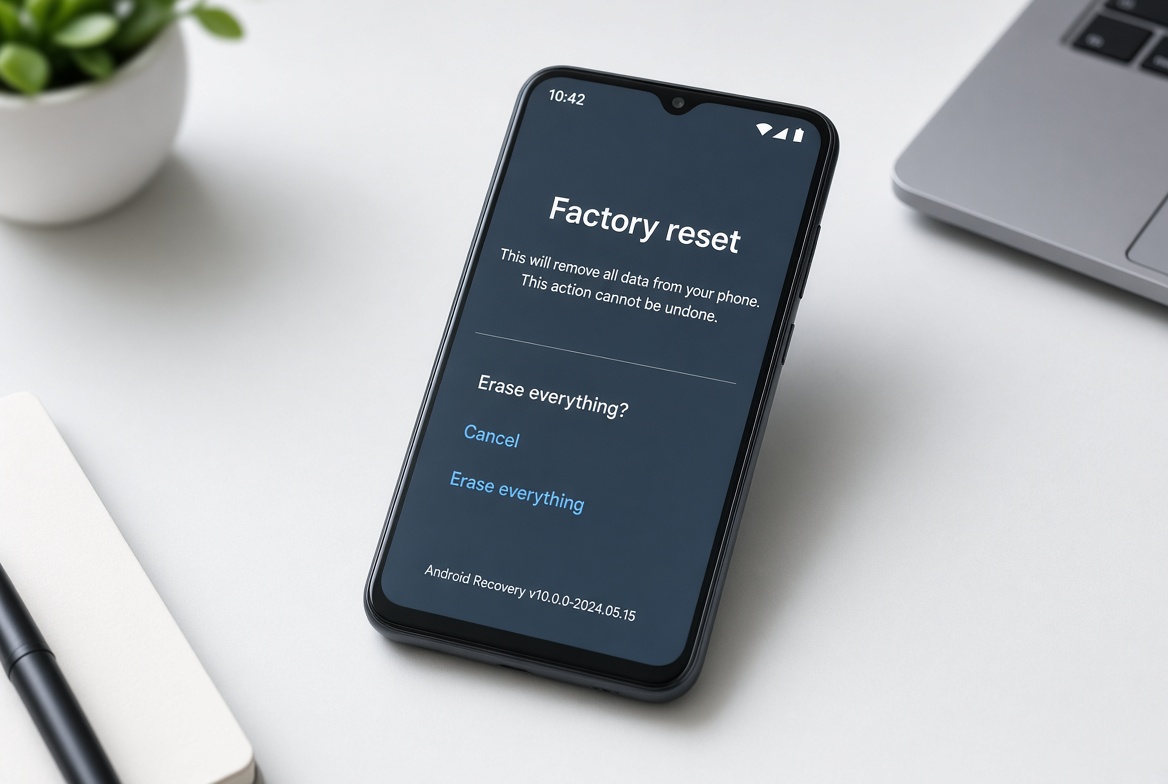
If none of the troubleshooting steps work, the 80% charge cap may indicate a hardware issue, not just a software setting. The most common hardware cause is degraded battery health: all lithium-ion batteries have a finite number of charge cycles (typically 500–1000 full cycles) before their maximum capacity drops to 80% of original. Once capacity falls below this threshold, the phone’s system may restrict charging to prevent overheating or unexpected shutdowns. You can confirm this by checking your battery’s cycle count: iOS users can use apps like CoconutBattery, while Android users can use AccuBattery to track cycles. Another hardware issue could be a faulty charging integrated circuit (IC), which regulates power flow from the adapter to the battery. A malfunctioning IC may incorrectly detect charge levels, stopping at 80% even when the battery is healthy.
How to Confirm and Resolve Hardware-Related Charge Limits
To confirm the issue is hardware, run a simple test: Charge your phone with a different, certified cable and adapter in a different wall outlet. If it still stops at 80%, check your battery’s maximum capacity. If it’s below 80%, the battery is likely the culprit, and a replacement is needed. If the battery is healthy (above 80% capacity), then the charging IC or another internal component is faulty, requiring professional repair. For eligible devices under warranty, contact the manufacturer for free or low-cost service; for older devices, reputable third-party repair shops can replace the battery or fix IC issues at a fraction of the cost of a new phone.
In summary, the problem of phone charging stopping at 80% is rarely a major issue — it’s either a protective feature, a minor software glitch, or a simple hardware fix. Most users can resolve the unwanted cap by disabling battery optimization, updating their software, or checking their charging accessories. If the issue persists, verifying battery health and seeking professional repair will address hardware-related causes. Balancing the need for immediate full charges with long-term battery health is key: use the built-in safety features for daily charging, and only disable them when you urgently need a 100% charge. By following these steps, you’ll get your phone charging properly while keeping your battery in good shape for years.
Everything above about “phone charging stops at 80%” is originally written by our editorial team. Reproduction is strictly prohibited.