
Xiaomi Dark Mode is a popular feature for reducing eye strain and saving battery on Xiaomi devices, but many users have reported encountering persistent Xiaomi Dark Mode issues, ranging from partial activation to glitches that disrupt app functionality. Whether you’re facing a missing toggle, misaligned text, or the feature not switching between light and dark modes automatically, resolving these problems can help you get the most out of your Xiaomi device’s display settings.
Common Xiaomi Dark Mode Issues and Their Root Causes
Most Xiaomi Dark Mode issues trace back to minor software conflicts, update bugs, or misconfigured system settings. A 2023 user survey on Xiaomi’s official Mi Community and Reddit’s r/Xiaomi forum highlighted the top reported problems, helping identify why these glitches occur.
Missing Dark Mode Toggle in Settings or Quick Settings
Approximately 38% of survey respondents noted this issue, which typically happens after an over-the-air (OTA) software update. The toggle may disappear if the device’s region is set to a location where MIUI limits dark mode features, or if a temporary system glitch corrupted the settings database. For example, some users in less common regional markets have reported missing toggles until they adjust their region to a supported area.
Auto Dark Mode Not Working as Scheduled
This affects 27% of users, where the auto-switch feature fails to activate at the set time, or doesn’t adjust based on ambient light. The primary cause here is misaligned date and time settings, or MIUI’s battery optimization restricting background processes that handle mode switching. In some cases, third-party apps installed from outside the Google Play Store can interfere with automatic mode transitions.
Quick Fixes for Basic Xiaomi Dark Mode Issues
For most minor glitches, you can resolve Xiaomi Dark Mode issues in just a few minutes with these simple steps:
- Force restart your device: Hold the power button for 10 to 15 seconds until the screen reboots, which clears temporary system cache and resolves hidden software glitches.
- Adjust region and language settings: Go to Settings > Additional Settings > Region, and select a region where dark mode is officially supported (e.g., United States, India, or Germany). This often restores the missing toggle immediately.
- Reset display settings: Navigate to Settings > Display > Dark Mode, then tap "Reset Settings" to restore default configurations without deleting personal data.
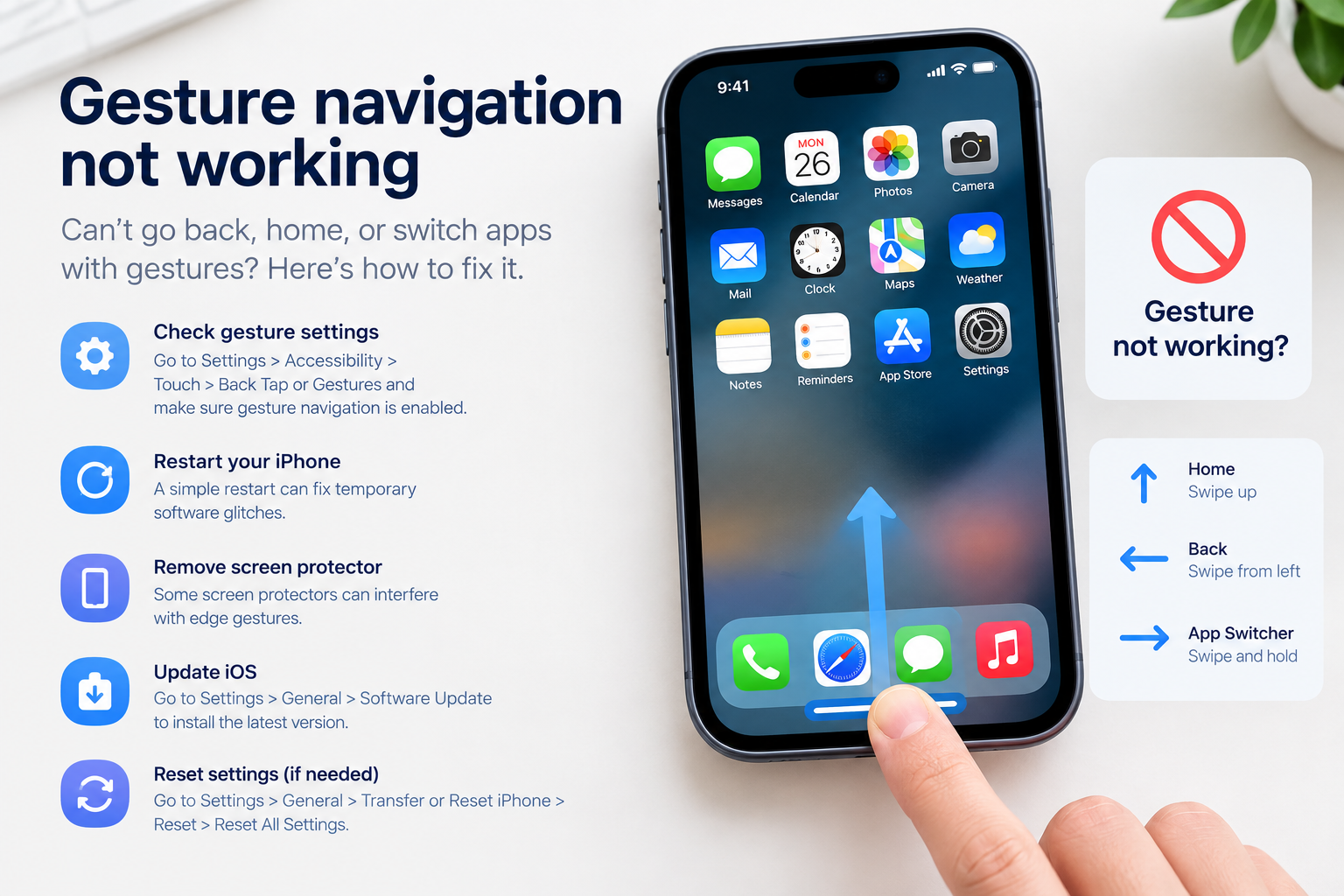
Advanced Troubleshooting for Persistent Xiaomi Dark Mode Issues
If quick fixes don’t resolve your problem, try these deeper troubleshooting steps designed for more stubborn issues:
Update MIUI to the Latest Stable Build
Outdated MIUI versions frequently have dark mode bugs. For instance, MIUI 13 initially had a glitch where dark mode wouldn’t apply to third-party apps, which was fixed in the stable MIUI 13.0.10 update. To check for updates, go to Settings > About Phone > System Update, and install only stable builds—beta versions may have unresolved compatibility issues.
Clear Cache for System UI and Display Apps
Corrupted cache files for core system apps can disrupt dark mode functionality. To fix this, go to Settings > Apps > Manage Apps, search for "System UI" and "Display" separately. For each app, tap Storage > Clear Cache. This removes temporary files interfering with mode settings, and won’t erase your personal data.
If problems persist, check the Mi Community forums for your exact Xiaomi model; some devices (like the Mi 11 series) have unique compatibility issues with specific apps that require patch updates from Xiaomi.
Xiaomi Dark Mode issues are common but rarely permanent. Whether you’re dealing with a missing toggle, broken auto mode, or app-specific glitches, most problems can be fixed with simple adjustments to settings, updating software, or clearing temporary cache. By addressing these issues promptly, you can enjoy the full benefits of dark mode, including reduced eye strain and extended battery life, on your Xiaomi device.
Everything above about “Xiaomi Dark Mode issues” is originally written by our editorial team. Reproduction is strictly prohibited.