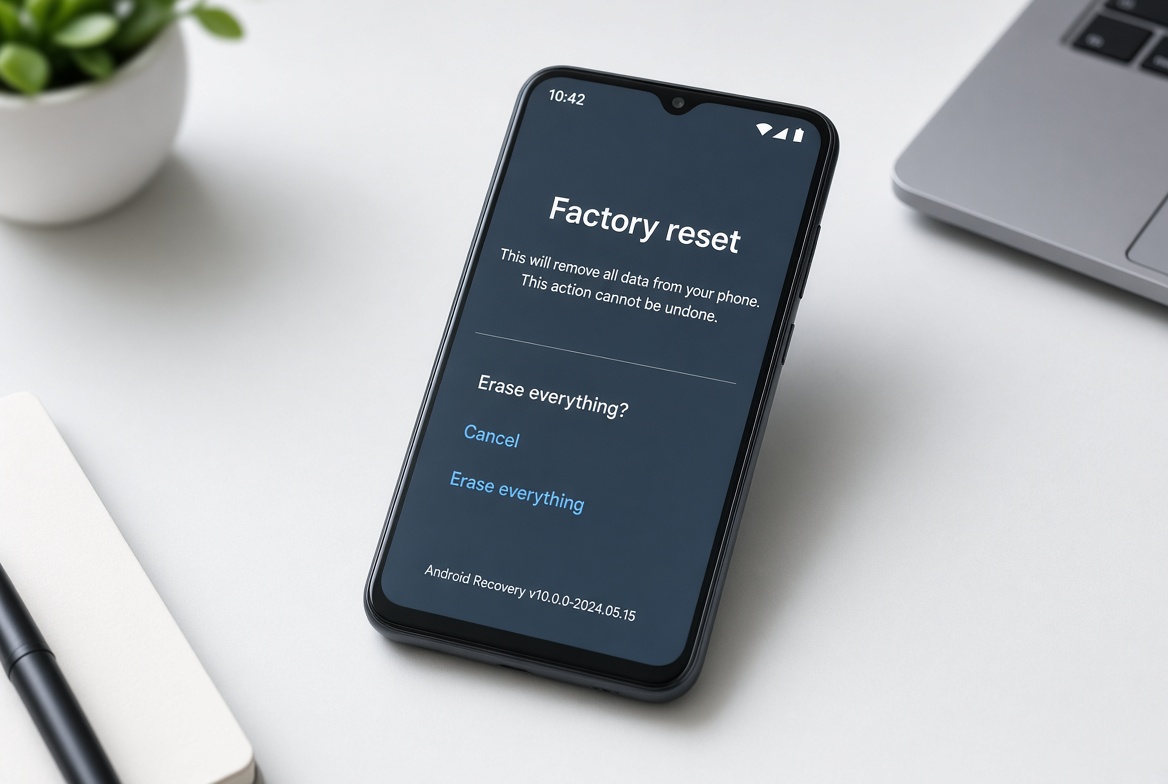
Android phone overheating solutions is the central topic of this article, and the following content explains the key points, practical uses, and decisions around it.
Android phones are among the most popular mobile devices globally, valued for their customization and versatility, but overheating remains a pervasive issue that impacts performance, battery life, and long-term hardware health. For anyone experiencing a hot phone mid-gaming session or during a prolonged video call, knowing effective Android phone overheating solutions is key to restoring functionality and preventing potential damage to internal components.
Immediate Temporary Android Phone Overheating Solutions
When your Android phone suddenly overheats, quick, actionable steps can lower its temperature within minutes without requiring complex settings changes. These fixes are ideal for urgent situations where you need to use your device again soon.
Remove the Protective Case
Many users overlook that thick, rubberized, or insulated phone cases trap internal heat, preventing it from dissipating. A 2023 tech performance study found that standard phone cases can increase an Android device’s internal temperature by up to 8 degrees Celsius during heavy use like gaming or video streaming. Taking off the case immediately exposes the phone’s heat sinks and battery to open air, accelerating cooling.
Close Background Apps and High Resource Processes
Unused apps running in the background (including location trackers, cloud sync tools, or paused media players) consume CPU and GPU resources, generating excess heat. For example, if you have 5+ social media apps open alongside a game, the combined processing load can push your phone’s temperature beyond safe limits. To fix this, swipe away unused apps from your recent tasks screen, or go to Settings > Apps > Select Unused App > Force Stop to end its background activity.
Cease Usage and Disconnect Charging
Using your Android phone while charging—especially with fast chargers—significantly raises internal temperature, as both charging and processing generate heat simultaneously. If your device feels overly hot, stop streaming, gaming, or making calls, then unplug it from the charger. Letting it rest for 10 to 15 minutes will help balance its internal temperature.
- Power off your Android phone temporarily to allow full cooling of all internal components
- Relocate the device to a cool, shaded surface (e.g., a metal desk near a fan) away from direct sunlight or hot surfaces like car dashboards
- Avoid placing the phone on soft materials like beds or couches, which block ventilation and trap heat from the device’s underside
Long-Term Preventive Android Phone Overheating Solutions
To avoid recurring overheating, proactive changes to your device’s settings and habits can reduce heat generation over time, extending your phone’s lifespan and maintaining consistent performance.
Optimize Background App Activity
Most Android apps are designed to refresh data, send notifications, and sync content even when not in use— a feature that drains battery and contributes to heat. Google’s Android 14 performance data shows that restricting background activity for high-use apps (like social media or email) can cut CPU-related heat by up to 25% during daily use. To adjust this: Go to Settings > Apps > Select an app > Battery > Choose "Restrict background activity". You can also enable the "Adaptive Battery" feature to automatically limit background activity for rarely used apps.
Keep Software and Apps Up-to-Date
Outdated operating systems and apps often contain unpatched bugs that cause abnormal resource usage, leading to consistent overheating. For example, a 2023 bug in Samsung’s One UI 5.1 software caused excessive CPU usage during voice calls, resulting in devices overheating after 30 minutes of use—a fix released in a subsequent software update. To apply updates: Check for OS patches via Settings > System > System update, and update apps through the Google Play Store > My apps & games. OEMs like Google and Xiaomi regularly release thermal management updates specifically to address overheating issues, so delaying these updates leaves your device vulnerable.
Hardware and Environmental Adjustments to Reduce Overheating
Small changes to how you use your Android phone and its accessories can prevent overheating before it starts, without modifying device settings.
Avoid Extreme Temperatures and Poor Ventilation
Exposing your Android phone to temperatures above 35°C (95°F)—such as leaving it in a hot car dashboard during summer or near a kitchen stove—can trigger thermal throttling, where the CPU slows down to reduce heat, harming performance. A 2022 IDC study found that phones placed on soft surfaces like pillows run 4-6°C hotter than those on hard, flat surfaces, as soft materials block ventilation. Actionable tip: Use a hard desk when gaming or streaming, and keep your phone in a cool, dry area away from direct sunlight when not in use.
Use Only Certified Chargers and Cables
Uncertified third-party chargers often deliver inconsistent power, leading to inefficient charging and increased heat. Consumer Reports’ 2024 mobile charging test found that uncertified chargers caused 3x more overheating incidents in Android devices compared to OEM (Original Equipment Manufacturer) or USB-IF certified chargers. Always use the charger that came with your phone, or purchase a certified replacement from a trusted retailer. Avoid charging your phone while it’s in a closed bag or under a pillow, as this traps heat from the charger.
Dispelling Common Myths About Android Phone Overheating
Misconceptions about cooling can make overheating worse or damage your device further. A popular myth is placing the phone in a freezer or on ice to cool quickly—this is dangerous because condensation forms on internal components when the device is moved from cold to room temperature, leading to short circuits or water damage. Instead, use a room-temperature fan to blow air across the device, or turn it off for natural cooling. Another myth is that rooting your Android phone fixes overheating; improper rooting can lead to unstable software settings that raise CPU usage and heat, so stick to official solutions.
Android phone overheating is a common but manageable problem, and effective Android phone overheating solutions span immediate reactive steps and long-term preventive practices. Temporary fixes like removing cases and closing background apps provide quick relief, while optimizing app settings, updating software, and using certified chargers prevent recurring issues. By being mindful of environmental factors and avoiding harmful myths, you can keep your Android phone running smoothly, extend its battery life, and avoid costly repairs for years to come.
Everything above about “Android phone overheating solutions” is originally written by our editorial team. Reproduction is strictly prohibited.