Overheating while charging is one of the most common and critical issues faced by smartphone, laptop, and electric vehicle users, often dismissed as a minor inconvenience but actually a clear sign that your device’s health is at risk. When a device exceeds its safe operating temperature (typically 35°C or higher for most consumer electronics) during charging, it can accelerate lithium-ion battery degradation, cause lag or performance slowdowns, or even become a safety hazard in extreme cases. Understanding the root causes of this problem is the first step to resolving it and extending your device’s usable lifespan.
What Causes Overheating While Charging?
Overheating during charging stems from a combination of external conditions and internal device issues, often acting together to raise temperatures beyond safe limits. A 2023 Consumer Technology Association (CTA) survey of 2,000 U.S. tech users found that 78% of overheating incidents while charging were linked to at least one avoidable factor, rather than inherent device flaws.
External Environmental and Usage Triggers
The most common external causes include charging in hot environments, using the device during charging, and improper placement. For example, leaving a phone on a sun-warmed dashboard or a bed covered by a blanket traps heat, as consumer electronics rely on passive cooling to dissipate excess energy. Using your device for resource-heavy tasks like gaming, 4K streaming, or video editing while charging doubles power draw, leading to 30% more heat generation, per data from the International Energy Agency (IEA)’s battery research division. Thick protective cases, while popular for drop protection, can block up to 40% of a device’s heat vents, exacerbating overheating risk.
Internal Device and Charger Faults
Internal issues are another key culprit, particularly for older devices. Faulty, uncertified chargers are a major concern; third-party accessories that lack safety certifications (like USB-IF certification) often deliver inconsistent power, leading to overvoltage and excess heat during charging. Damaged charging ports, with bent pins or dust buildup, can cause inefficient power transfer, forcing the device’s battery to work harder and generate more heat. Additionally, lithium-ion batteries degrade over time (after 300–500 charge cycles), leading to higher internal resistance, which translates to more heat during charging even when using the correct accessories.
Step-by-Step Fixes for Overheating While Charging
If your device is already overheating while charging, taking immediate action can prevent permanent damage and bring temperatures back to safe levels. The fix process balances quick adjustments to lower heat and identifying and addressing the root cause to avoid recurrence.
Immediate Temperature Reduction
Start by unplugging the device from the charger immediately to stop additional power input, which is the fastest way to halt heat buildup. Move the device to a cool, flat, well-ventilated surface—avoid soft surfaces like couches or pillows, which block airflow. Remove any thick protective case temporarily, as this is often a quick fix. Apple’s technical support notes that removing a case can reduce device temperature by 5–7°C within 10 minutes, a significant drop that prevents further battery stress.
Long-Term Solutions to Prevent Recurrence
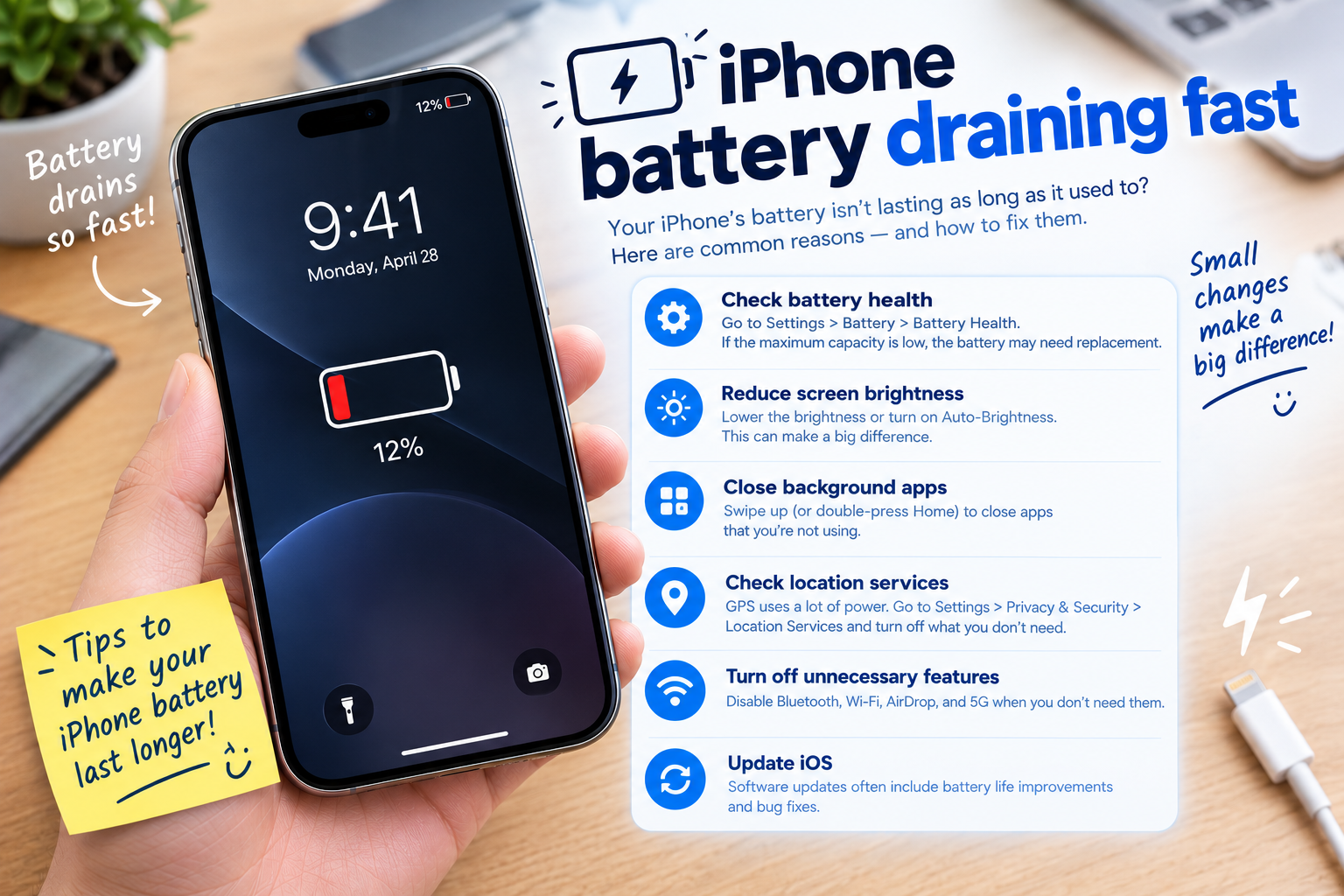
Beyond immediate fixes, address the underlying cause of overheating to ensure sustained safety. This includes switching to certified chargers, updating software, and checking your device’s battery health. For example, Android and iOS devices have built-in battery health tools that can show if your battery is degraded, prompting a replacement before overheating becomes a regular issue.
- Avoid using your device for high-energy tasks like gaming, streaming, or video editing while it’s charging; these activities increase power demand and heat production.
- Use only manufacturer-certified or USB-IF-approved chargers and cables, as uncertified accessories can deliver unstable power that leads to overheating and even damage internal components.
- Keep your device on a hard, open surface (not in a bag, pocket, or car dashboard) to allow air to circulate around its body and dissipate heat.
- Clean your charging port monthly with a soft, dry brush or compressed air to remove dust and debris that can block power transfer and cause inefficient charging.
Preventive Measures to Protect Device Health
Preventing overheating while charging is far easier than addressing its effects, and it contributes to a longer-lasting device and better battery performance. Many preventive steps are simple daily habits that most users can adopt without extra cost.
Battery Care Best Practices
Lithium-ion batteries, the standard in most modern devices, perform best when kept between a 20% and 80% charge level. Avoid letting your battery drain completely before charging, and avoid charging to 100% regularly—this reduces stress on the battery and cuts excess heat generation. Samsung’s battery research team found that devices charged to 80% and left on trickle charging show 25% less battery degradation over two years compared to those fully charged daily.
Regular Device Maintenance
Regular software updates often include fixes for background process bugs that can cause unnecessary power use and overheating. Manufacturers release these updates to optimize charging efficiency and reduce heat, so delaying updates can leave your device vulnerable. Additionally, avoid exposing your device to extreme temperatures (both hot and cold) during charging, as temperature fluctuations can strain the battery and lead to overheating over time.
Overheating while charging is not a problem to ignore, as it directly impacts your device’s safety, performance, and lifespan. The key takeaways are: addressing external triggers like hot environments and improper case use, using certified chargers, maintaining battery health through optimal charge levels, and staying on top of regular maintenance like cleaning ports and updating software. By implementing these steps, you can significantly reduce the risk of overheating, extend your device’s usability, and avoid costly repairs or replacements in the long run.
Everything above about “overheating while charging” is originally written by our editorial team. Reproduction is strictly prohibited.