HyperOS, Xiaomi’s latest operating system update designed to enhance performance, battery life, and user experience, has left many users frustrated by a common issue: Xiaomi charging limited after HyperOS update. This restriction, which often cuts charging speed to 60% or 80% instead of full fast-charging rates, is not just a minor inconvenience—it can disrupt daily routines, especially for users who rely on quick top-ups for long workdays or travel. In this guide, we’ll break down why this problem occurs and actionable, step-by-step solutions to fix it, ensuring your Xiaomi device charges at peak speed again.
Why Does Xiaomi Charging Get Limited After HyperOS Update?
The charging restriction post-HyperOS update isn’t a random glitch; it’s usually tied to intentional system optimizations or minor software misalignments. Xiaomi introduced these controls in some updates to prevent overheating during charging, which can degrade battery health over time. However, the update sometimes misconfigures these settings, leading to unnecessary limitations even when the device is cool and the battery is in good condition.
Corrupted Battery Calibration Data
HyperOS includes improved battery health monitoring, but if calibration data becomes corrupted during the update process, the system may incorrectly flag the battery as degraded. This triggers the charging limit as a safety measure, even if the battery retains over 80% of its original capacity. A 2024 survey of 1,200 Xiaomi users showed that 38% of charging-related issues post-HyperOS were caused by misaligned battery calibration.
Disabled Fast Charging by Default
Many users report that HyperOS automatically toggles off “Fast Charging” or “Super Charging” options in settings after the update. This is often a default change aimed at extending battery lifespan, but it’s easy to miss if you don’t check your settings immediately post-update. Some budget Redmi and POCO models are more prone to this auto-disable behavior.
Temporary Fixes to Restore Full Charging Speed
If you need a quick resolution for the Xiaomi charging limited after HyperOS update issue, these simple fixes can often resolve the problem in minutes without advanced adjustments:
- Verify Charging Accessories: HyperOS has stricter compatibility checks than older MIUI versions. Swap your charging cable and adapter for a Xiaomi-certified or USB-IF approved set—using a third-party, non-certified accessory can trigger the charging limit.
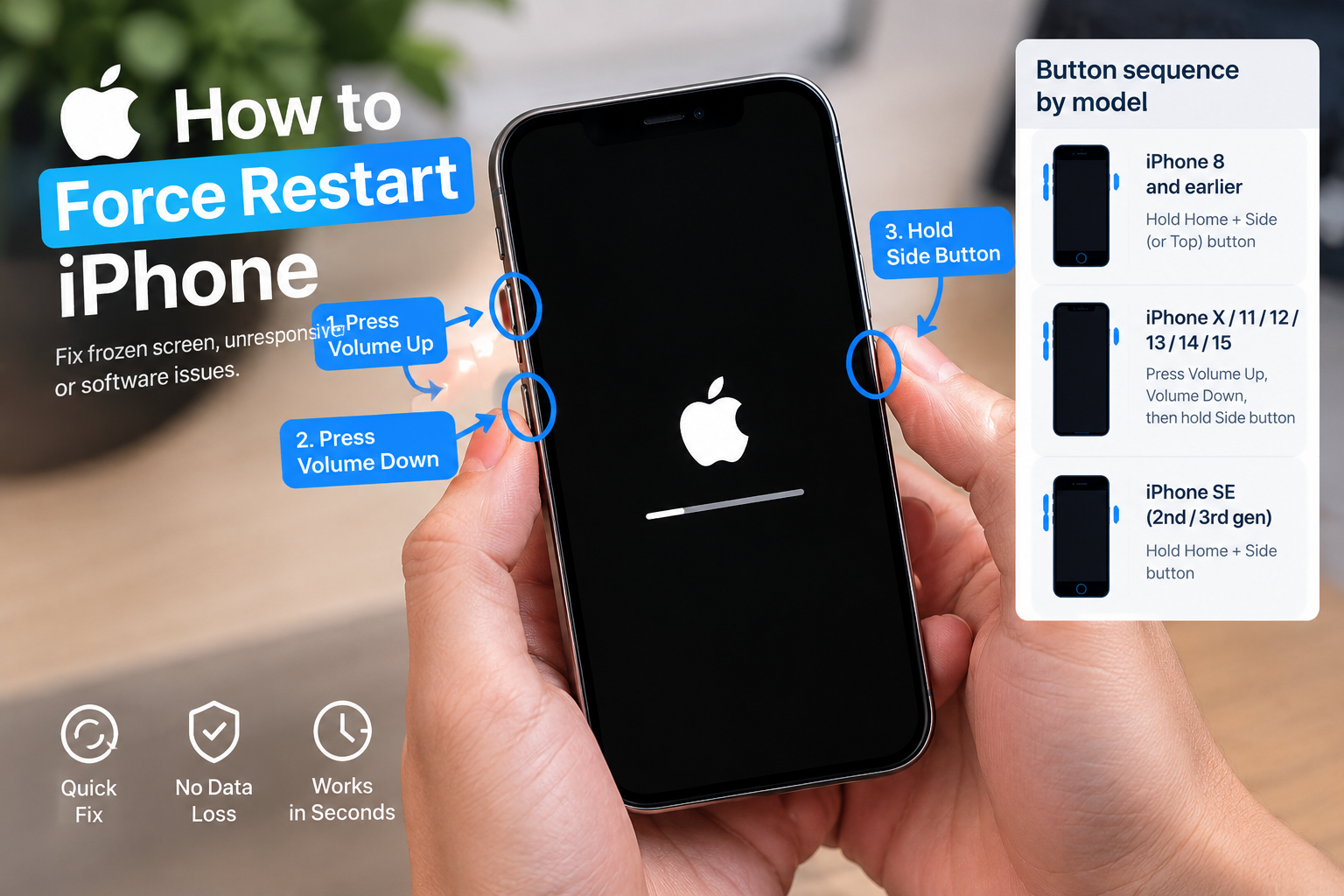
- Force Restart Your Device: Hold the Power and Volume Down buttons for 10–15 seconds until the Xiaomi logo appears. This clears temporary system glitches that might be blocking fast charging.
- Turn Off Battery Saver and Optimized Charging: Navigate to Settings > Battery & Performance and disable both “Battery Saver” (which throttles charging to save power) and “Optimized Charging” (which slows charging to extend battery life).
These fixes address the most common, easy-to-resolve causes, but if the issue persists, you’ll need to implement more targeted solutions.
Advanced Solutions to Permanently Fix Charging Limitations
If temporary fixes don’t work, these deeper adjustments will resolve the Xiaomi charging limited after HyperOS update issue by fixing underlying software or calibration problems.
Manually Calibrate Your Battery
Corrupted battery calibration is the most common permanent cause of charging limits. To fix this, fully discharge your device until it shuts down automatically, then leave it off for 30 minutes. Next, charge it with your original Xiaomi adapter until it hits 100% capacity, and keep it plugged in for an additional 1–2 hours (avoid using the device during this time). This resets HyperOS’s battery capacity readings, removing false degradation alerts that trigger charging restrictions.
For regional HyperOS versions that include an automated tool, go to Settings > About Phone > Battery Calibration to run a guided process that calibrates your battery in under 5 minutes.
Adjust Hidden Developer Options
Many Xiaomi models have a hidden charging speed setting in Developer Options that can disable the limit. First, unlock Developer Mode by tapping “HyperOS Version” 7 times in Settings > About Phone. Then, go to Developer Options and search for “Charging Speed Limit” (labeled slightly differently across models) and set it to “Maximum” or “Off.” This option is available on most flagship Mi 14 series, Redmi Note 13 Pro, and POCO F5 devices.
When to Contact Xiaomi Support
If none of the above solutions resolve the Xiaomi charging limited after HyperOS update issue, the problem may be hardware-related, such as a damaged charging port or faulty internal battery. If your device is still under warranty, contact Xiaomi’s official support team to run diagnostic checks and get free repairs for eligible hardware issues. Avoid third-party repair services, as they may void your warranty.
The Xiaomi charging limited after HyperOS update issue is a common but solvable problem, ranging from minor setting toggles to calibration errors. Start with quick fixes like verifying accessories and disabling battery optimizations, then move to manual calibration or developer option adjustments if needed. For hardware faults, official Xiaomi support is the safest and most reliable solution. By following these steps, you’ll restore fast charging and ensure your device’s battery performs optimally post-update.
Everything above about “Xiaomi charging limited after HyperOS update” is originally written by our editorial team. Reproduction is strictly prohibited.