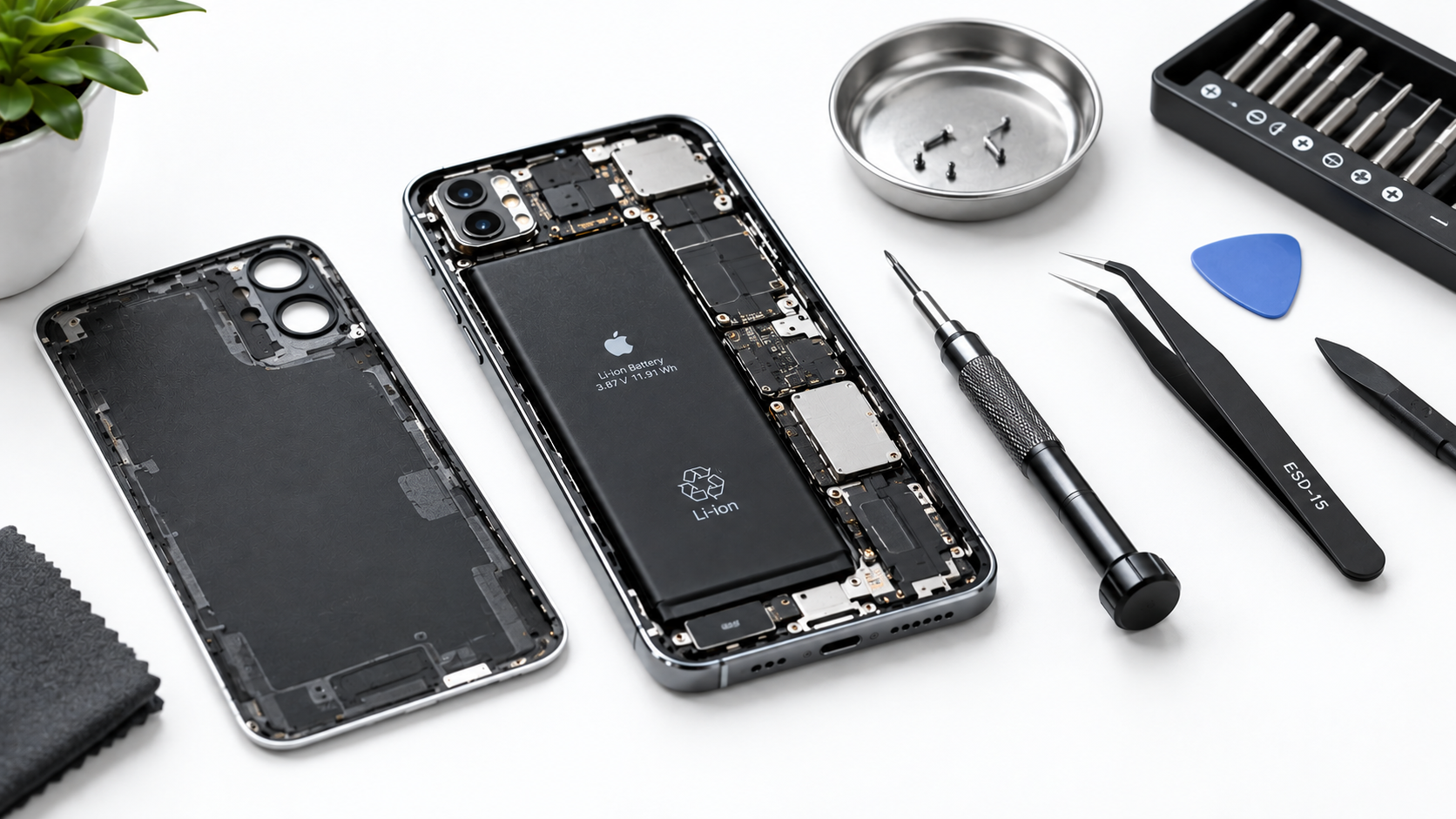
For millions of iPhone users, the frustration of reaching into their pocket only to find their device uncomfortably warm is all too familiar. This common problem—when an iPhone gets hot in pocket—isn’t just a minor inconvenience; it can signal underlying issues that affect your phone’s performance, battery lifespan, and even safety. Whether you’re rushing to a meeting, commuting, or running errands, a hot iPhone in your pocket can lead to unexpected discomfort and long-term damage if left unaddressed. Understanding the causes and solutions to this issue helps you keep your device working smoothly while staying comfortable throughout the day.
Why Your iPhone Gets Hot in Your Pocket
iPhones are designed to manage heat efficiently during normal use, but when they’re placed in a confined space like a pocket, this balance quickly breaks down. Modern iPhones rely on powerful processors, screens, and wireless components that generate heat during operation. When trapped against fabric and your body, this heat has no way to dissipate, leading to a rapid temperature increase. Several specific factors combine to make pocket overheating a recurring issue for many users.
Physical Trapping of Heat
The primary reason an iPhone gets hot in pocket is poor ventilation. Unlike when you hold your phone in your hand or set it on a cool, flat surface, a tight pocket seals the device against your skin and surrounding fabric, blocking airflow. Your body’s natural heat adds to the heat produced by the phone’s internal components, creating a feedback loop that raises temperatures quickly. Even pockets with small openings can restrict enough airflow to keep heat trapped, especially if you’re active and generating extra body heat.
Background App and Processor Load
Running multiple power-hungry apps in the background is another key culprit. Apps like navigation tools, fitness trackers, and video streaming services continuously use location data, GPS, and processing power—all of which generate significant heat. If you forget to close these apps before tucking your iPhone into your pocket, the increased processor work will combine with trapped heat to push your device beyond its safe operating temperature threshold.
Immediate Fixes to Cool Down an Overheating iPhone
If you’re already dealing with an overheating iPhone in your pocket, taking fast action can prevent further damage and get your device back to a safe temperature. Delaying these steps could lead to battery degradation, screen issues, or even permanent hardware failure. Here are actionable, quick fixes to address the problem right away.
Remove Your iPhone From Your Pocket Immediately
The first and most critical step is to take your iPhone out of your pocket. Place it on a flat, cool surface away from direct sunlight, car dashboards, or other heat sources. Avoid soft surfaces like beds or couches, as these can trap additional heat instead of letting it escape. If you’re outdoors, setting it on a shaded concrete or stone surface works well to speed up cooling.
Close Unused Background Apps
Next, cut down on unnecessary processor load by closing apps you’re not using. On iPhones with Face ID, swipe up from the bottom of the screen and hold to access the app switcher; on models with a home button, double-click it. Swipe up on each open app preview to close it. This reduces the amount of heat generated by your iPhone’s CPU and GPU, helping it cool faster.
- Avoid using your iPhone while it’s still warm, as this will add more heat to the already overheated device
- Never store your overheating iPhone in a closed space like a backpack, purse, or locker—this traps heat even more effectively
- Don’t attempt to cool it with ice, cold water, or a fan directly pointed at it, as rapid temperature changes can damage internal components like the battery or display
Following these steps typically brings an overheating iPhone back to normal temperatures within 5 to 10 minutes, depending on how severe the overheating was.
Long-Term Habits to Prevent Pocket Overheating
The best way to deal with an iPhone getting hot in pocket is to prevent it from happening in the first place. Adopting small, consistent habits can reduce heat buildup and keep your device running efficiently, even when it’s stored in your pocket for extended periods.
Optimize App Settings to Reduce Heat Generation
Adjusting your app settings to minimize power usage is a long-term solution to cut down on heat. For example, disable “Always Allow” location tracking for apps that don’t need constant access (like games or social media apps) and switch to “While Using the App” instead. Turn off background app refresh for non-essential apps, as this stops them from updating in the background when your iPhone is in your pocket. Limiting video streaming and high-graphics games when your phone is stored away also reduces processor strain and heat.
Choose Breathable Pockets and Protective Cases
The type of pocket you use and the case on your iPhone play a big role in heat dissipation. Avoid tight-fitting jeans or pockets lined with thick, insulating fabric—these restrict airflow the most. Opt for looser, more open pockets, or keep your iPhone in a separate small pouch that allows air to circulate. When it comes to cases, choose slim, lightweight options made from breathable materials like silicone or polycarbonate. Avoid thick, insulated cases, especially those designed for drop protection that trap heat against the phone’s back panel.
When to Seek Professional Help
While most cases of an iPhone getting hot in pocket are due to temporary overload or poor storage habits, recurring overheating can signal a more serious issue. If you notice that your iPhone frequently overheats even when you’re not using power-heavy apps, or if you experience additional symptoms like a swollen battery, random reboots, unresponsive touchscreen, or unexpected shutdowns, it’s time to contact Apple Support or an authorized repair technician.
A swollen battery is a critical safety concern—this occurs when the battery’s internal components degrade, leading to gas buildup. A swollen battery can not only cause overheating but also pose a fire risk if left unaddressed. Professional repair is the only safe solution for this issue, as attempting to handle a swollen battery on your own is dangerous.
To summarize, an iPhone getting hot in pocket is usually caused by trapped heat and excessive processor load from background apps. Immediate steps like removing the phone from your pocket and closing unused apps cool it down quickly, while long-term habits like optimizing app settings and using breathable cases prevent future overheating. If overheating becomes frequent or is paired with other warning signs, seeking professional help ensures your device remains safe and functional. By following these tips, you can keep your iPhone comfortable and working properly, whether you’re on the go or going about your daily routine.
Everything above about “iPhone gets hot in pocket” is originally written by our editorial team. Reproduction is strictly prohibited.