If you’ve ever stepped outside on a frosty winter morning only to watch your iPhone’s battery plummet or its performance lag, you’re not alone—iPhone cold weather battery or performance issues are a common, frustrating problem for Apple users across cold climates. Even the latest iPhone models, like the iPhone 15 series, aren’t immune to these weather-related glitches, which stem from both hardware design and lithium-ion battery chemistry that struggles in low temperatures. Understanding why these issues happen and how to fix them can help you stay connected and productive, no matter how cold it gets outside.
Why Cold Weather Causes iPhone Battery and Performance Issues
Lithium-ion batteries, which power all modern iPhones, rely on reversible chemical reactions that slow down significantly in temperatures below 32°F (0°C). According to Apple’s official support documentation, these reactions produce less electrical energy when cold, leading to faster battery drain or even sudden, unexpected shutdowns. Beyond battery problems, cold temperatures can affect other critical components: the iPhone’s processor may throttle performance to protect internal parts from chemical stress, and the touchscreen’s conductive layer may become less responsive due to reduced moisture and temperature changes. A 2022 study by Battery University found that at 14°F (-10°C), a fully charged iPhone battery drops to 50% capacity in just 15 minutes—compared to a mere 1% drain over the same time at room temperature, highlighting just how severe these issues can be.
Immediate Fixes for iPhone Cold Weather Problems
Warm Your iPhone Gradually to Restore Battery
The fastest way to resolve sudden battery drain or shutdowns is to warm your device gently. Avoid placing it directly on a heater, in a hot car, or under sunlight for too long—extreme heat can damage the battery’s internal cells over time. Instead, tuck your iPhone inside your coat pocket, close to your body, for 5 to 10 minutes. Body heat raises the device’s internal temperature enough to reverse the slow chemical reaction in the lithium-ion battery, allowing it to regain normal capacity. Many users report that this simple step brings a frozen, unresponsive iPhone back to life, with the battery percentage resetting to an accurate level shortly after.
Disable Non-Essential Features to Preserve Power
Turning off features that draw extra power in cold temperatures is another quick fix to improve both battery life and performance. These features strain the battery when it’s already working harder to maintain function, leading to faster drains and throttling. Apple’s support team recommends switching to Low Power Mode when outdoors in cold weather, as this reduces processor activity and limits background updates. For even better results, disable the following non-essential features:
- Background App Refresh: Prevents apps from updating in the background, cutting down unnecessary battery use and performance strain.
- Location Services: Toggle off for apps that don’t need real-time location data, or set them to “While Using” mode to limit power draw.
- Wi-Fi and Bluetooth: Disable if you’re not connecting to accessories or networks, as both draw extra power when the iPhone is working to maintain a signal.
Long-Term Preventive Measures
Use Insulated or Heated Accessories for Outdoor Use
For users who spend extended time outdoors in cold weather—like hikers, delivery workers, or winter commuters—insulated or heated accessories can make a major difference. MFi-certified battery cases not only add extra charge but also insulate the iPhone, keeping its internal temperature stable even in freezing conditions. A 2023 TechRadar test found that the Apple Smart Battery Case extended the iPhone 14’s battery life by up to 50% in temperatures below 20°F (-7°C), eliminating most cold-related shutdowns. Alternatively, heated phone sleeves are a lightweight, low-cost option that works with your existing case to retain warmth.
Calibrate Your Battery and Store Your iPhone Properly
Regular battery calibration ensures your iPhone’s charge percentage reading is accurate, so you don’t get caught off guard by unexpected drains. To calibrate, fully use your iPhone until it shuts down, then charge it to 100% without interruption, leaving it plugged in for an additional 30 minutes. When not in use, store your iPhone in a temperature-controlled space—avoid leaving it in car glove compartments, trunks, or outdoor bags where temps can drop sharply. Even a simple neoprene sleeve adds a layer of insulation, protecting the device from sudden cold shifts that trigger performance issues.
When to Seek Professional Help
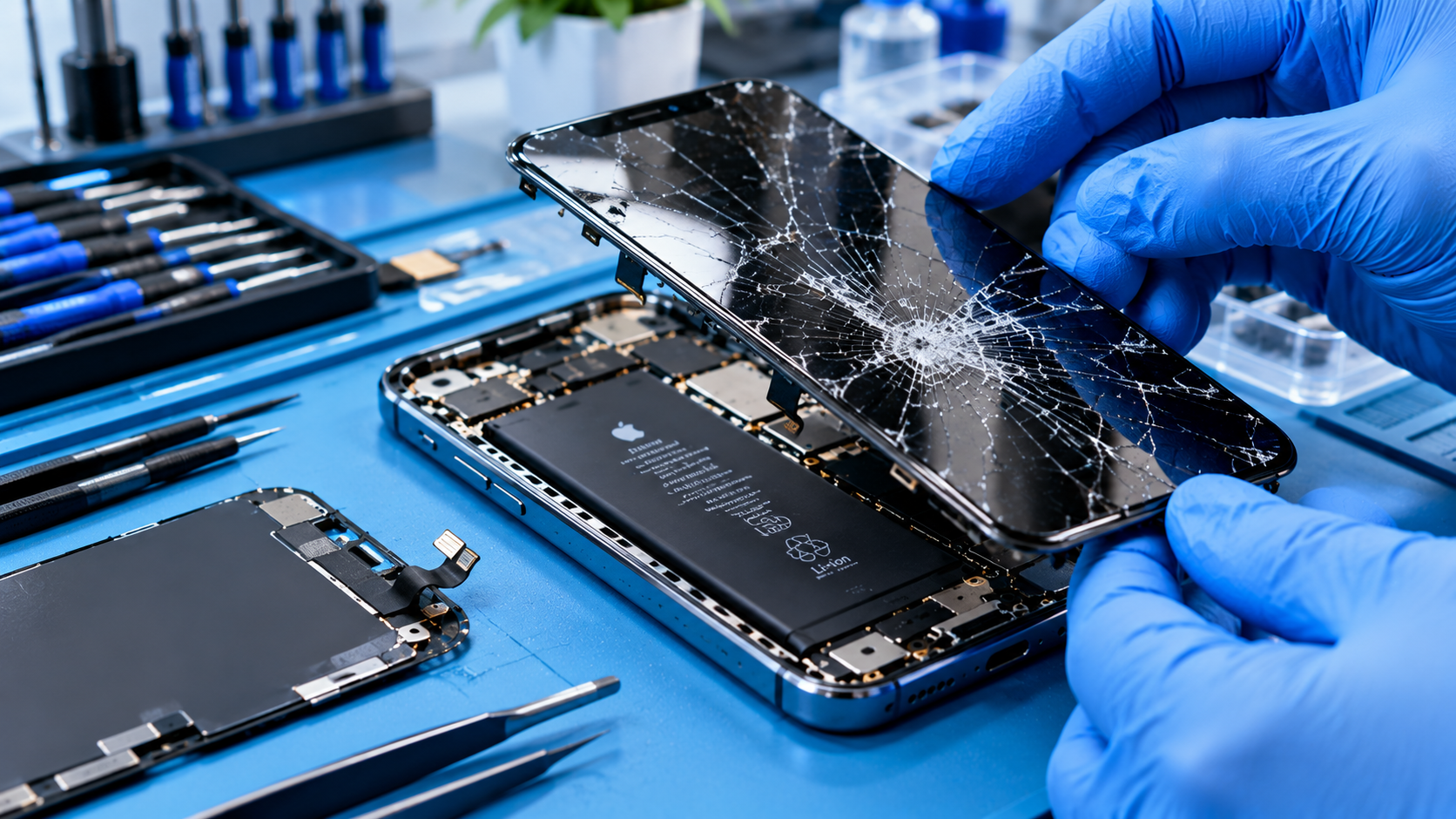
Most cold-related iPhone issues are temporary and resolved with the steps above, but sometimes persistent problems point to a deeper issue. If your iPhone still experiences sudden shutdowns or performance lags even when kept in warm, insulated conditions, it may need a battery replacement. Lithium-ion batteries degrade over time, and a worn battery will struggle to perform in any temperature, not just cold. According to Apple, iPhone batteries that have reached 80% of their original capacity (or lower) are eligible for official battery replacement, which will resolve most persistent battery-related issues. Avoid third-party replacements that aren’t MFi-certified, as they may not handle cold temperatures as reliably. If your display remains unresponsive after warming or your iPhone won’t boot at all, contact Apple Support to check for hardware defects.
iPhone cold weather battery or performance issues don’t have to derail your winter activities. By understanding the root cause of these problems—sluggish lithium-ion chemical reactions and performance throttling—and applying immediate fixes like gentle warming or feature adjustments, you can keep your device working reliably. Long-term steps like using insulated accessories and proper storage further reduce cold-related risks. Remember to calibrate your battery regularly and seek professional help if issues persist beyond cold exposure to ensure your iPhone stays in top shape year-round.
Everything above about “iPhone cold weather battery or performance issues” is originally written by our editorial team. Reproduction is strictly prohibited.