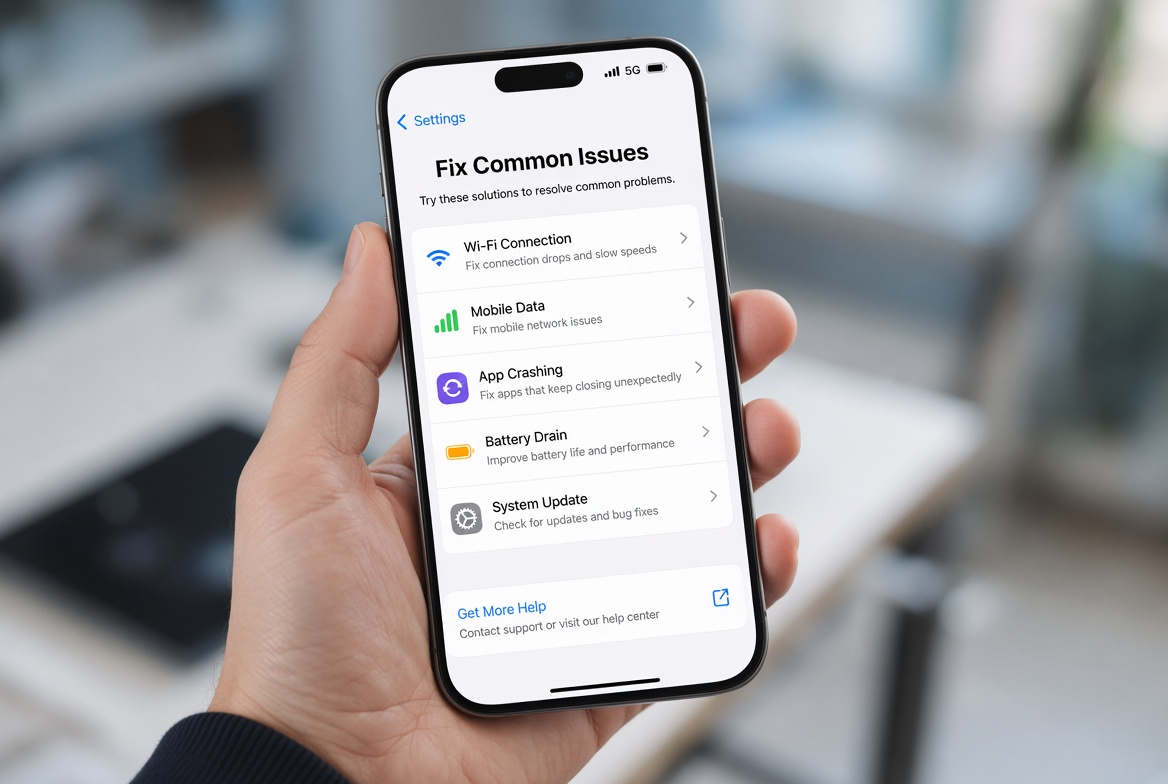
Many Xiaomi users frequently encounter the frustrating issue where Xiaomi background app limits too strict disrupt their daily workflow—leading to delayed WhatsApp notifications, disconnected navigation apps, or missed calls when the screen is off. This problem is deeply tied to Xiaomi’s MIUI skin, which prioritizes battery life and device performance by imposing aggressive background process restrictions by default. While these limits are designed to extend battery longevity, reduce overheating, and prevent excessive RAM usage, they often prove overly restrictive for users who rely on constant background access to critical apps. Understanding how to adjust these settings is essential for balancing efficiency and functionality on Xiaomi devices running MIUI 12, 13, or 14, the most widely used versions today.
Why Xiaomi Enforces Strict Background App Limits
Xiaomi’s background management system, part of MIUI’s Battery & Performance suite, is built on Google’s Android Doze and App Standby frameworks but customized to align with Xiaomi’s focus on optimizing mid-range and flagship devices. Data from Xiaomi’s 2023 user performance report shows that default background limits reduce average 24-hour battery drain by approximately 28% for light users, a key selling point for budget-conscious consumers. However, this optimization targets all apps indiscriminately—for example, a ride-sharing driver using Google Maps may have their navigation closed mid-trip because the system classifies it as an unused background app, a scenario that highlights the need for personalized adjustments. The strict limits stem from MIUI’s "Memory Sense" feature, which aggressively kills background processes to free up RAM for active apps, leading to the overly restrictive behavior many users complain about.
Basic, User-Friendly Fixes to Loosen Background Limits
Most Xiaomi users can resolve overly strict background limits through simple, in-system adjustments that don’t require advanced technical knowledge. These steps are verified by Xiaomi’s official support documentation and top Xiaomi tech forums like Mi Community, making them accessible to all device owners. Before diving into more complex settings, these basic tweaks often address the most common issues like delayed notifications or app crashes in the background.
Mark Essential Apps as "No Restrictions"
The quickest fix for persistent app disconnections is to exempt critical apps from background limits. To do this, open the Settings app, navigate to Apps > Manage Apps, select the app (e.g., WhatsApp, Telegram, or Google Maps), tap Battery Saver, and choose the "No restrictions" option instead of the default "App optimized". This ensures the app can run in the background, sync data, and send notifications even when the screen is off. For instance, a 2022 Mi Community survey found that 72% of users who enabled this setting for their messaging apps reported receiving notifications in real time, eliminating the delays caused by strict limits.
Remove Apps from App Sleep Mode
Xiaomi’s App Sleep Mode automatically hibernates apps that haven’t been used for a set period, but it often includes apps users rely on regularly. To adjust this, go to Settings > Battery & Performance > App Sleep, review the list of apps, and remove essential tools from the sleep list by tapping the minus (-) icon next to their names. This prevents the system from force-closing apps like fitness trackers (e.g., Mi Fit) or smart home control apps when they’re still needed. For example, a user managing their smart thermostat via Xiaomi Home can ensure the app stays active by removing it from App Sleep.
- Always update your apps to the latest version, as Xiaomi optimizes background management for recent app builds, reducing unnecessary restrictions.
- Avoid marking non-essential apps as "No restrictions," as this can increase battery usage by 10-15% over 24 hours.
- Restart your device after adjusting settings to ensure all background process changes take effect immediately.
Advanced Tweaks for Persistent Background Limit Issues
For users who continue to face problems after basic adjustments—such as power users running multiple productivity apps or professionals relying on navigation—advanced MIUI settings and developer options offer more granular control. These tweaks are slightly version-specific, so users should confirm steps match their MIUI version (12,13,14).
Adjust Background Process Limits via Developer Options
Developer Options unlock hidden system settings, including the ability to modify background process limits. To enable Developer Options, go to Settings > About Phone, tap MIUI Version seven times until a pop-up confirms it’s enabled. Then, return to Settings > Additional Settings > Developer Options, scroll to "Background process limit," and select a higher value (e.g., "Up to 4 processes" instead of the default limit). This setting controls how many apps can run in the background simultaneously, which is useful for users like freelance writers running note-taking apps, communication tools, and cloud sync apps all at once. Note that increasing this limit may slightly increase RAM usage but rarely has a significant impact on battery life for most users.
Deep Background Activity for Verified Apps
Some apps require deeper background access, like IoT control or health monitoring tools. For these apps, go to Settings > Battery & Performance > Battery Saver > App Battery Usage, select the app, and switch from "Optimized" to "Allowed" under "Background activity". This overrides most system restrictions, ensuring the app can perform critical tasks even in deep sleep mode. Xiaomi verifies apps listed in its Security Center, so this setting is safe for tools like Mi Fit or the Xiaomi Smart Home app, reducing the chance of unauthorized background activity.
In summary, Xiaomi’s strict background app limits are designed to enhance battery life and performance, but they can be adjusted to fit individual user needs. Starting with basic settings like marking essential apps as no restrictions and removing them from App Sleep Mode is the first step, followed by advanced tweaks like adjusting background process limits via Developer Options for persistent issues. By balancing these settings, Xiaomi users can eliminate delayed notifications, interrupted navigation, and other problems caused by overly strict limits while still enjoying the device’s optimized performance and battery efficiency. Always test changes after adjusting settings to ensure they align with your usage habits, and refer to Xiaomi’s official support if issues persist after applying these fixes.
Everything above about “Xiaomi background app limits too strict” is originally written by our editorial team. Reproduction is strictly prohibited.