For millions of Xiaomi smartphone users, wireless charging is a convenient feature, but Xiaomi wireless charging issues can turn this convenience into frustration. Whether your phone won’t charge, charges slower than advertised, or stops mid-charge, these problems stem from a mix of user error, software glitches, or hardware faults, and resolving them follows a structured process to get your charging back on track.
Troubleshoot User-Induced Xiaomi Wireless Charging Issues
Many Xiaomi wireless charging issues are not due to defects, but simple mistakes in accessory use or device placement. These are the easiest to fix without any technical knowledge.
Verify Charger and Pad Compatibility
Xiaomi’s wireless charging is optimized for its own official chargers and pads, such as the Xiaomi 50W Wireless Charging Pad. Using third-party accessories that don’t meet the Qi standard or lack power output matching your device can cause slow charging or no charging at all. For example, a 10W third-party pad will not support your Xiaomi 13 Ultra’s 50W wireless charging speed, leading to noticeable delays.
Optimize Device Placement and Accessories
Misalignment between the phone’s charging coil and the pad’s coil is a top cause of intermittent charging. Xiaomi’s smartphones have the coil typically centered near the back of the device, so ensure you place it correctly on the pad, often marked with a guide on official Xiaomi pads. Additionally, remove thick protective cases (over 3mm) or cases with metal elements, as these block wireless signals and reduce charging efficiency.
- Always use Xiaomi-certified wireless chargers or Qi-compliant accessories to avoid power mismatches.
- Remove any metal objects, coins, or credit cards from the charging pad before placing your phone.
- Ensure the phone’s back is pressed firmly against the pad to maintain consistent coil alignment.
Software Solutions for Xiaomi Wireless Charging Problems
Outdated MIUI software or corrupted system files can trigger Xiaomi wireless charging issues, even if your hardware is functioning correctly. These fixes address glitches in the power management system that control wireless charging.
Update MIUI to the Latest Stable Version
Xiaomi regularly releases MIUI updates that patch bugs related to wireless charging. For instance, MIUI 14.0.6 and later versions fixed a known issue where the wireless charging interface would fail to activate on Xiaomi 12 series devices. To check for updates, go to Settings > About Phone > System Update, and install any pending OTA updates. If the problem started after a recent update, you may also try rolling back to a previous stable version via Xiaomi’s recovery tool.
Clear Cache for Power Management Apps
Corrupted cache files for Xiaomi’s power management apps, such as the Charger Service app, can cause charging interruptions. To clear the cache, go to Settings > Apps > Manage Apps, search for "Charger Service", tap Storage, then select Clear Cache. You can also reset your device’s power consumption stats by going to Settings > Battery > Battery Saver, and selecting "Reset Battery Stats" to recalibrate charging levels.
Hardware Fixes and Warranty Support for Persistent Issues
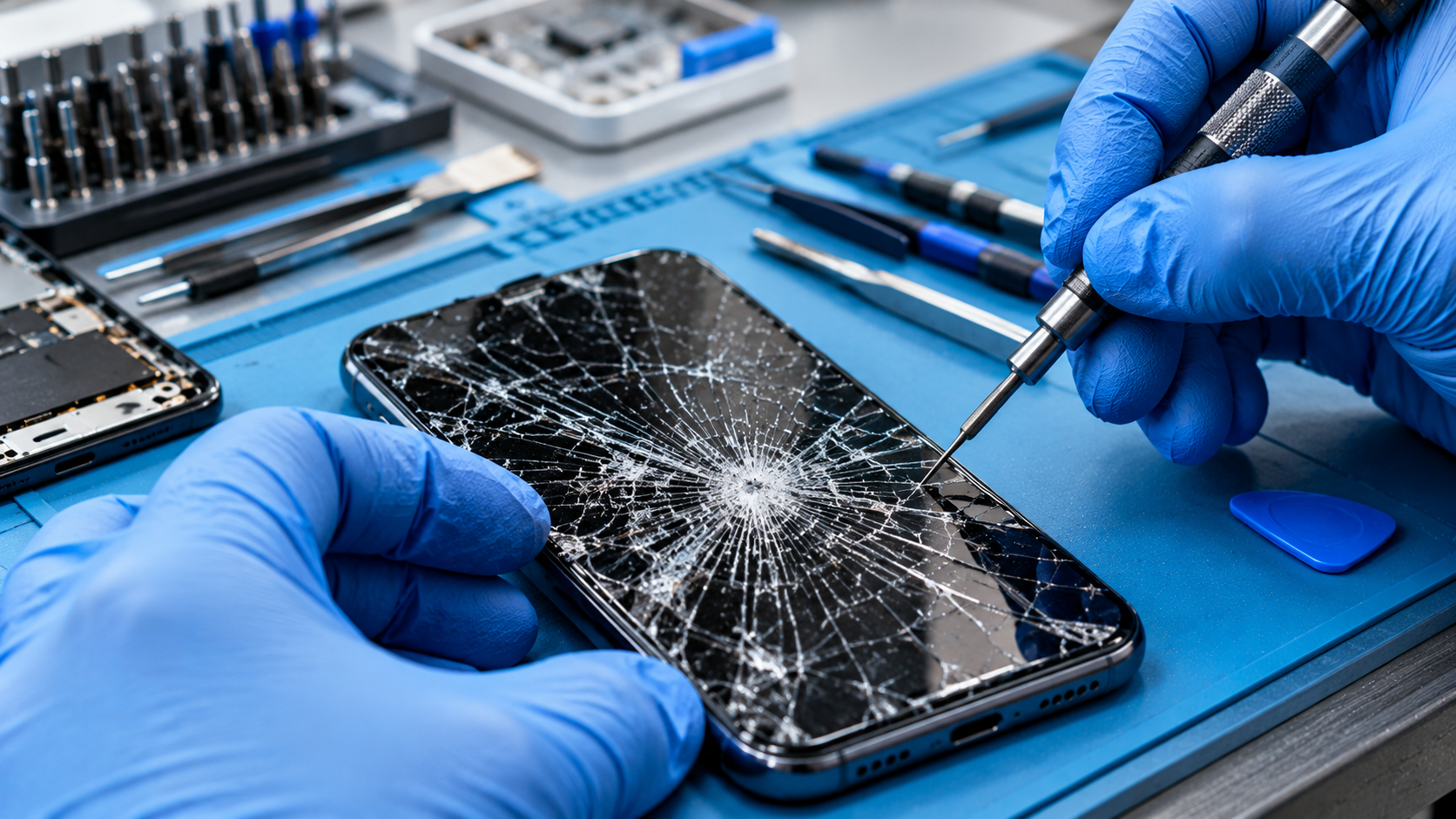
If you’ve tried all user and software fixes and still face Xiaomi wireless charging issues, the problem may be hardware-related, such as a damaged charging coil, faulty charger port, or internal wiring problem. These issues require more hands-on checks or professional support.
First, test your wireless charger with another compatible device to confirm it’s not the pad that’s defective. If the charger works with another phone, the issue is likely with your Xiaomi device’s internal components. Never attempt to open your Xiaomi phone yourself, as this will void the warranty and may cause further damage to delicate charging coils. Instead, contact Xiaomi’s customer service or visit an authorized service center to request a diagnostic check.
Most Xiaomi devices come with a 12-month warranty covering manufacturing defects, including wireless charging hardware issues. For example, if your Xiaomi 13 Pro’s wireless charging stops working within 12 months of purchase, you can get a free repair or replacement for the faulty component. If your device is out of warranty, authorized service centers offer affordable coil replacement services that restore wireless charging functionality.
In summary, Xiaomi wireless charging issues are often resolvable with simple user checks, software updates, or cache clears. By verifying accessory compatibility, optimizing device placement, updating MIUI, and using warranty support for hardware faults, you can restore your Xiaomi smartphone’s wireless charging performance efficiently. Always prioritize official Xiaomi accessories and avoid DIY hardware repairs to keep your device safe and functional.
Everything above about “Xiaomi wireless charging issues” is originally written by our editorial team. Reproduction is strictly prohibited.