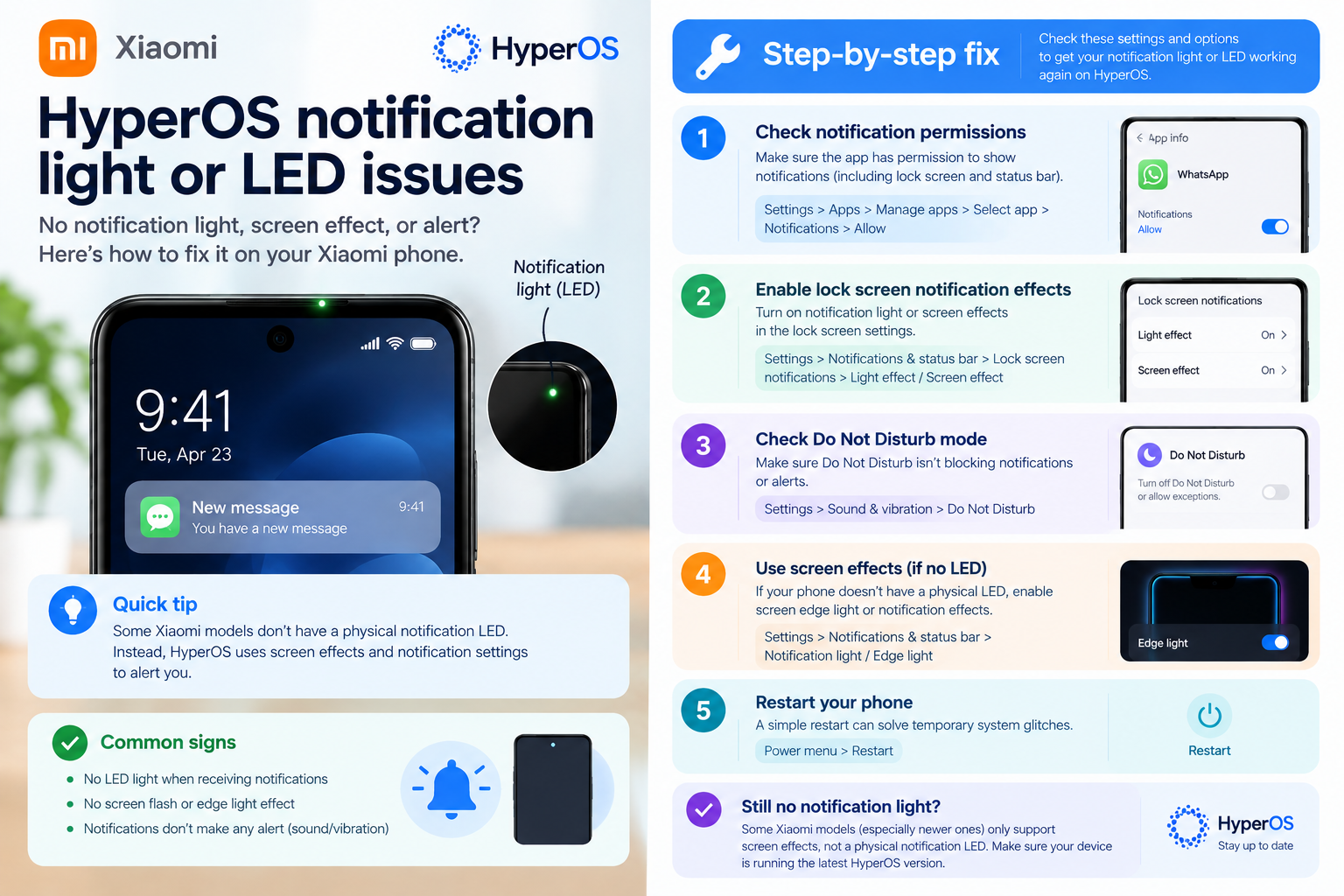
Xiaomi Digital Wellbeing problems are a common headache for Xiaomi smartphone users, as this built-in feature is designed to help manage screen time, set app limits, and reduce digital distraction—yet glitches and misconfigurations often render it ineffective. Whether it’s inaccurate screen time logs that don’t match actual usage, timers that fail to block apps, or notifications that don’t align with wellness goals, these issues can undermine the very purpose of the tool. For many, resolving Xiaomi Digital Wellbeing problems is essential to turning a supposed productivity aid into a reliable support for balanced technology use.
Common Xiaomi Digital Wellbeing Problems and Their Root Causes
Inaccurate Screen Time Tracking
One of the most prevalent Xiaomi Digital Wellbeing problems is inaccurate screen time reporting. This can happen when the tool miscalculates background app activity, including processes that run even when the app isn’t open, or fails to distinguish between active usage and idle background processes. For example, a user might notice that their screen time for social media shows 2.5 hours, but actual active engagement was only 1.8 hours—likely because the tool counts time spent refreshing feeds in the background, push notifications, or auto-updates. Another root cause is outdated MIUI versions, which may have unpatched bugs in the well-being module that distort usage data, especially on older Xiaomi devices running MIUI 12 or lower.
Unresponsive or Failing App Limits
Another frequent issue is app timers that don’t activate when a user reaches their set limit. For instance, if a user sets a 60-minute daily limit for Instagram, the app may continue to operate after that time, leaving the limit feature useless. This is often due to missing permissions for the Digital Wellbeing app, such as “Usage Access” which is required to monitor app activity, or conflicts with third-party battery saver apps that restrict background processes of Digital Wellbeing itself. Some users also report that the timer doesn’t trigger for system apps like Calls or Messages, which can disrupt attempts to balance work and personal screen time.
Quick, Actionable Fixes for Minor Xiaomi Digital Wellbeing Issues
Most small Xiaomi Digital Wellbeing problems can be resolved with simple, step-by-step fixes that require no advanced technical knowledge. These methods target common glitches that arise from temporary system errors or minor configuration issues.
- Restart your Xiaomi device: A simple reboot refreshes all system processes, including the Digital Wellbeing module, and often resolves temporary glitches that cause inaccuracies or unresponsive features. Many users report that a quick restart fixes timer lag or missing screen time logs within minutes.
- Clear the Digital Wellbeing app cache: Go to Settings > Apps > See all apps > Digital Wellbeing > Storage, then tap “Clear cache.” This removes temporary corrupted data that may be interfering with the app’s functionality without deleting personal well-being data like set limits or usage history.
- Update your MIUI version: Xiaomi regularly releases system updates that fix bugs in native apps, including Digital Wellbeing. Check for updates in Settings > About phone > System update, and install any pending releases to patch known issues. For example, MIUI 13 and 14 included multiple patches for screen time tracking inaccuracies that plagued older versions.
Advanced Troubleshooting for Persistent Xiaomi Digital Wellbeing Problems
If basic fixes don’t resolve your Xiaomi Digital Wellbeing problems, it’s time to try more targeted, advanced solutions that address deeper configuration or module issues that basic steps can’t fix.
Reset Digital Wellbeing Data to Default Settings
When the app’s internal data becomes corrupted—usually after months of customizing settings or updating MIUI—the best fix is to reset it to factory defaults. To do this, open the Digital Wellbeing dashboard, tap the three-dot menu in the top-right corner, select “Reset data,” and confirm. This won’t delete your personal data like app usage history or screen time stats, but it will reset custom settings such as app timers, focus modes, and dashboard preferences to their original state, which often resolves stubborn glitches.
Verify App Permissions for Digital Wellbeing
Missing or disabled permissions are a common hidden cause of Xiaomi Digital Wellbeing problems. For the app to accurately track screen time and enforce limits, it needs “Usage Access” permission, which is often disabled by default on some MIUI versions. To check this, go to Settings > Privacy > Permissions > Usage access, then ensure that the toggle for Digital Wellbeing is turned on. If it’s off, enable it, then restart your device and test the feature again. You can also check “Battery saver” settings to make sure Digital Wellbeing isn’t being restricted from running in the background, as this can prevent it from updating usage data in real time.
Resolving Xiaomi Digital Wellbeing problems doesn’t have to be complicated. Most minor issues like inaccurate screen time or non-functional timers are fixed with quick steps like restarting your device, clearing the app cache, or updating MIUI. For persistent issues, resetting the app’s default settings or verifying critical permissions can address deeper configuration bugs that basic steps miss. Regularly updating your Xiaomi device’s software is also a proactive way to prevent future problems, as Xiaomi continuously patches well-being module glitches in its system updates. By following these steps, you can restore Digital Wellbeing to its intended purpose as a tool to manage and balance your digital habits, rather than a source of frustration.
Everything above about “Xiaomi Digital Wellbeing problems” is originally written by our editorial team. Reproduction is strictly prohibited.