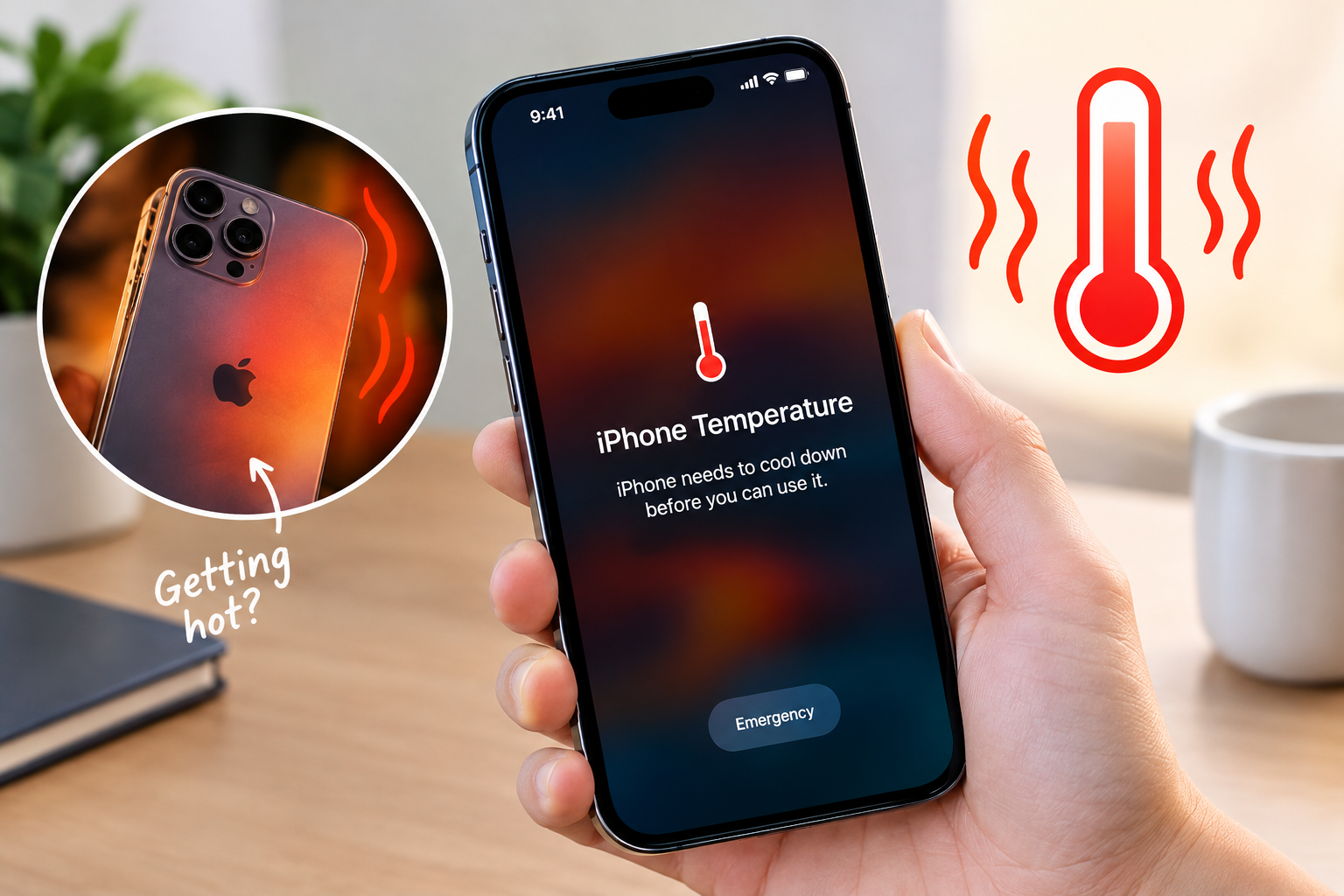
If you’ve ever woken up to find your phone battery at 20% or lower, even after charging it to full the night before, you’re not alone. Many users struggle to understand what causes phone battery to drain overnight, when their device should be in a low-power idle state. Overnight battery drain isn’t always a sign of a faulty battery—it’s often caused by unnoticed settings or processes running in the background without your knowledge, leading to significant power loss while you sleep.
Background Apps Running Unnecessary Processes
One of the top reasons for overnight battery drain is apps that continue to run background services even when not actively used. These processes can keep the phone’s processor awake, preventing it from entering deep sleep mode, which is designed to minimize power usage during idle periods.
Auto-Syncing Data Services
Most productivity, email, and cloud storage apps come with default auto-sync settings that refresh data at regular intervals, even when your phone is locked. A 2023 analysis by Battery University found that auto-sync activities account for roughly 18% of typical overnight battery drain, as the phone wakes repeatedly to update emails, calendar events, or cloud documents instead of staying in a power-saving state.
Rogue Apps With Unauthorized Background Activity
Apps downloaded from third-party app stores or unvetted sources sometimes include hidden code that runs background tasks without user consent. A 2022 Consumer Reports survey of 2,000 smartphone users found that 17% of Android users had at least one app that drained 10% or more of their battery overnight, often due to rogue background processes like ad tracking or data scraping.
Always-On Connectivity Features
Your phone’s connectivity modules—Wi-Fi, Bluetooth, cellular, and GPS—are major power consumers, and leaving them active overnight can lead to unexpected battery loss, especially when they’re set to scan for networks or devices continuously.
Wi-Fi and Bluetooth Auto-Scanning
Many phones have settings that enable Wi-Fi and Bluetooth to scan for nearby devices or networks even when the feature isn’t actively being used. For example, scanning for smart home devices like lights or thermostats every few minutes can use up to 15% of overnight battery, according to Google’s Android Developer Resources.
Continuous Location Services
Apps like weather, fitness trackers, or navigation tools often keep location services enabled in the background, even after you close the app. Apple’s iOS Privacy Report shows that location services running overnight contribute to approximately 12% of battery drain for users who forget to disable location tracking before sleeping, as the GPS module remains active to log location changes.
Display and Visual Settings
The display is one of the most power-hungry components of any smartphone, and even when idle, misconfigured display settings can lead to significant overnight battery drain.
- Always-On Display (AOD): This feature keeps a small section of the screen active to show time, notifications, or widgets. Depending on the phone model, AOD can consume between 5-10% of battery overnight, especially if it’s set to stay active for extended periods.
- Unnecessarily High Screen Brightness: If you leave your phone on maximum brightness, the LED backlight uses a large amount of power, even when the screen is not in use. Lowering brightness to 50% or less before sleeping can reduce overnight drain by up to 10%.
- High Refresh Rate Without Optimization: Phones with 120Hz or 144Hz screens have a faster refresh rate, which improves performance but also increases power use. For standby mode, setting the refresh rate to 60Hz can cut down on battery consumption, as the screen doesn’t need to refresh as often.
Overlooked Settings That Amplify Overnight Drain
Beyond the common culprits, several lesser-known settings can contribute to unexpected battery loss overnight. Push notifications for rarely used apps, background refresh for non-essential tools, and cellular data roaming in areas with weak signal can all add up. Outdated operating systems also often have unpatched power management bugs that cause excessive idle power use.
To identify these issues, use your phone’s built-in battery stats tool—on iOS, this is in Settings > Battery, and on Android, it’s in Settings > Battery & Device Care. Look for apps or features with high background activity, and disable unnecessary permissions or sync options to reduce drain.
Waking up to a low battery doesn’t have to be a recurring frustration once you understand what causes phone battery to drain overnight. By adjusting background app behaviors, disabling always-on connectivity for unused features, optimizing display settings, and auditing overlooked preferences, you can cut overnight battery loss by up to 50% in many cases. Regularly checking your battery usage stats and keeping your device’s software updated will also help catch any new power-draining processes early, ensuring your phone stays charged and ready when you need it.
Everything above about “what causes phone battery to drain overnight” is originally written by our editorial team. Reproduction is strictly prohibited.