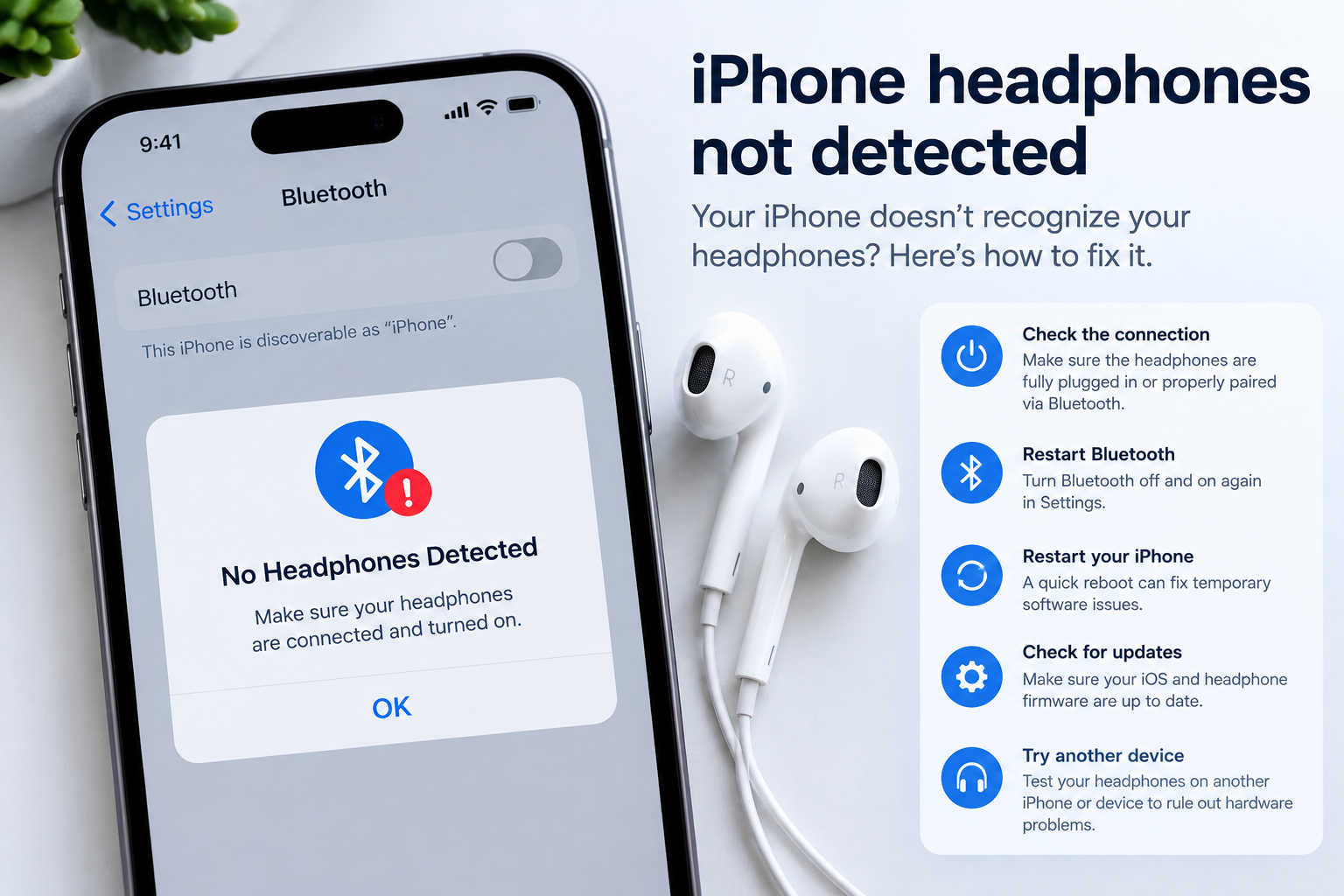
For Xiaomi smartphone users, one-handed mode is a lifesaver when navigating large displays (like the 6.67-inch or larger models in the Mi 13 series or Redmi Note lineup), but Xiaomi one-handed mode problems can quickly turn this convenience into a frustrating experience. From modes that won’t activate at all to glitches that stop mid-use, these issues disrupt daily tasks like replying to texts, scrolling through apps, or taking quick photos.
How To Troubleshoot Xiaomi One-Handed Mode Activation Issues
Verify One-Handed Mode Is Enabled In Settings
Most activation errors stem from accidental toggles or missing enablement in MIUI settings. To confirm, navigate to Settings > Additional Settings > One-Handed Mode and ensure the main toggle switch is turned on. For newer MIUI versions (14 and later), test the trigger method: Xiaomi supports diagonal swipes from the bottom corners (right for right-handed, left for left-handed) or a three-finger swipe down shortcut—both work if the feature is properly enabled.
Resolve Conflicts With Other System Gestures
Third-party or MIUI built-in features often interfere with one-handed mode triggers. For example, the Quick Ball floating shortcut or custom gesture apps can block the corner swipes. Temporarily disable Quick Ball via Settings > Additional Settings > Quick Ball, then retest. If the mode activates, reassign shortcuts to avoid overlaps in Settings > Additional Settings > One-Handed Mode > Trigger Settings.
- Use the three-finger swipe down shortcut instead of corner swipes; this is less prone to gesture conflicts.
- Restart your device to clear temporary system cache that may block activation.
- Update to the latest stable MIUI version, as Xiaomi regularly rolls out one-handed mode bug fixes.
- Reset app preferences to rule out corrupted app settings disrupting system gestures.
Fixing Mid-Use Xiaomi One-Handed Mode Glitches
Adjust Mode Size And Placement For Comfort
If the one-handed window cuts off app buttons or shifts randomly, misconfigured size/placement settings are to blame. Go to Settings > Additional Settings > One-Handed Mode > Mode Size, and drag the slider to shrink the window to 4.5–5 inches (ideal for small hands). Check the Mode Placement option to lock it to your preferred side instead of letting it reposition unexpectedly during use.
Clear Corrupted System Cache For One-Handed Mode
Corrupted temporary cache files can cause the mode to freeze mid-operation. A partial cache wipe won’t delete personal data and fixes most mid-use crashes. To do this, turn off your phone, hold Power + Volume Up to enter Recovery Mode, select Wipe Cache Partition, and restart. Alternatively, use a reputable Mi App Store cleaner app targeting system-specific cache.
Advanced Fixes For Persistent Xiaomi One-Handed Mode Problems
Reset One-Handed Mode Via Developer Options
For recurring issues that basic fixes don’t resolve, reset the feature to default settings using MIUI’s developer tools. First, enable Developer Options by tapping MIUI Version in Settings > About Phone 7 times. Then go to Developer Options > One-Handed Mode Tools > Reset One-Handed Mode. This eliminates misconfigurations that may have built up after custom adjustments.
Check For Hardware Screen Interruptions
In rare cases, physical screen damage or unresponsive touch areas can mimic one-handed mode glitches. Test your screen’s sensitivity via Mi Health > Device Check > Touch Screen Test. If dead spots are detected, a faulty display digitizer may be the cause. Contact Xiaomi support for a screen replacement, as hardware issues can block gesture triggers for one-handed mode.
Xiaomi one-handed mode problems range from minor activation errors to mid-use freezes, but nearly all can be resolved with targeted settings adjustments, cache maintenance, or software updates. By verifying enablement, adjusting trigger methods, and testing for hardware issues, you can restore seamless one-handed navigation on your Xiaomi device. For stubborn cases, Xiaomi’s customer support team often provides personalized fixes to ensure this convenient feature works as intended.
Everything above about “Xiaomi one-handed mode problems” is originally written by our editorial team. Reproduction is strictly prohibited.