A frustrating, widespread problem for Android users is when their Android phone keeps restarting unexpectedly—mid-work, during a critical call, or even while idle—disrupting daily routines, risking data corruption, and causing unnecessary stress. Whether you’ve noticed the issue after a new app installation, a recent update, or just out of the blue, resolving it quickly can get your device back to consistent performance without costly repairs. This guide walks through actionable fixes tailored to common causes of an Android phone that keeps restarting.
Immediate Basic Checks to Stop Random Restarts
Check for Overheating Causes
Overheating is one of the top triggers for Android restarts, as devices include built-in safety mechanisms to shut down and reboot to protect internal components from permanent damage. According to user data from Android troubleshooting communities, roughly 55% of unexpected restarts stem from elevated temperatures—often from using the phone while charging, leaving it in direct sunlight for extended periods, or running resource-heavy apps (like 3D games or video editors) for too long without ventilation. To fix this, move your phone to a cool, shaded area, close all background apps, and let it cool completely before using it again. Avoid using your phone in extreme temperatures, as both heat and cold can strain the battery and system.
Test Faulty Accessories or Chargers
Poorly manufactured or damaged accessories can disrupt power flow, leading to sudden restarts. Non-certified third-party chargers that don’t meet USB-IF standards may deliver inconsistent voltage, causing your phone to reset unexpectedly. Try swapping in an official charger and cable, or test with a different power outlet to rule out this issue. Additionally, if you’ve recently attached a new phone case that’s tight or blocks ventilation, removing it can resolve overheating-related restarts. Faulty USB-C ports can also cause intermittent charging and restarts; gently clean the port with a soft brush to remove lint or debris that might block connections.
Software Glitches and Corrupt System Files
Wipe the Cache Partition to Fix Temporary Errors
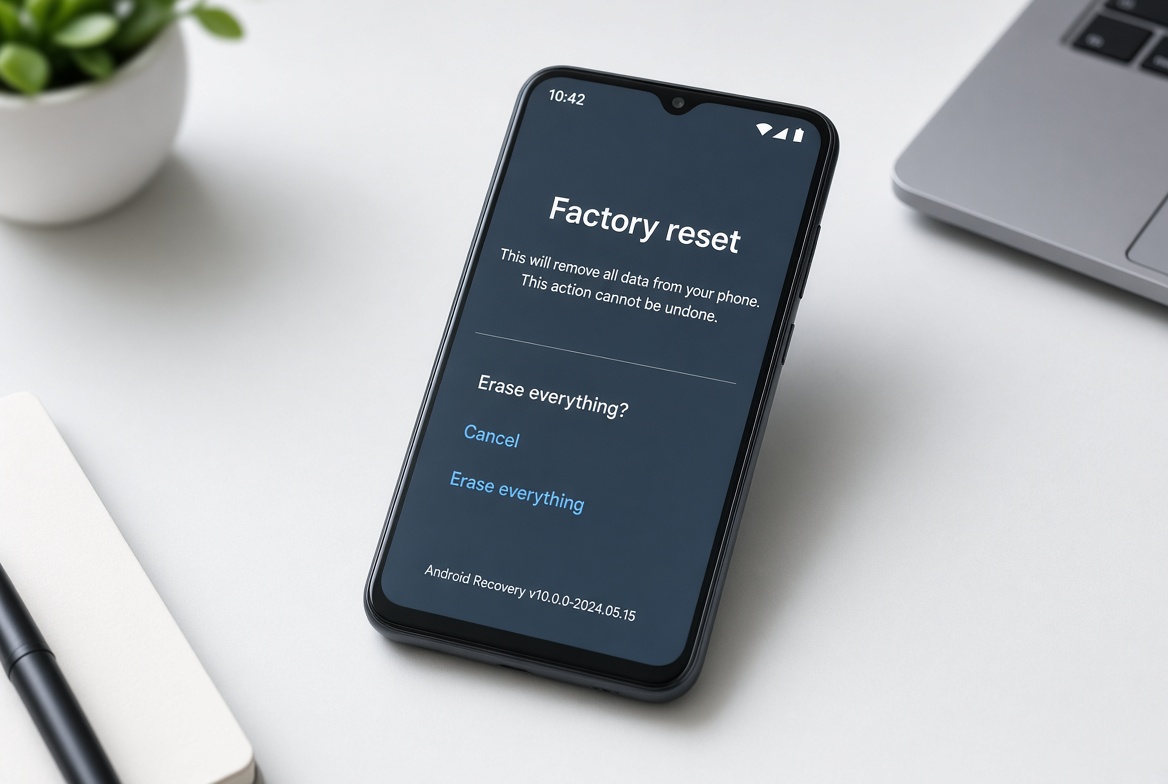
Corrupted cache files—temporary data stored by the system and apps to speed up performance—can cause crashes and random restarts. Wiping the cache partition doesn’t delete personal data like photos, messages, or downloaded files; it only clears these temporary files that may have become outdated or damaged. To do this, turn off your Android phone, then boot into recovery mode by pressing and holding the Power button + Volume Down key (varies slightly by brand: Pixel uses Power + Volume Up for some models). Use the volume keys to navigate to “Wipe Cache Partition”, select it with the Power button, then restart your device. This simple step resolves many minor software-related restart issues that standard restarts can’t fix.
Uninstall Problematic Apps or Roll Back Updates
Newly installed apps or recent updates to existing apps can sometimes introduce bugs that trigger restarts. If the issue started right after downloading a specific app, go to Settings > Apps, select the app, and choose “Uninstall”; for pre-installed apps you can’t remove, select “Disable” to turn it off temporarily. If the problem began after a system update, you can try rolling back to the previous Android version via Settings > System > Advanced > System Update (or similar, depending on your device) or using the manufacturer’s official firmware tool. For instance, many users report that certain third-party launcher apps (like beta versions of Nova Launcher) can cause frequent restarts if not optimized for your Android version.
Hardware-Related Issues and Clear Warning Signs
- Your phone’s battery has a visible bulge on the back frame or under the screen (a clear sign of a failing lithium-ion battery)
- Restarts only occur when the device is connected to a charger, or it randomly shuts down when unplugged unexpectedly
- You’ve recently exposed the phone to water, dust, or physical damage (like a dropped screen or cracked body)
- The battery drains rapidly (more than 20% per hour during light use) even after a full, overnight charge
Check and Replace a Failing Battery
A worn-out battery is a common hardware cause of constant restarts, as it can’t hold a consistent voltage to power the device. Most Android devices let you check battery health in Settings > Battery > Battery Health; if it shows “Peak Performance Capability” is diminished (usually below 80% maximum capacity), consider replacing the battery. For Google Pixel devices, Google offers official battery replacement services, while Samsung users can use their Samsung Members app to schedule a free battery check. Avoid third-party battery replacements from unlicensed sellers, as poor fit or low-quality components can damage your phone’s internal circuits and void any remaining warranty.
When to Seek Professional Help
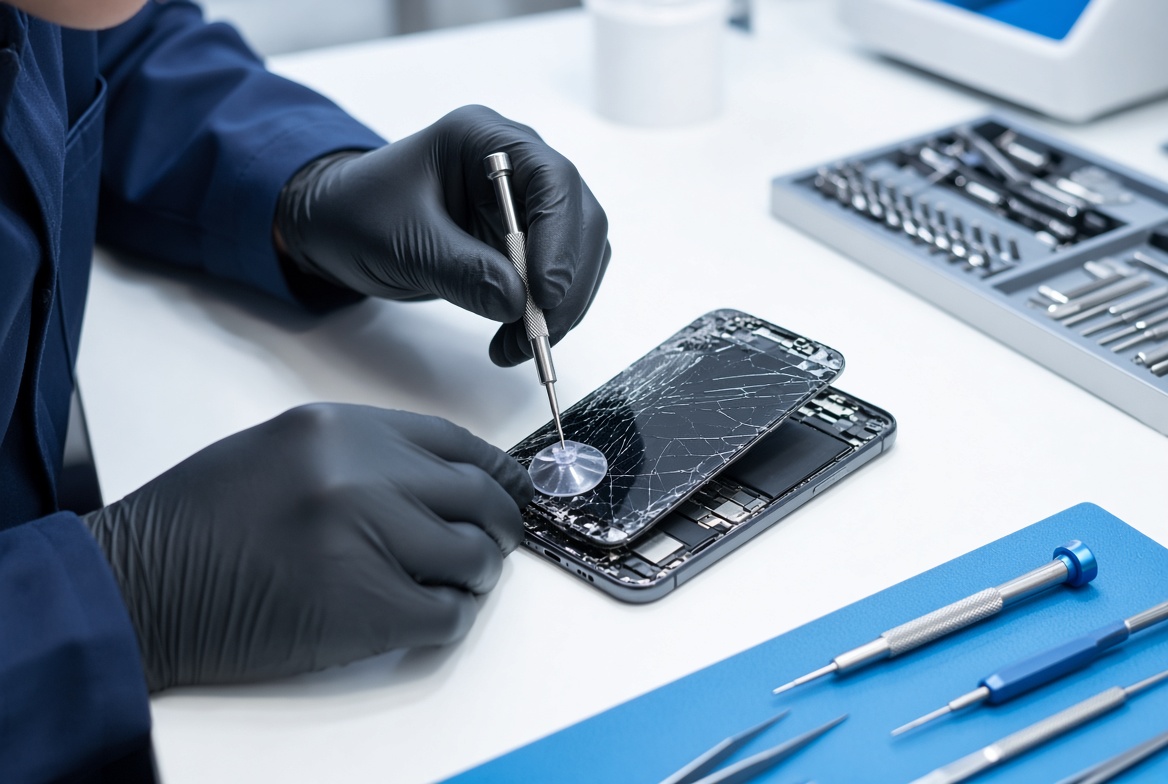
If you’ve tried all the above fixes and your Android phone keeps restarting, the issue may be more serious—like a corrupted motherboard, water damage that’s affecting internal connectors, or a deep-seated firmware error that’s beyond standard updates. Water exposure, even minor, can corrode tiny internal parts over time, leading to intermittent power issues that cause restarts without obvious physical signs. Most manufacturers offer a one-year warranty for manufacturing defects, so check your device’s warranty status before paying for repairs. Official service centers can run detailed diagnostic tests to pinpoint hard-to-detect hardware issues, ensuring repairs are done correctly without further damaging your device.
To wrap up, resolving an Android phone that keeps restarting usually starts with simple, free checks: fixing overheating, testing accessories, clearing the cache partition, and removing problematic apps. Most of the time, these steps will resolve the issue without needing to spend money on repairs. If basic fixes don’t work, look for hardware warning signs like a swollen battery or water damage, and consider contacting a professional technician to avoid exacerbating the problem. Taking prompt action at the first sign of random restarts can save you from losing important data or needing to replace your Android device prematurely, keeping it reliable for daily use.
Everything above about “Android phone keeps restarting” is originally written by our editorial team. Reproduction is strictly prohibited.