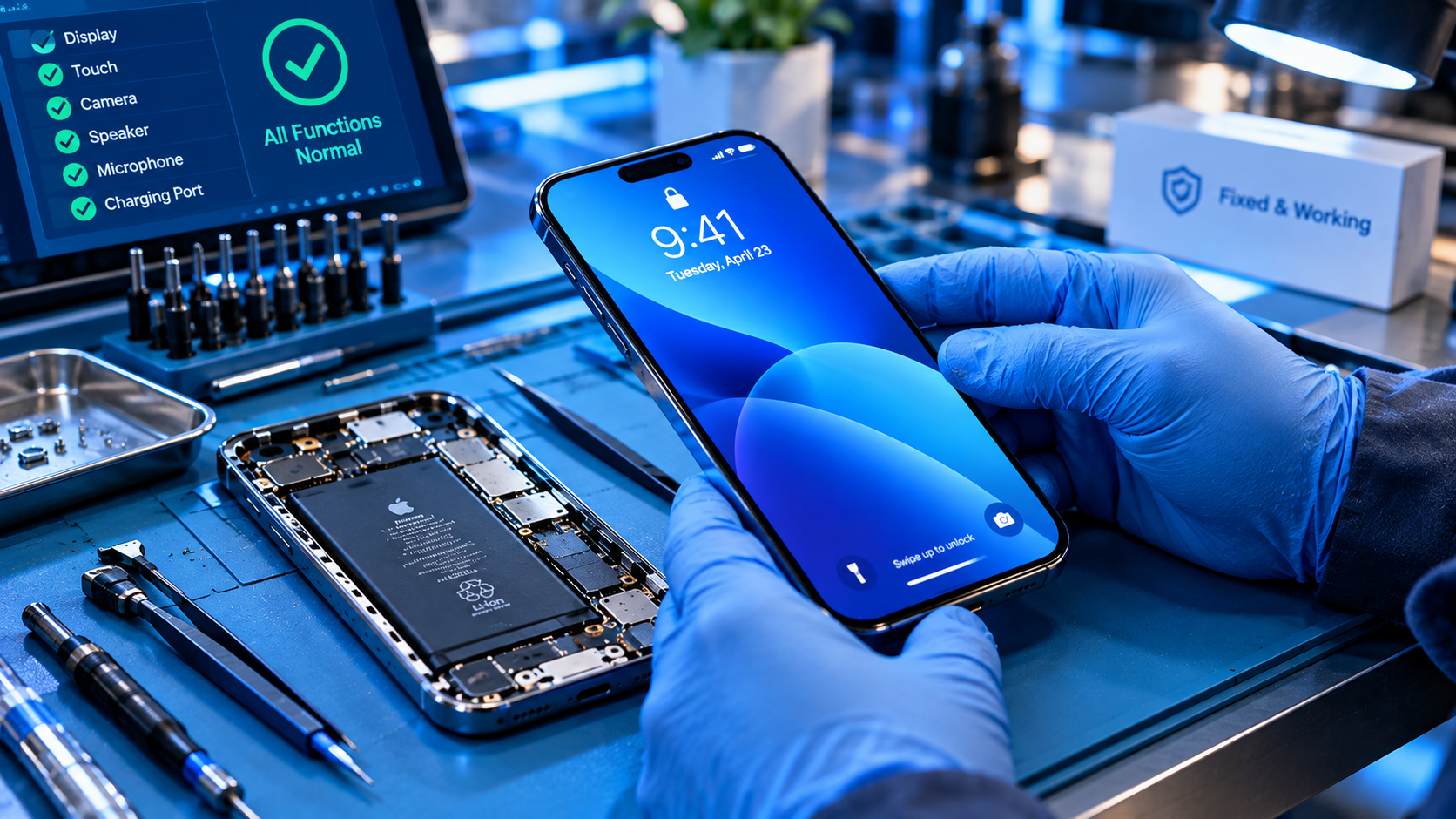
Factory resetting a device—whether it’s a smartphone, laptop, or tablet—is a common step when preparing to sell, donate, or troubleshoot hardware issues. However, ignoring the right best practices before factory reset can lead to irreversible data loss, identity theft, or even locked devices that become unusable. Whether you’re upgrading your tech or handing over an old device to someone else, following structured steps ensures you protect your personal information and avoid post-reset headaches.
1. Backup All Critical Device Data
Before initiating a factory reset, the most non-negotiable best practice is to back up every piece of data you can’t afford to lose. Data includes photos, videos, documents, app settings, contacts, and text messages. A 2023 survey by the Identity Theft Resource Center found that 32% of users who skipped pre-reset backups lost access to irreplaceable personal files after resetting their devices. Rushing through this step is the leading cause of post-reset data loss, making it worth investing in reliable backup tools.
Local Backup Options
Local backups store data directly on external hardware, reducing reliance on stable internet connectivity, which is ideal for users with limited data or unstable connections. For laptops, use built-in tools like Apple’s Time Machine (connect an external HDD to your Mac for automated, full-system backups) or Windows File History (save to a USB drive or network-attached storage). For smartphones, insert a high-capacity SD card and enable Android’s “Backup to SD Card” feature, or use an OTG adapter to transfer media files to a physical drive directly from your device.
Cloud Backup Options
Cloud backups sync data to remote servers, making it easy to restore files on a new device without physical hardware. Popular options include Google One (for Android and cross-platform use, offering 100GB of storage for a low monthly fee), iCloud (seamless for Apple users, automatically syncing photos, notes, and app data), and Dropbox (ideal for document storage and collaboration). Always verify your backup by opening 2-3 random files (e.g., a vacation photo album, a work document) in your cloud service to confirm they’re fully saved before proceeding with the reset.
2. Sign Out of All Personal Accounts and Services
Leaving active accounts on a device after a factory reset exposes your personal data to the next user, creating significant security risks. A 2022 study by Google found that 18% of second-hand devices sold online still had active Google, Apple, or social media accounts linked, allowing unauthorized access to the original owner’s emails, photos, and payment information. This step is a critical component of the best practices before factory reset, as it prevents unwanted access to your digital identity.
Remove Third-Party App Access
Beyond cloud accounts, you must revoke access to third-party apps that store sensitive data, such as banking apps, e-wallets, and fitness trackers. For Android devices, navigate to Settings > Accounts and backup > Manage accounts to select and remove any linked accounts; for iOS, go to Settings > Passwords & Accounts to sign out of each account individually. Many users forget about niche apps, so double-check tools like banking apps, ride-sharing accounts, and loyalty programs for active sessions.
Disable Device Tracking Features
Most modern devices include built-in tracking tools that lock the device after a factory reset if not disabled. For Apple devices, turn off “Find My iPhone” in Settings > [Your Name] to remove the device from your account. For Android, go to Settings > Security > Find My Device and toggle the feature off. For Windows, disable “Find My Device” in Settings > Update & Security > Find My Device. Skipping this step can leave the new owner unable to activate the device, rendering it useless.
- Sign out of streaming services like Netflix, Spotify, or Amazon Prime Video to prevent unintended charges on your linked payment methods, as many services auto-renew if linked to an active device.
- Remove accounts from smart home devices (e.g., Amazon Alexa, Google Home) to avoid the new owner controlling your linked appliances or accessing your home’s smart network.
- Disconnect payment methods like PayPal, Google Pay, or Apple Pay from the device to block unauthorized transactions using your saved card details.
3. Remove Sensitive Hardware and Accessories
Many users overlook physical items that store personal data, which can be left behind even after a factory reset. For example, a former employee who sold an old laptop in 2021 forgot to remove their work SIM card, leading to unauthorized access to company communications and client data. This step is often simple but critical, as physical storage can hold data that resets may not fully erase.
Before resetting, inspect your device and remove SIM cards and nano-SIM trays (for mobile devices, which store phone numbers and carrier details), SD cards or microSD cards used to store media or documents, external hard drives connected to the device, and paired accessories like smartwatches that sync with personal data.
4. Verify Device-Specific Pre-Reset Requirements
Different devices have unique steps that must be completed before a factory reset to avoid common issues. For example, Windows users may need to deactivate their operating system license if transferring the device to another user, as most Windows licenses are tied to the original hardware and can only be used on one device at a time. For Mac users, you must unlink the device from your Apple ID via System Settings > General > About > Name to remove it from your account, which will prevent the new owner from needing your Apple ID credentials to activate the device.
For smartphones, ensure that any carrier locks are removed if you’re selling the device to a buyer on a different network. Carriers typically require a 14-day waiting period after purchase before unlocking a device, so complete this step at least a week before planning the reset. Failing to do so will leave the device locked to your original carrier, reducing its resale value and usability for the new owner.
Following the right best practices before factory reset is essential to protect your personal data, maintain security, and ensure a smooth handover of your device. By backing up all critical data, signing out of accounts and disabling tracking features, removing sensitive hardware, and verifying device-specific steps, you can avoid common pitfalls like data loss, identity theft, or locked devices. Taking 30 to 60 minutes to complete these steps will save you time and stress in the long run, whether you’re upgrading your tech or passing it to a friend or family member.
Everything above about “best practices before factory reset” is originally written by our editorial team. Reproduction is strictly prohibited.