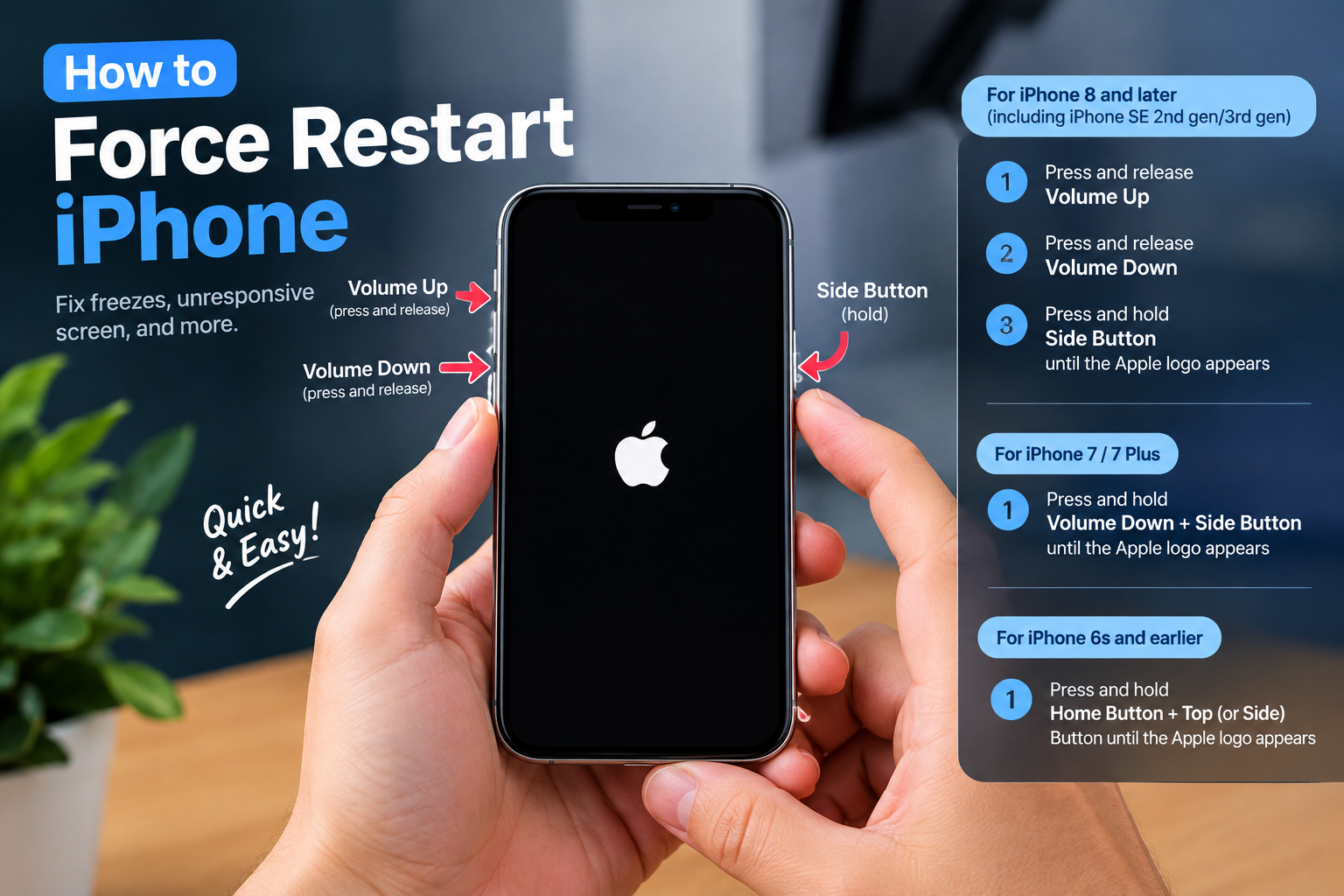
If you’ve ever pulled your phone from your pocket to find it uncomfortably warm or even too hot to touch, you’ve likely wondered: why is my phone overheating? This common issue affects millions of smartphone users worldwide, often stemming from a mix of everyday usage habits, hardware limitations, and software glitches. Unlike a laptop, which has dedicated cooling fans, smartphones rely on passive heat dissipation—using metal frames and small heat sinks to radiate heat away from internal components. This makes them more vulnerable to overheating when subjected to excessive strain, so understanding the root causes and quick fixes can help you avoid potential permanent damage, preserve your battery’s lifespan, and keep your device running smoothly.
Common Causes of Phone Overheating
Overheating is rarely caused by a single factor; most cases stem from a combination of usage patterns and technical issues. Let’s break down the most prevalent causes:
High-Intensity Usage
Activities that push your phone’s processor, graphics chip, and battery to their limits are a top trigger for overheating. According to a 2023 TechInsight Labs study, running graphically intensive games, recording 4K video at 60fps, or streaming high-resolution content for extended periods can raise a phone’s internal temperature by 5–10°C (9–18°F) in less than 30 minutes. A Consumer Reports survey found that 62% of users who play mobile games for more than an hour daily report overheating incidents at least once a month. Additionally, using GPS navigation while charging adds extra load, as both tasks require significant power, generating excess heat that can’t dissipate quickly enough.
Software-Related Glitches
Behind-the-scenes software issues often cause unplanned overheating. For example, a crashed app stuck in a continuous refresh loop can drain the battery at an accelerated rate, leading to overheating even when you’re not actively using the device. Google Play Protect data shows that it blocks over 100,000 malicious apps daily, many of which run in the background without user consent to mine cryptocurrency or send spam, both of which generate extra heat. Outdated software is another culprit: unpatched operating systems or apps often have bugs that cause inefficient processing, leading to higher energy use and subsequent overheating.
Easy Fixes to Stop Your Phone From Overheating
If your phone is overheating, most fixes are quick, low-effort, and require no technical expertise. Below are actionable solutions, split into immediate short-term actions and long-term preventive habits:
Immediate Short-Term Fixes
When your phone is overheating, these steps will cool it down in minutes:
- Stop all high-intensity activities: Pause gaming, video streaming, GPS use, or 4K recording immediately to reduce processor strain.
- Remove thick or insulated cases: Many phone cases, especially rubber or bulky protective ones, trap heat instead of letting it escape; removing it speeds up dissipation.
- Move to a cool location: Avoid leaving your phone in direct sunlight, a hot car dashboard, or near heat sources like stoves or radiators. A cool, shaded area will help lower its temperature faster.
- Enable Airplane Mode temporarily: Disabling Wi-Fi, cellular data, Bluetooth, and other wireless connections reduces the phone’s power draw, cutting down on excess heat generation.
Long-Term Preventive Measures
To avoid future overheating incidents, adopt these daily habits: Close unused background apps regularly—many users forget apps continue running even after swiping them closed, wasting power and generating heat. Update your operating system and apps promptly: Most updates include fixes for performance bugs that cause overheating. Avoid using uncertified chargers and cables: Cheap third-party chargers often lack proper voltage regulation, leading to uneven power delivery and extra heat buildup. Finally, keep your phone’s screen brightness at a moderate level; excessively high brightness requires more power and contributes to overheating.
When to Seek Professional Help for Overheating Issues
While most overheating cases are minor and fixable at home, some require professional attention to avoid safety risks or permanent damage. Here’s when to reach out to a technician:
Signs of Serious Overheating
If your phone shuts down randomly without warning, displays error messages related to temperature, or emits a faint burning smell, these are red flags of a severe issue. The U.S. Consumer Product Safety Commission (CPSC) reported over 3,000 smartphone battery-related incidents in 2022, many linked to unaddressed overheating that can lead to battery swelling or even fire hazards. If your phone becomes hot enough to cause discomfort within minutes of light use (like checking emails), this indicates a problem beyond normal usage.
Hardware Issues That Require Repair
Persistent overheating despite all home fixes often points to a hardware problem. Common issues include a faulty, degraded battery (which can swell and generate excess heat), a damaged charging port that causes irregular power flow, or internal component damage from drops or water exposure. If your phone is under warranty, contact the manufacturer; otherwise, a reputable repair technician can diagnose and replace the problematic part to prevent further issues.
In summary, the answer to “why is my phone overheating” usually lies in a mix of intensive usage, software glitches, or temporary environmental factors. By taking immediate steps to cool your device and adopting long-term habits to reduce strain on its components, you can prevent most overheating incidents. However, always watch for warning signs of serious issues like random shutdowns or battery swelling, as these require professional attention to ensure your phone remains safe and functional for years to come.
Everything above about “why is my phone overheating” is originally written by our editorial team. Reproduction is strictly prohibited.