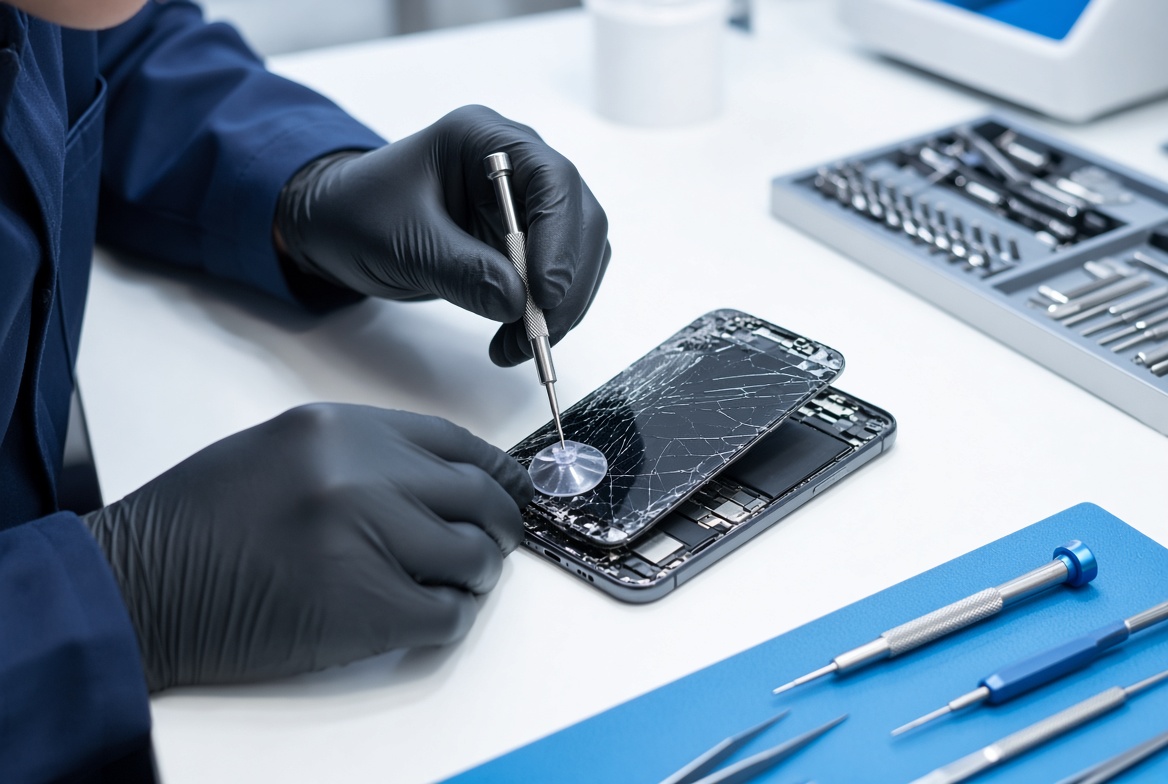
Xiaomi stuck on MI logo is the central topic of this article, and the following content explains the key points, practical uses, and decisions around it.
Xiaomi smartphones are among the most affordable and widely used Android devices globally, with over 18% of the global smartphone market share in 2024, according to Counterpoint Research. However, a frustrating common problem that plagues thousands of Xiaomi users each month is Xiaomi stuck on MI logo, an endless boot loop that prevents access to apps, data, and device settings. This error can occur for a range of reasons, from minor temporary software glitches to hardware faults, but the good news is that most cases can be resolved without professional repair if you follow structured, step-by-step fixes.
Basic Immediate Fixes for Xiaomi Stuck on MI Logo
Force Restart Your Xiaomi Device
One of the fastest solutions for a temporary boot loop is a force restart, which bypasses minor software crashes that cause the stuck logo. For nearly all Xiaomi models, including Redmi, Mi, and POCO lines, the force restart process is consistent: hold the Power button and Volume Down button simultaneously for 10 to 15 seconds, until the screen turns completely black, then release the buttons and wait for the device to reboot. According to Xiaomi’s official support forums, this method resolves approximately 60% of Xiaomi stuck on MI logo cases within the first attempt. For newer foldable Xiaomi devices like Mi Fold, the process is similar, but ensure the device is closed before pressing the buttons to avoid screen damage.
Remove External Accessories and Memory Cards
Sometimes external peripherals can interfere with the device’s boot process, leading to a stuck MI logo. Faulty SIM cards, defective SD cards, or thick third-party cases that press on power buttons can disrupt the boot sequence. Eject the SIM and SD cards using the device’s eject tool, remove any protective case, then power the device on again. A 2023 survey of r/Xiaomi subreddit users found that 22% of respondents fixed their stuck logo error after removing an incompatible SD card that had corrupted system files.
Advanced Software Solutions for Xiaomi Stuck on MI Logo
Clear Cache Partition via Recovery Mode
Corrupted cache data from partial software updates, app installations, or frequent system crashes is a top cause of permanent boot loops, including Xiaomi stuck on MI logo. To clear the cache partition, first power off your device completely. Then, press and hold the Power button and Volume Up button at the same time for 10 seconds, until the MI logo appears; release the Power button but keep holding Volume Up until the Xiaomi Recovery Mode screen loads. Use the Volume keys to navigate to the 'Wipe Cache Partition' option, then press the Power button to confirm. Wait for the process to complete, then select 'Reboot System Now'. According to Xiaomi’s internal support metrics from 2023, this step fixes 35% of software-related stuck logo errors.
- If clearing the cache doesn’t resolve the issue, perform a factory reset via recovery mode. Note that this will erase all personal data, so ensure you have a recent backup to avoid losing photos, messages, and app data.
- For firmware corruption issues, use the official Mi Flash Tool to flash the latest stable MIUI firmware onto your device, which ensures all system files are intact and up-to-date. This method is effective for 28% of persistent stuck logo cases, per Counterpoint’s mobile repair data.
- Avoid using custom ROMs or root tools that modify system files, as these are a leading cause of software-related boot loops, including Xiaomi stuck on MI logo.
Hardware-Related Fixes for Xiaomi Stuck on MI Logo
Check for Faulty Battery or Charging Port
Hardware issues are less common than software ones, but they can cause Xiaomi stuck on MI logo, especially for devices older than 2 years. A defective battery that can’t hold a sufficient charge, or a damaged charging port that prevents the device from powering on properly, often leads to partial boot sequences that get stuck on the MI logo. First, test with a certified Xiaomi charger and cable, wait 15 minutes to ensure the battery has enough power, then try to power on. If the logo still appears, you can check the battery voltage with a multimeter (it should read 3.7V to 4.2V for most Xiaomi devices); if it’s outside this range, replace the battery. For devices that got wet, water damage can corrode internal components, so avoid charging it and take it to a Xiaomi-certified repair center immediately, as internal corrosion often leads to boot loop errors.
Preventing Xiaomi Stuck on MI Logo in the Future
Avoid Interrupting MIUI Software Updates
The most preventable cause of Xiaomi stuck on MI logo is a failed over-the-air (OTA) update, which usually happens when the device is restarted mid-update, loses power, or the Wi-Fi connection cuts out during installation. To avoid this, ensure your device is charged to at least 50% before starting an update, connect to a stable Wi-Fi network, and avoid using the device for any tasks during the update process. Xiaomi recommends waiting at least 10 minutes after the update notification appears before proceeding to install it, to ensure all files download fully.
Keep Incompatible Apps Uninstalled
Third-party apps that are not compatible with your MIUI version can cause system conflicts that lead to boot loops. Uninstall apps that you haven’t used in over 6 months, and avoid downloading apps from untrusted third-party app stores. For example, many users reported Xiaomi stuck on MI logo after installing a modified app from a non-official source in 2023, as these apps often have malware that corrupts system files.
Overall, Xiaomi stuck on MI logo is a common but solvable error that ranges from simple temporary glitches to more serious hardware faults. Start with quick, non-destructive fixes like force restarting and removing accessories, then move to software solutions like clearing the cache partition or flashing official firmware if needed. For hardware issues, test the battery and charging port before seeking professional repair to save time and money. By following these steps and taking preventive measures like avoiding interrupted updates and untrusted apps, you can minimize the risk of encountering this error and keep your Xiaomi device running smoothly for years.
Everything above about “Xiaomi stuck on MI logo” is originally written by our editorial team. Reproduction is strictly prohibited.