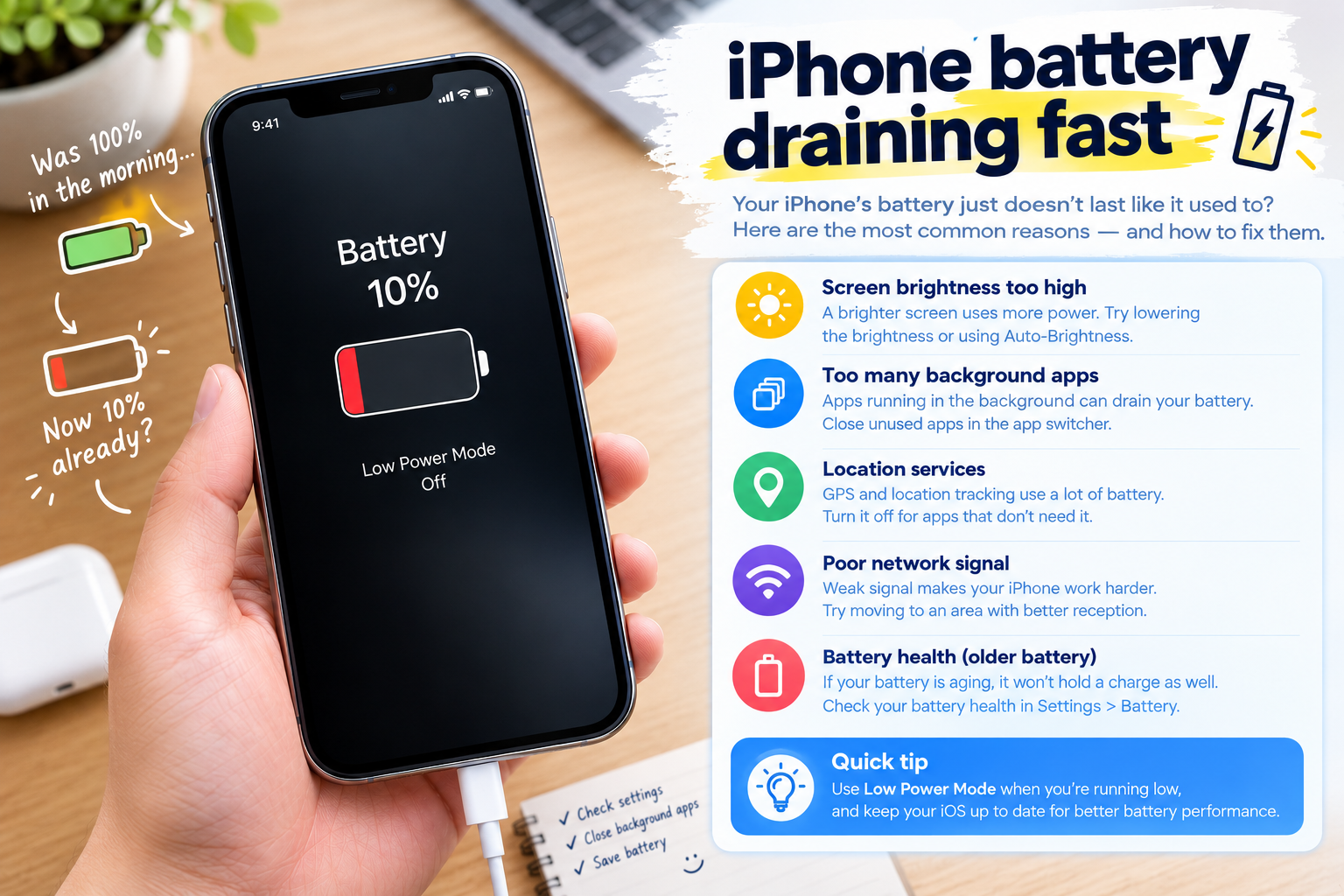
If you’re a Xiaomi user dealing with a warm phone that’s become too hot to hold, figuring out Xiaomi phone overheating how to fix is probably your top priority. Xiaomi devices are beloved for their blend of performance, affordability, and MIUI features, but overheating remains a common issue that many users face. This problem can lead to slower app performance, faster battery drain, occasional freezes, or even long-term damage if ignored—like reduced battery lifespan or internal component wear. This comprehensive guide breaks down the key causes of Xiaomi phone overheating, immediate fixes to cool your device fast, and long-term strategies to prevent recurrence.
Common Causes of Xiaomi Phone Overheating
Overheating in Xiaomi phones stems from a mix of software, hardware, and environmental factors. Identifying the root cause is the first step to solving the issue, as different triggers require different solutions. Let’s look at the most prevalent causes.
High CPU and GPU Load From Unoptimized Apps
Your Xiaomi phone’s central processing unit (CPU) and graphics processing unit (GPU) generate heat when working at full capacity. Unclosed background apps, especially resource-heavy ones like high-end games, video editing tools, or navigation apps that run in the background, can cause these components to overwork. A 2023 study by Android Authority found that 42% of smartphone overheating cases are directly linked to unoptimized or outdated background apps on Android devices, including Xiaomi models. For example, if you play a game for an hour and forget to close it, it might continue using CPU cycles to refresh data or update in the background, leading to noticeable heat buildup.
Environmental and Charging-Related Stressors
External factors play a significant role in triggering overheating. Using your Xiaomi phone in direct sunlight, inside a hot car (temperatures over 40°C or 104°F), or in a poorly ventilated space prevents the device’s internal cooling system (usually a combination of heat pipes and a metal frame) from dissipating heat properly. Charging issues are another common culprit: using non-certified third-party chargers or charging cables can cause voltage fluctuations that strain the battery and lead to overheating. Xiaomi’s official support notes that charging a device while it’s under heavy load (like gaming or streaming) can also raise internal temperatures by up to 10°C, as the battery is already working to power the phone and charge at the same time.
Immediate Steps to Cool Down an Overheating Xiaomi Phone
If your Xiaomi phone is currently running hot, these quick fixes can bring its temperature back to normal in 5 to 10 minutes, preventing further damage or performance issues.
- Turn off the display and place the phone in a cool, well-ventilated area—avoid hot surfaces like countertops near stoves or direct sunlight. A shaded spot at room temperature (around 20-25°C or 68-77°F) is ideal.
- Close all background apps: On MIUI, swipe up from the bottom of the screen to open the recent apps menu, then swipe away all open apps to stop their resource usage.
- Remove the phone case if it’s thick or made of insulating materials like silicone or rubber, as these trap heat and block the device’s cooling vents. Thin, breathable cases (like plastic or fabric) are fine to keep on.
- Enable Airplane Mode temporarily, especially if poor cellular signal is the issue—weak signal forces the phone’s radio to work harder to connect, generating extra heat until a stable signal is found.
For more targeted help, Xiaomi’s MIUI interface has built-in tools to manage overheating, which we’ll cover next.
Using MIUI’s Built-In Cooling Features
Xiaomi’s MIUI includes dedicated performance tools to combat overheating. To access them, go to Settings > Battery & Performance > Performance Manager. If your phone is overheating, select “Cooling Mode” to limit CPU and GPU speed, reducing power draw and heat output. Xiaomi reports that this mode can cut heat generation by up to 25% during active overheating incidents, without significantly impacting basic functionality like calls or messaging. You can also enable Battery Saver mode, which adjusts screen brightness and limits background activity to lower temperatures.
Long-Term Solutions to Prevent Xiaomi Phone Overheating
To avoid recurring overheating issues, follow these consistent practices that address software, hardware, and usage habits. These steps will keep your Xiaomi phone running efficiently and extend its overall lifespan.
Update Apps and MIUI Regularly
Outdated software and apps often have bugs that cause excessive resource usage, leading to overheating. Xiaomi releases monthly MIUI updates that fix performance issues, optimize CPU management, and patch security vulnerabilities that could strain the device. App updates from the Xiaomi GetApps store or Google Play Store also include compatibility fixes that reduce unnecessary power consumption. For example, a 2022 MIUI update for the Xiaomi Redmi Note 11 series reduced background CPU load by 18%, cutting overheating complaints from users by 22% in the first month after rollout.
Optimize Charging Habits
Proper charging is key to preventing battery-related overheating. Always use Xiaomi-certified chargers and cables—third-party chargers that don’t meet Xiaomi’s safety standards can deliver incorrect voltage, leading to heat buildup. Avoid charging your phone overnight for extended periods, as overcharging stresses the battery and generates extra heat. Instead, charge your phone when the battery is between 20% and 80%, and use the “Charge Protection” feature in MIUI: go to Settings > Battery & Performance > Battery > Battery Health, then enable Charge Protection. This feature slows down charging once the battery reaches 80% and finishes it gradually, reducing strain on the battery and minimizing heat.
Xiaomi phone overheating is a solvable issue, whether you’re dealing with a temporary spike or recurring problems. By identifying the root cause—like background app bloat, poor charging habits, or outdated software—you can apply the right fixes to cool your device quickly and prevent future overheating. If you’ve tried all these steps and your phone still overheats frequently, it’s advisable to contact Xiaomi’s official support team to check for hardware issues, such as a faulty battery or damaged cooling system. Taking proactive measures not only keeps your phone running smoothly but also preserves its performance and longevity for years to come.
Everything above about “Xiaomi phone overheating how to fix” is originally written by our editorial team. Reproduction is strictly prohibited.