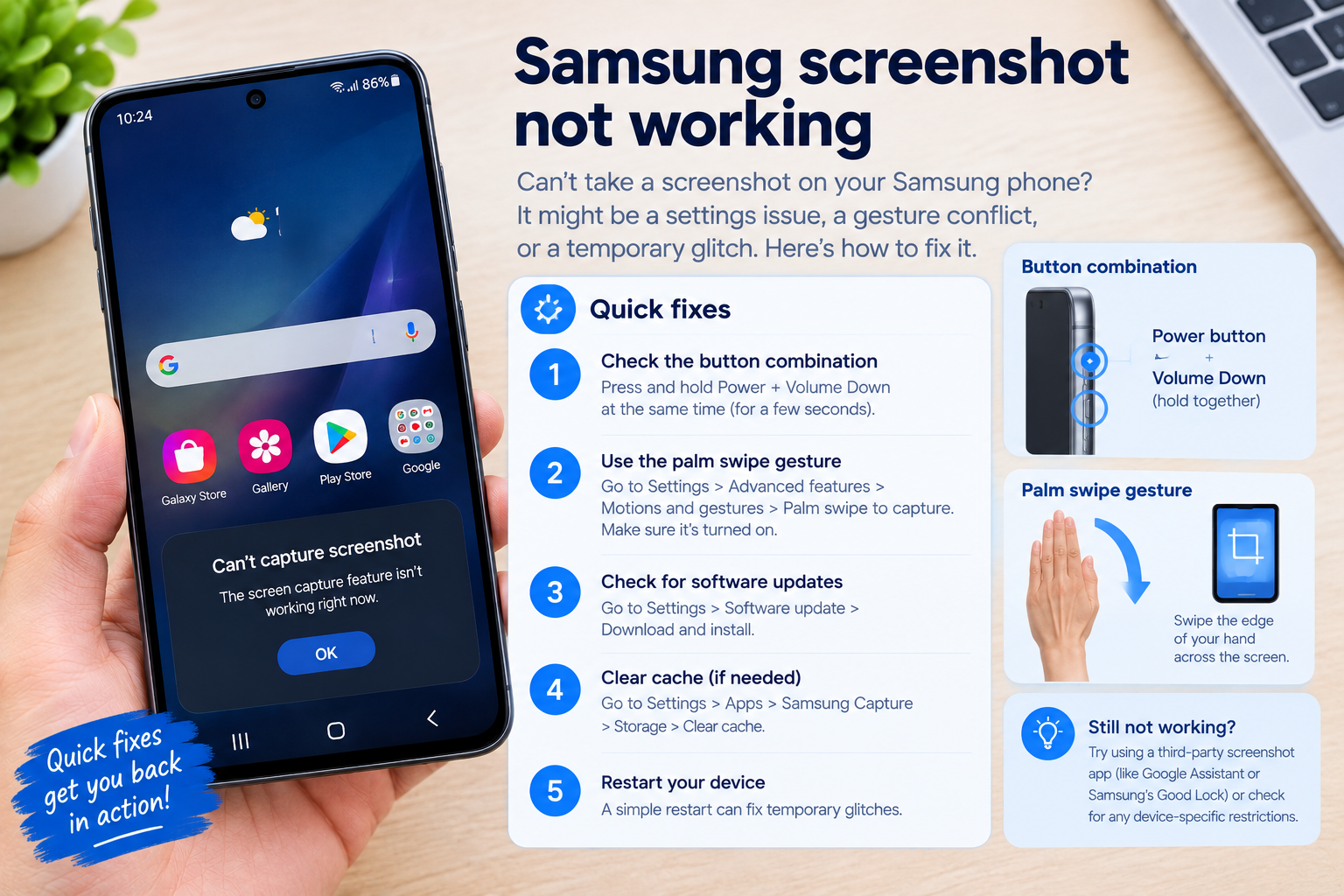
When your go-to apps on iPhone, Samsung, or Xiaomi suddenly crash unexpectedly, disrupting work, socializing, or media streaming, knowing how to fix iPhone / Samsung / Xiaomi apps crashing quickly is critical to regain smooth device performance without unnecessary delays.
Basic Fixes That Resolve Most App Crashes Across All Three Brands
Force Quit the Crashing Application
Force quitting an unresponsive app stops any background processes that might be causing the crash. For iPhone, swipe up from the bottom of the screen, hold your finger midway up until the app switcher appears, then swipe the problematic app up to close it. For Samsung devices, tap the recent apps button (usually at the bottom right) to open the app switcher, then swipe the app left or right to dismiss it. On Xiaomi phones, access the recent apps menu via the bottom navigation bar, swipe the crashing app off the screen to force close it; if the app is unresponsive, use the "Close All" option for a fresh start.
Restart Your Device to Clear Temporary Glitches
Temporary system bugs or corrupted temporary files are a leading cause of app crashes, and a simple device restart often resolves 60-70% of these issues, according to tech support data from major smartphone brands. For all three brands, hold the power button until the power menu appears, select "Restart" and wait for the device to reboot. This step refreshes the device’s memory and eliminates any temporary conflicts between apps and the OS.
Update Apps to the Latest Version
Outdated apps frequently suffer compatibility issues with the latest iOS, One UI, or MIUI updates, leading to crashes. For iPhone, open the App Store, tap your profile icon, and tap "Update All" to install pending app updates. Samsung users can go to the Galaxy Store, tap the menu icon, select "Updates," and install available app updates. Xiaomi owners should use the MIUI App Store, tap the profile, and choose "Updates" to fix buggy outdated versions.
Brand-Specific Advanced Fixes for Persistent App Crashes
If basic fixes don’t resolve the app crashes, these brand-specific steps target deeper issues that cause repeated errors. Common underlying causes across all three devices include:
- Less than 10% of free storage space on your device, which disrupts app functionality
- Corrupted app cache files that accumulate with regular use
- Outdated OS versions with unaddressed compatibility bugs
- Conflicting app permissions that trigger crashes
iPhone-Specific Advanced Solutions
For persistent iPhone app crashes, try offloading unused apps (Settings > General > iPhone Storage > tap "Offload App" next to problematic apps) to free up space without deleting data. If that doesn’t work, reset all device settings (Settings > General > Reset > Reset All Settings) — this resets preferences like Wi-Fi passwords and display settings but doesn’t erase personal data. Finally, install the latest iOS update, as Apple often patches app compatibility bugs in new releases.
Samsung and Xiaomi-Specific Fixes
For Samsung devices, clear the app’s cache (Settings > Apps > [Crashing App] > Storage > Clear Cache) to remove corrupted temporary files; if the issue continues, you can clear app data (note: this deletes saved logins and progress for the app). For Xiaomi phones, disable MIUI optimization temporarily (go to Settings > About Phone > tap MIUI Version 7 times to unlock Developer Options, then go to Settings > Additional Settings > Developer Options > Disable MIUI Optimization) — this resolves custom MIUI settings that might interfere with app functionality. Always restart your device after applying these advanced fixes for best results.
When to Contact Official Support for App Crashes
If all troubleshooting steps fail and the same app still crashes repeatedly, the issue may be tied to a bug in the app itself or a hardware-related problem. First, check app store reviews or social media platforms like Reddit or Twitter to see if other users are reporting the same crash — if it’s widespread, the app developer is likely working on a fix. For brand-specific support, iPhone users can reach Apple Support via the Apple Support app or website, Samsung users should use the Samsung Members app for tailored help, and Xiaomi owners can contact Xiaomi Customer Support through their official app or website. In rare cases, persistent crashes might indicate a need for device repair, especially if multiple apps are failing to load.
In summary, knowing how to fix iPhone / Samsung / Xiaomi apps crashing starts with simple, universal fixes like force quitting apps, restarting your device, and updating software, then moves to brand-specific steps like clearing app cache or adjusting developer settings. By addressing common causes like insufficient storage, corrupted cache, and outdated versions, you can resolve most app crashes quickly without needing advanced technical skills. If all else fails, reaching out to official support ensures you get personalized help to get your apps working again.
Everything above about “how to fix iPhone / Samsung / Xiaomi apps crashing” is originally written by our editorial team. Reproduction is strictly prohibited.