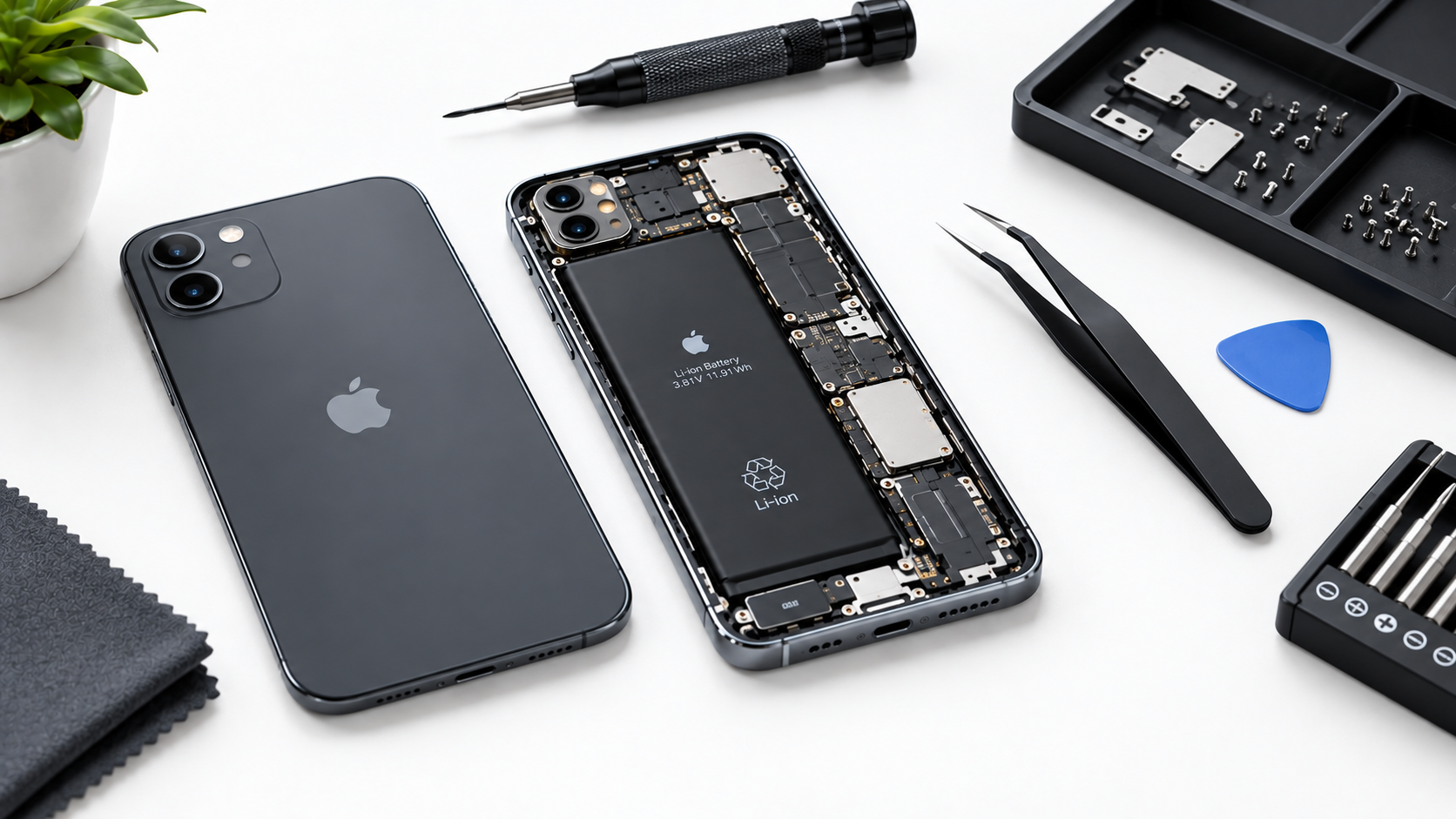
Phone cases are essential for protecting your smartphone from scratches, drops, and daily wear, but many users overlook a critical issue: a phone case causing charging or signal problems. These issues can range from slow wireless charging and frequent charging interruptions to weak cellular signal or dropped calls, and they’re often linked to the materials, design, or thickness of your case rather than a faulty phone itself. Understanding how to identify and fix these problems can save you from unnecessary repairs or service calls while keeping your device both safe and functional.
How to Confirm Your Phone Case Is Causing Charging or Signal Issues
Before making any changes, it’s important to verify that your case is indeed the source of the problem, rather than a faulty charger, SIM card, or network issue. A 2023 TechRadar survey found that 68% of users who experienced wireless charging failures or weak signal were able to resolve the issue by testing their phone without a case.
Test Your Phone Without the Case
The simplest diagnostic step is to remove your phone case entirely, then test both charging and signal performance. For charging: Use both wireless and wired chargers, as cases often only interfere with wireless charging due to coil alignment or material blocking. For signal: Make a few calls, check Wi-Fi strength, and run a speed test to see if signal improves when the case is off. If performance bounces back, your case is the culprit.
Check for Interfering Materials
Not all cases cause issues equally—metal cases (especially aluminum and steel) and thick, dense plastic or rubber are the most likely to disrupt charging and signal. Metals act as Faraday cages, blocking electromagnetic waves that cellular and Wi-Fi signals rely on, while thick materials can prevent wireless charger coils from connecting properly. Even some decorative elements like metal rings for magnetic mounts can cause interference if placed over the phone’s internal components.
Solutions for Case-Related Charging Issues
Once you confirm your case is causing charging problems, there are several targeted fixes to restore wireless or wired charging functionality without ditching your case entirely.
Optimize Wireless Charging Compatibility
Wireless charging relies on alignment between the phone’s internal coil and the charger’s coil, plus unobstructed space for energy transfer. Most standard Qi chargers work with cases up to 5mm thick, but thicker cases will slow charging or prevent it altogether. For MagSafe (Apple) or fast wireless charging, look for cases labeled as “MagSafe-compatible” or “Qi-fast-charging approved,” which have thin gaps or special materials to avoid interference.
- Remove cases thicker than 5mm if you use standard non-fast wireless chargers to ensure coil alignment
- Use cases that are explicitly labeled for wireless charging if you rely on fast or MagSafe charging to maintain speed
- Avoid cases with embedded metal plates, even if marketed as “charging-friendly,” as these can block wireless energy transfer
Fixing Signal Problems Caused by Your Phone Case
Signal issues like dropped calls, slow data, or weak cellular bars are often tied to case materials that block radio waves. Here’s how to fix these problems effectively.
Swap Metal Cases for Signal-Friendly Materials
Metal cases are the top cause of signal interference, according to Consumer Reports, which found that metal cases can reduce cellular signal strength by up to 25% in areas with moderate network coverage. Swap metal cases for alternatives made from TPU, polycarbonate, or silicone—these materials don’t block radio waves and are still durable enough for daily use. If you prefer a sleek look, thin aluminum frames with plastic backs can also work, as the back material allows signal to pass through.
Ensure Your Case Doesn’t Cover Antenna Bands
Modern smartphones have internal antenna bands along their edges, which are designed to pick up cellular, Wi-Fi, and Bluetooth signals. Many thick or poorly designed cases cover these bands, leading to weak signal. Check your phone’s specs to locate the antenna bands, then choose a case with cutouts for these areas, or slim cases that sit 1-2mm away from the edges. For example, Samsung’s Galaxy S23 series has antenna bands along the top and bottom edges, so cases that avoid covering these zones will maintain signal strength.
Preventive Measures to Avoid Future Case-Related Issues
To avoid dealing with charging or signal problems down the line, take a few simple steps when selecting and using your phone case.
First, always check product descriptions for compatibility: Look for cases that explicitly state they support wireless charging and won’t interfere with signal. Read user reviews to spot complaints about charging or signal issues, as these can be red flags. Second, avoid cases that add unnecessary thickness or metal components—prioritize slim, lightweight designs that balance protection and functionality. Finally, if you frequently use wireless charging, consider having a dedicated slim case for charging and a more protective case for daily use.
Phone case causing charging or signal problems is a common, fixable issue that doesn’t have to mean sacrificing device protection for performance. By testing your phone without the case to confirm the culprit, swapping out interfering materials, and choosing case designs that align with your charging and signal needs, you can resolve these issues quickly. The key is to prioritize cases made from non-metallic, thin materials that don’t block electromagnetic waves, while checking for compatibility with your specific phone’s internal components. With these steps, you’ll keep your phone safe and functional without dealing with frustrating charging interruptions or dropped calls.
Everything above about “phone case causing charging or signal problems” is originally written by our editorial team. Reproduction is strictly prohibited.